

What's new in app cloud

We've been busy improving WSO2 Integration Cloud (formerly also known as App Cloud), so in case you have not tried it lately, here is a quick summary of what we have rolled out recently.
Custom URL and Default Version
Not just designate which version of the application you want to be invoked by default, but also map a custom URL that you own (such as https://foo.bar.com) to it.
This was when you roll out a new release and want your users to switch to it, all you need to do is set that new version as default, and all the traffic will be routed to it:
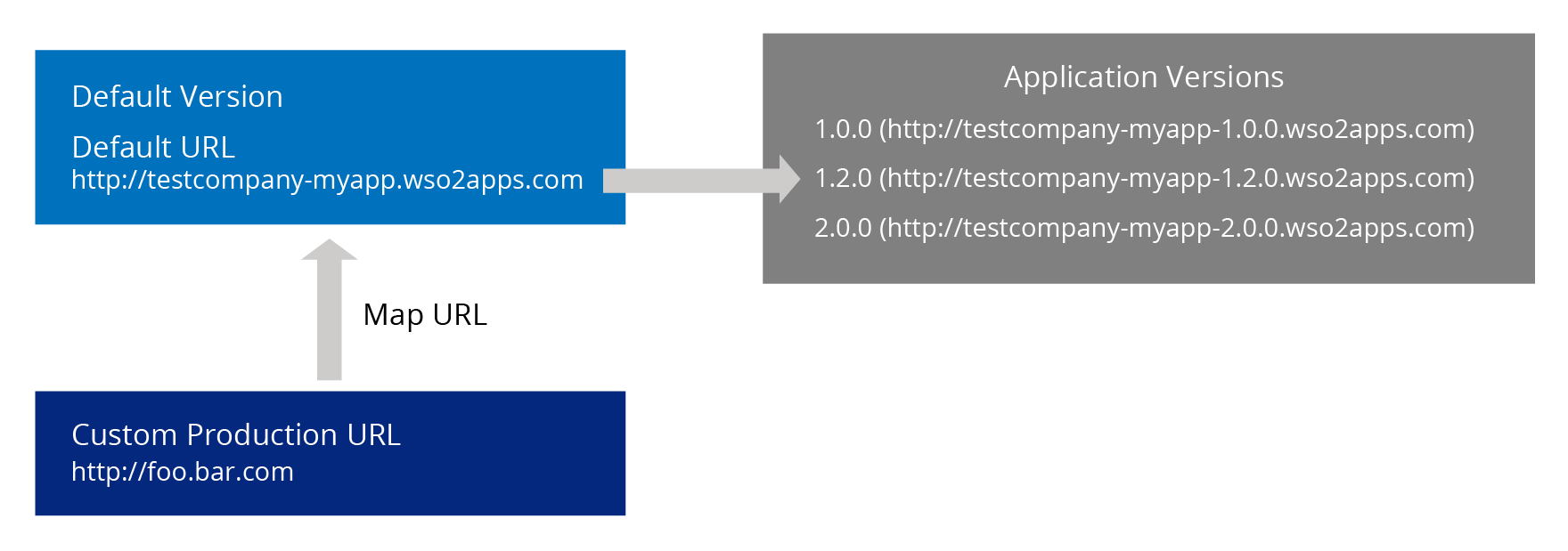
See documentation for details.
Endpoint Information for Apps
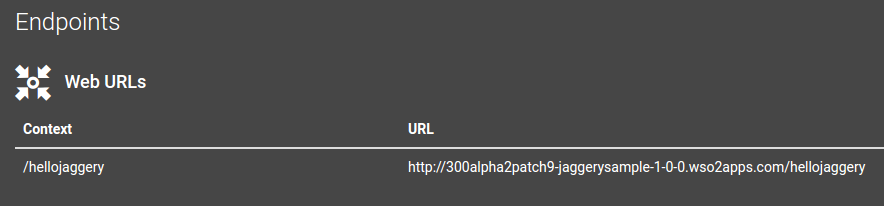
We made endpoint information for application more useful.
For Java, PHP, and Jaggery, it is still just the URL (with the context to which you deployed):
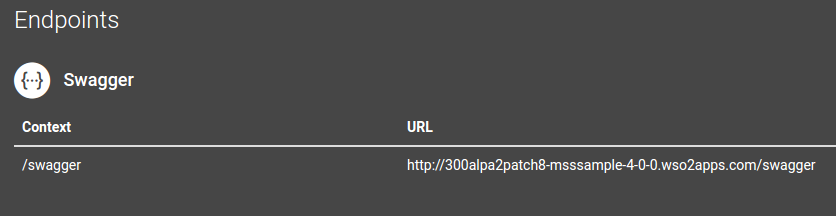
For Java Microservices, we show the URL of the Swagger API definition for the exposed interface:
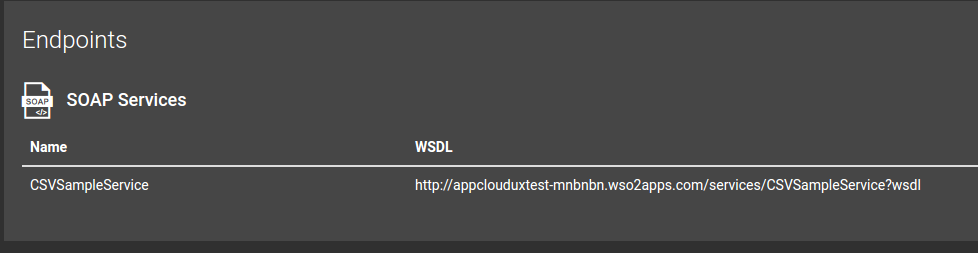
For Data Services, it is the WSDL definition of the exposed SOAP endpoint:
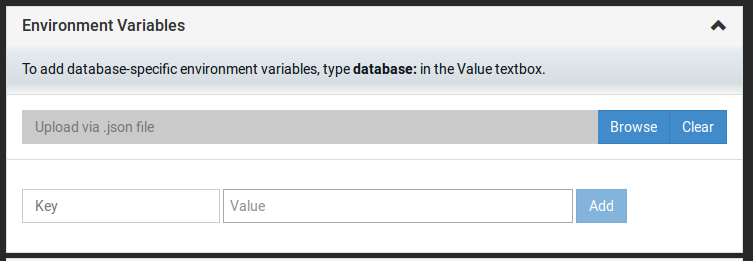
Bulk Variable Upload
Instead of providing environment variable for your application one by one, you can upload them all as a JSON file:
Search by Tags
If you use tags for your applications or their versions (for example, tier:frontend), you can now search by them in the App Cloud home page with the tag: prefix (for example, tag:tier:frontend).
Faster Containers, More Options
We updated runtimes to the latest version (redeploy your applications to take advantage of them):
- MSF4J 2.0.0 runtime for Microservices applications
- WSO2AS 6.0.0 M3 runtime for Java Web applications
- WSO2AS 6.0.0 M3 runtime for Jaggery applications
We changed Java runtimes to Alpine images to improve the start-up time and increase efficiency.
We added more container size options:
- 128MB RAM and 0.1x vCPU
- 256MB RAM and 0.2x vCPU
- 512MB RAM and 0.3x vCPU
- 1024MB RAM and 0.5x vCPU
If your project needs more resources just click the Support menu and let us know the details.
Tweaked Trial Limitations
We used to have a limit of 3 applications per free trial account. Now you can create any number of applications as long as you keep only 3 of them running. If your project needs more - just click the Support menu and let us know the details.
New Documentation
- Creating a Java Web Application
- Creating a Java Microservice
- Creating a PHP Web Application
- Creating a Jaggery Application
- Creating a Data Service
- Implementing Continuous Integration and Deployment with Jenkins
Check out the new features in WSO2 Integration Cloud today and let us know what you think!