Create API Proxy for OpenAI
Follow the steps below to create an AI API:
1. Access the API Platform Console
- Sign in to the API Platform Console and select your project.
2. Create an Open AI API
-
Click +Create.
-
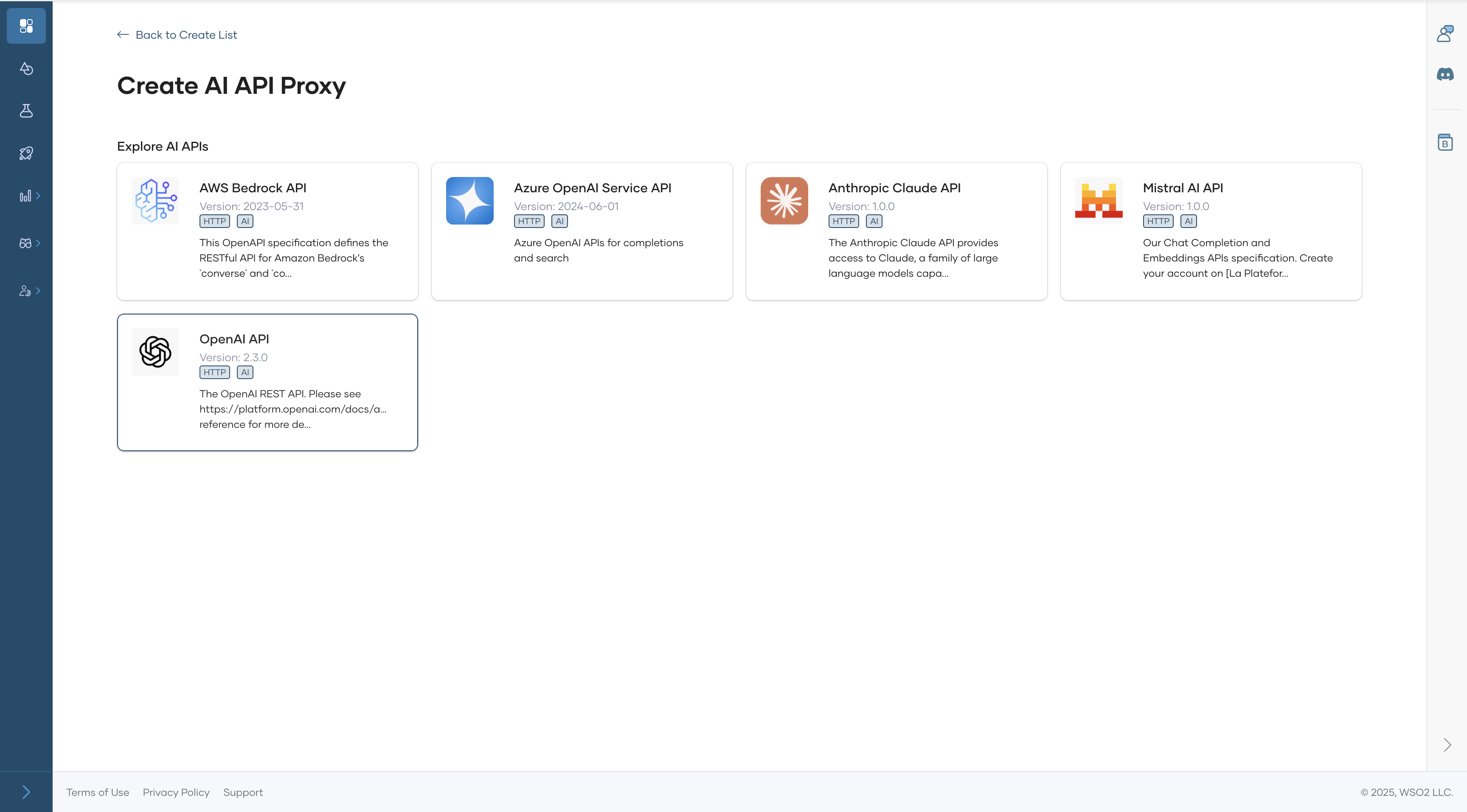
Navigate to Create an API Proxy for Third-Party APIs (Egress) and click AI APIs.
-
Select the OpenAI Provider.
-
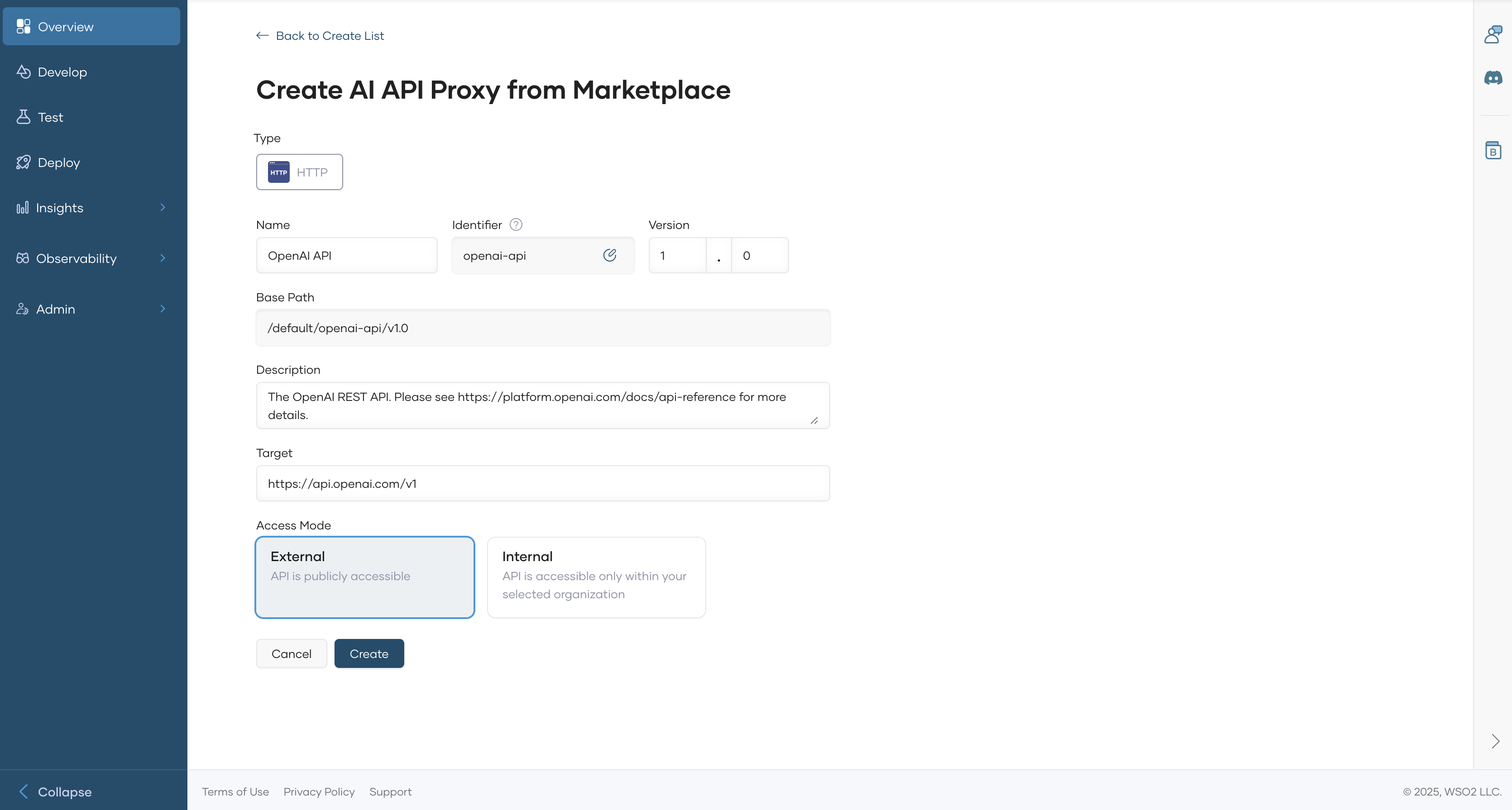
Configure the AI API details, such as:
- API Name
- Identifier
- Version
- AI Provider
- Target Endpoint
-
Click Create to finalize the AI API creation.
Once created, the overview page of the new API appears.
3. Configure Backend Settings
-
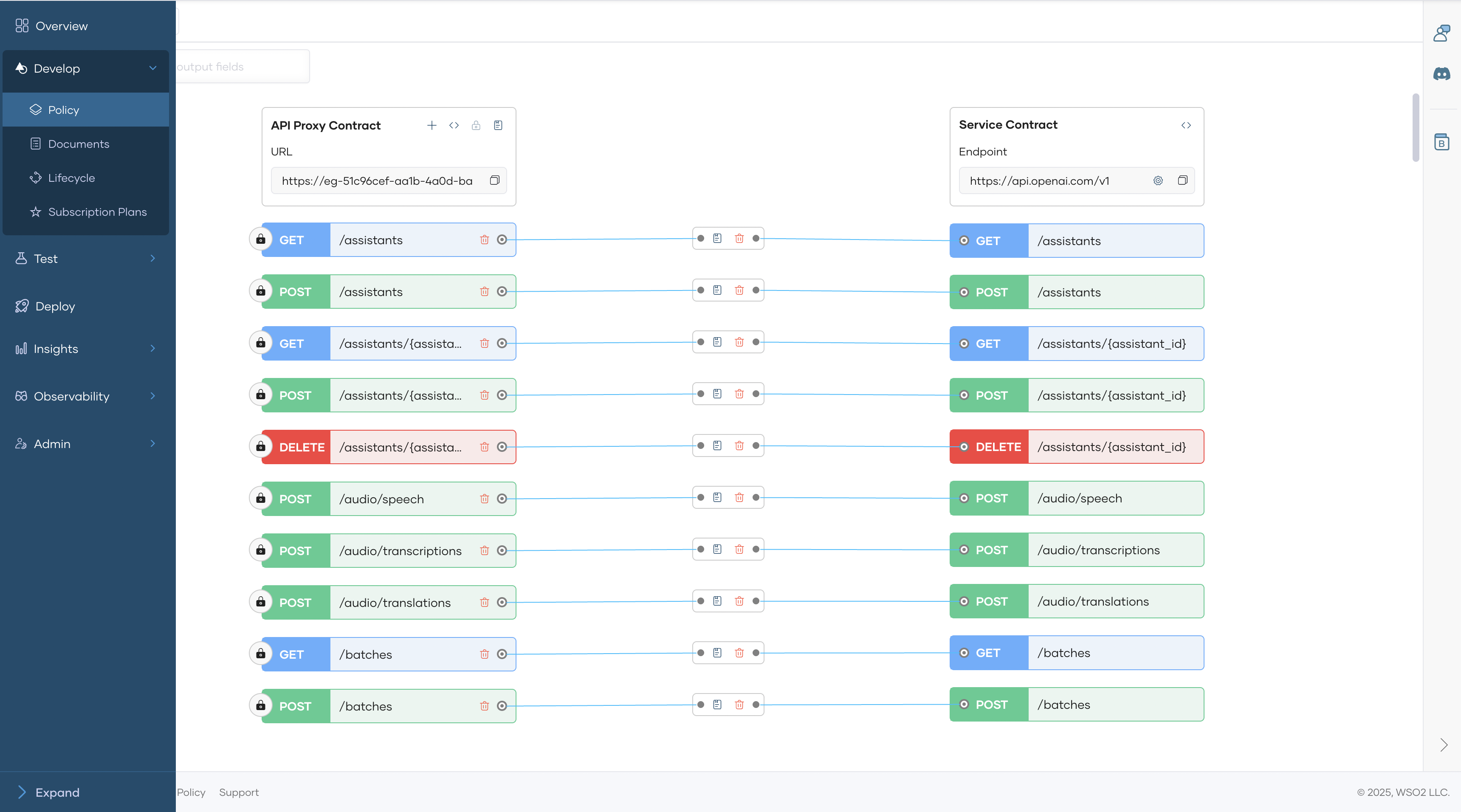
In the left navigation menu, click Develop, then select Policy.
-
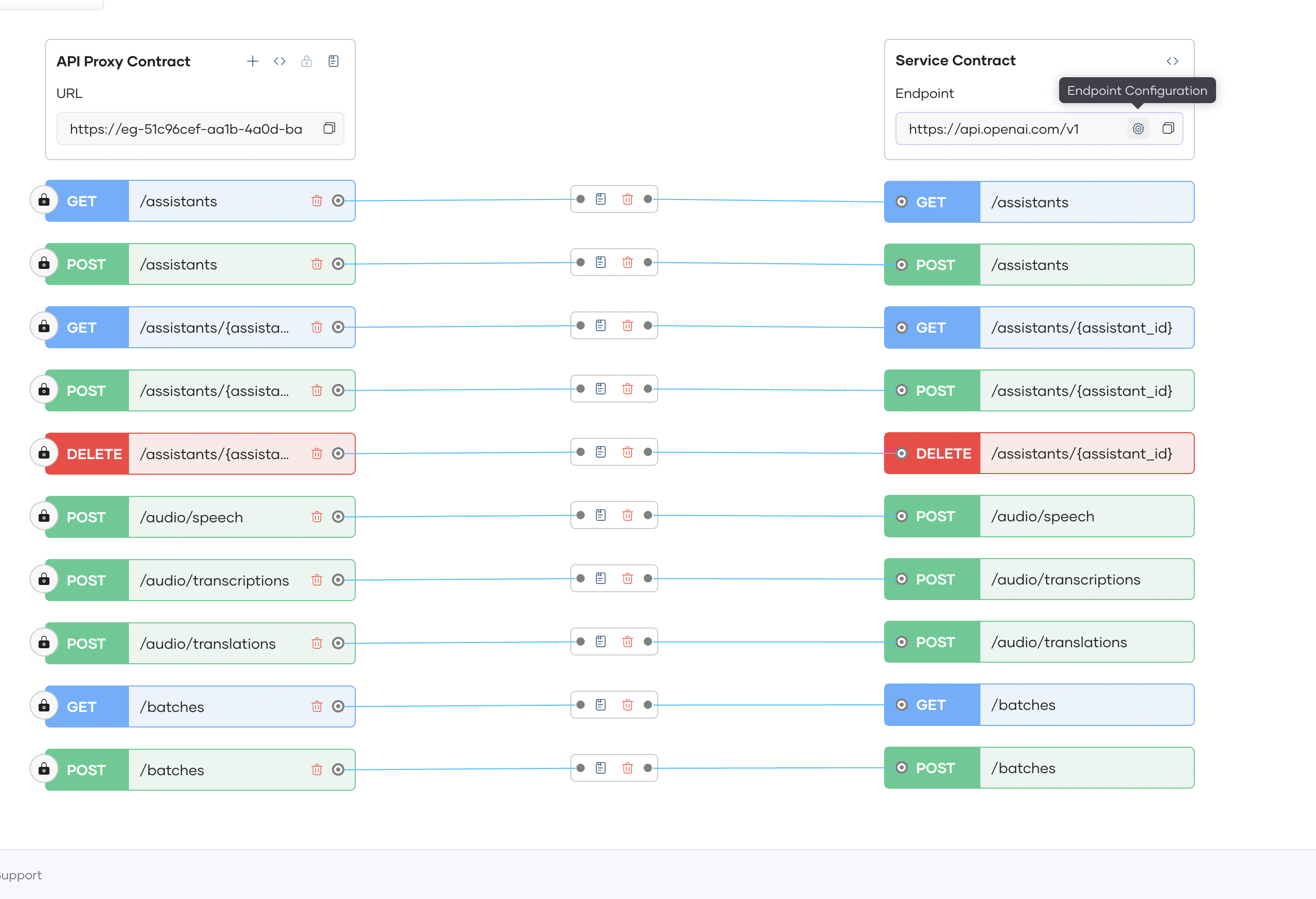
Click endpoint Endpoint Configurations
-
Configure Endpoint Configurations to handle backend security authentication and authorization.
API Key Header API Key Authorization Bearer xxxxxxxxxxxxxxxxx 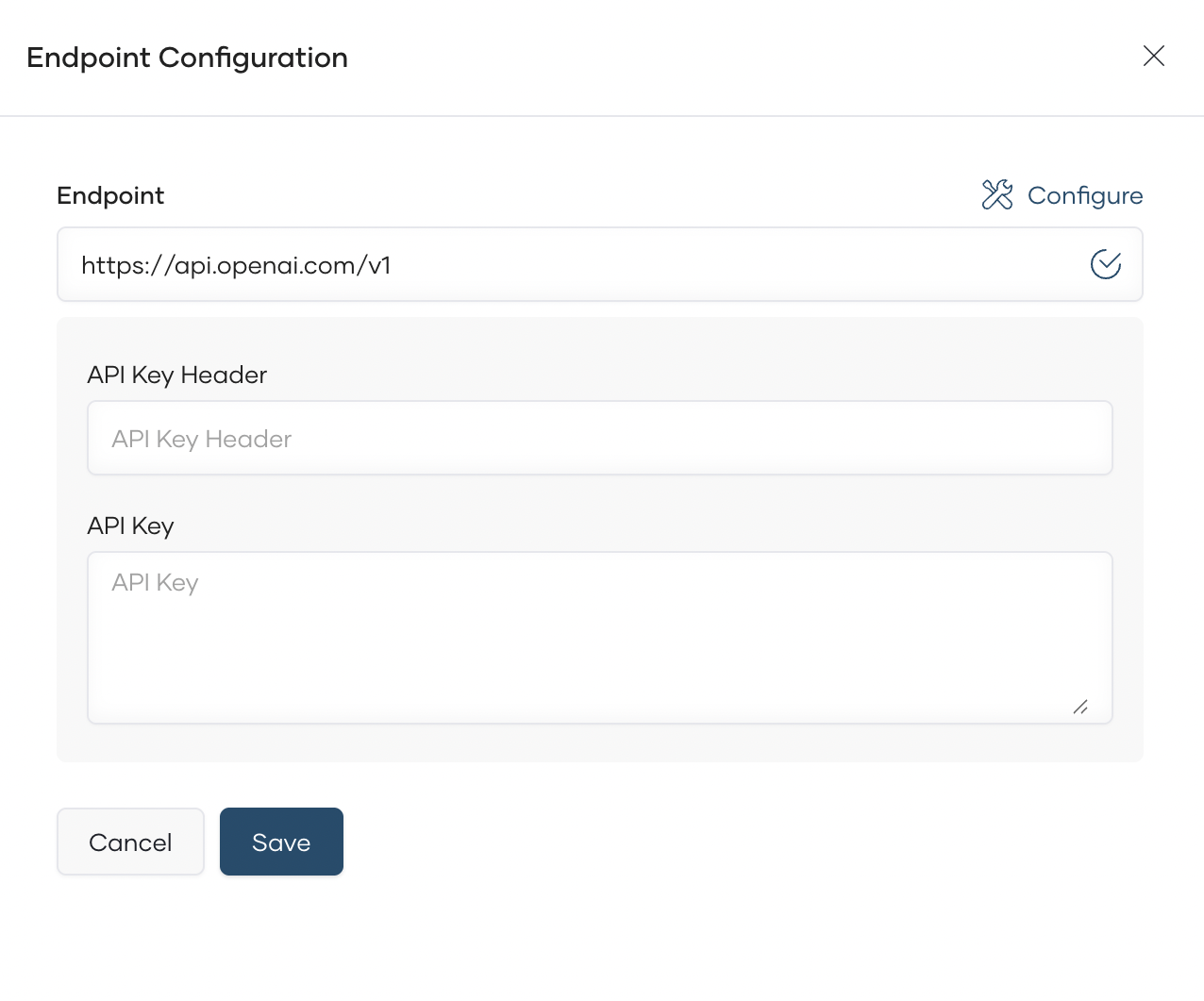
4. Deploy to development and Production Environments
-
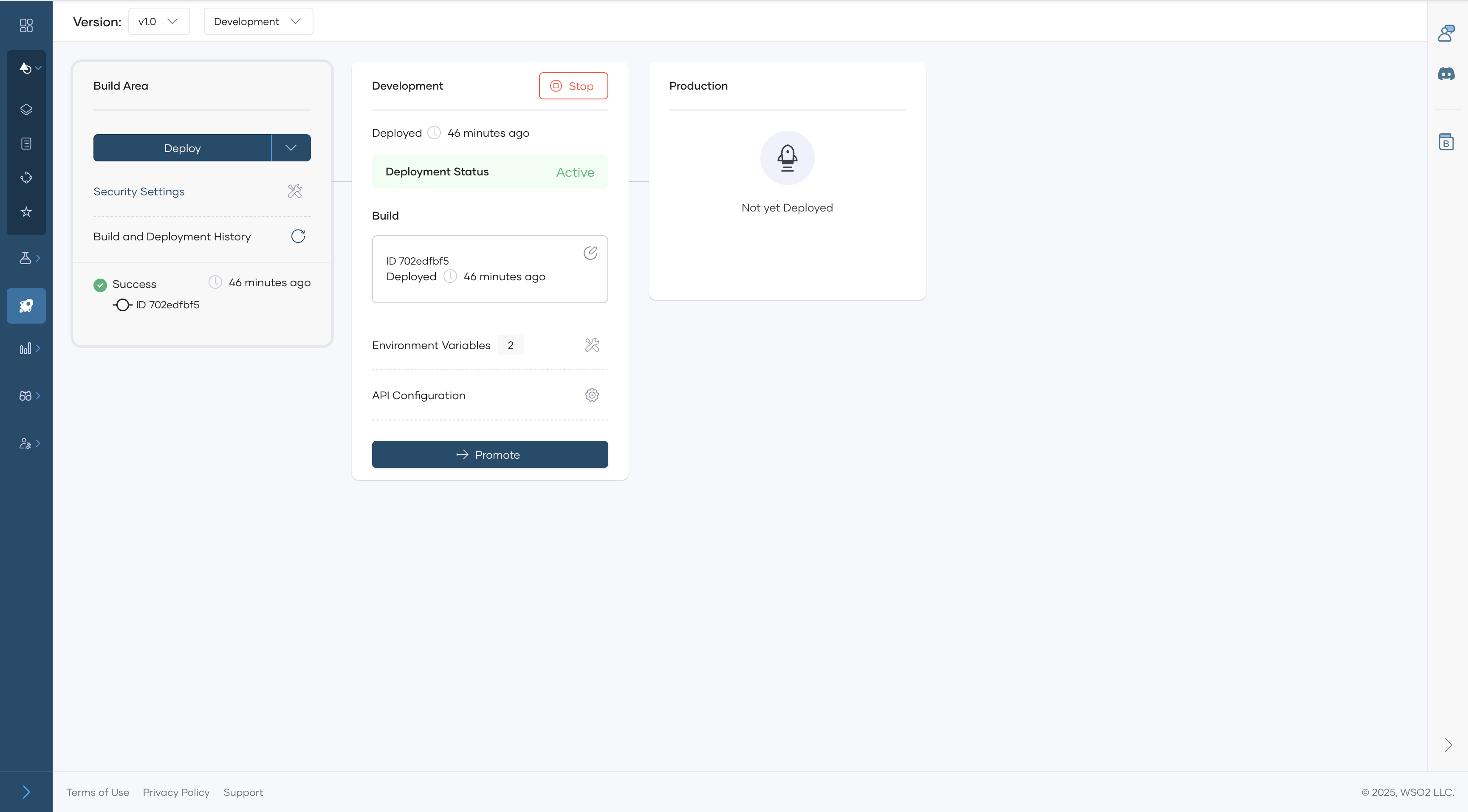
In the left navigation menu, click Deploy, Deploy to Development environment
-
Once it is deploy to development you can test it from Test Console.
-
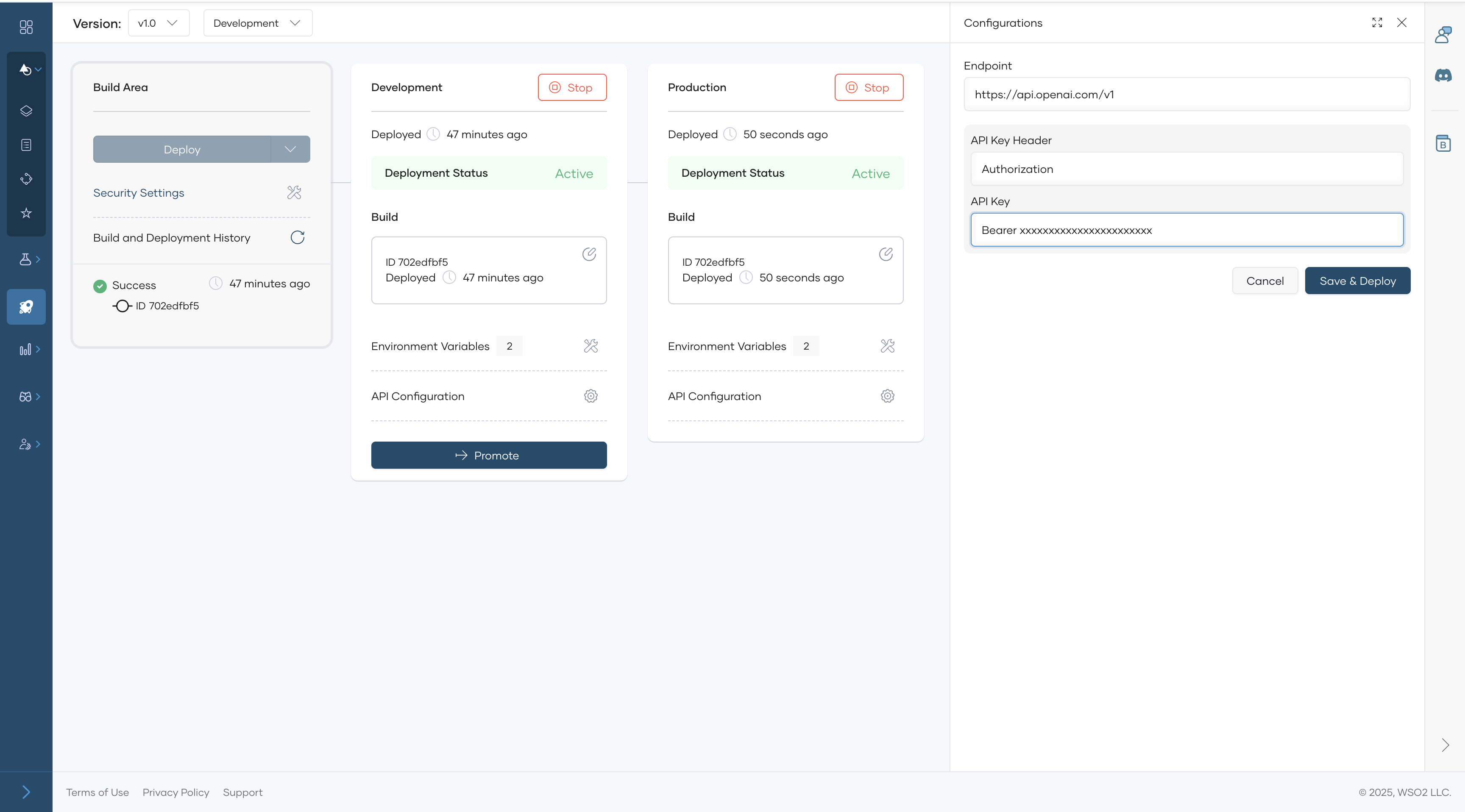
When you need to promote to production environment you have to provide endponit credentials for production setup.
Next Steps
-
Test the AI API to ensure it correctly forwards requests to the AI service. See Test REST Endpoints via the OpenAPI Console.
-
Publish the API for consumers to enable integration into applications. See Lifecycle Management.
By following these steps, you can efficiently integrate Open AI services into your API Platform environment and manage them with ease.
Was this page helpful?