Building FHIR Bundles
FHIR Bundles are used to bundle multiple resources into a single request. This guide explains how to build FHIR Bundles in WSO2 Open Healthcare. The WSO2 Open Healthcare provides a set of built-in capabilities to construct FHIR Bundles.
The following example demonstrates how to build a FHIR Bundle using Ballerina.
Step 1: Create the integration
-
Open WSO2 Integrator.
-
Select Create in the Create New Integration card.
-
Set Integration Name to
FHIRBundleSample. -
Set Project Name to
fhir-bundle-sample. -
Select Create Integration.
-
Select Add Artifact and select Automation.
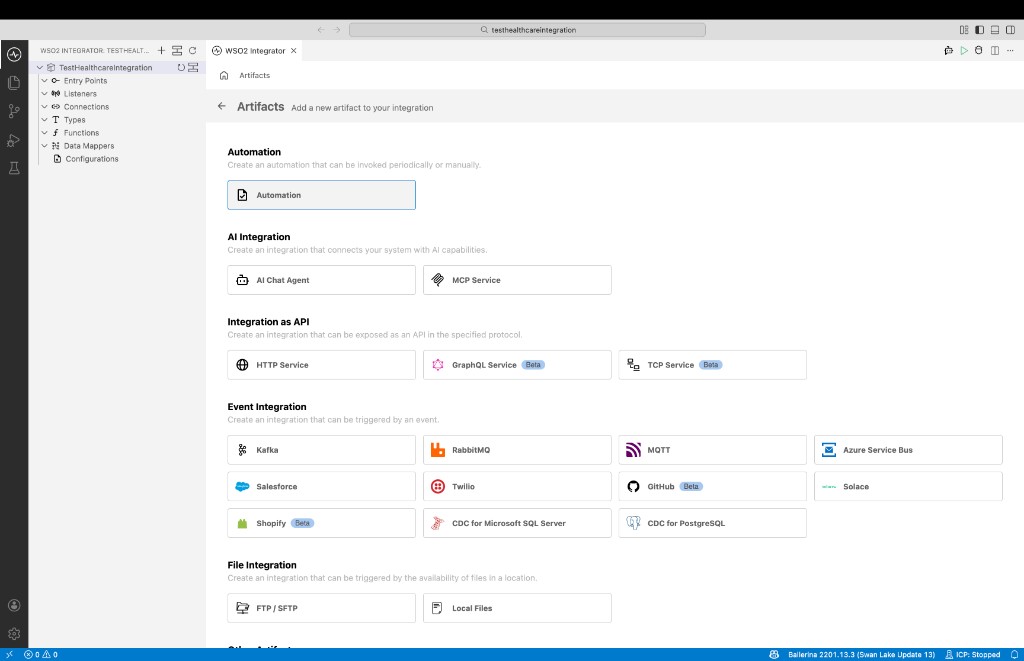
Step 2: Implement the logic to build the FHIR Bundle
-
Import the required modules to the Ballerina program. In this sample, we are using the FHIR R4 module to build the FHIR Bundle. Therefore, we need to import the
ballerinax/health.fhir.r4package.import ballerinax/health.fhir.r4.international401;import ballerinax/health.fhir.r4;import ballerina/io; -
Implement the logic to initialize FHIR bundle and add FHIR resources to the bundle. In this sample, we are building a FHIR Bundle with a Patient and Observation resources.
import ballerinax/health.fhir.r4.international401;import ballerinax/health.fhir.r4;import ballerina/io;public function main2() returns error? {// Initialize a bundle with desired typer4:Bundle bundle = { resourceType: "Bundle", 'type: "searchset"};r4:BundleEntry[] entries = [];// Sample patient datainternational401:Patient patient = { resourceType: "Patient", id: "pat1", active: true };entries.push({ 'resource: patient });// Sample observation datainternational401:Observation observation = { resourceType: "Observation", id: "obx1", status: "final" ,code: { coding: [{ system: "http://loinc.org", code: "8480-6", display: "Systolic blood pressure"}]}};entries.push({ 'resource: observation });// Add the entries to the bundlebundle.entry = entries;io:println(bundle.toString());}
Step 3: Run and test
-
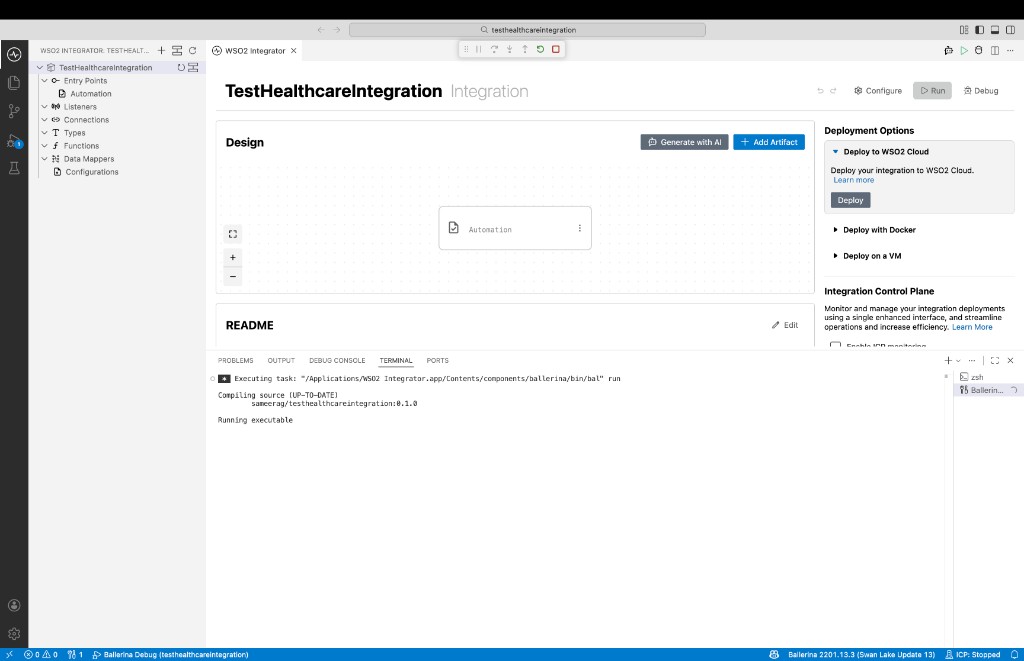
Select Run.
-
Check the terminal output to confirm the expected result.
Was this page helpful?