Bulk Data Export
The FHIR Bulk Data Access IG defines an asynchronous pattern for exporting large datasets. The ballerinax/health.clients.fhir connector supports kick-off, status polling, and retrieval of exported file manifests through bulkExport, bulkStatus, and waitForBulkExportCompletion.
Use this guide when connecting to an external FHIR server from a Ballerina integration. For implementing $export on a generated FHIR facade, see Operations Overview.
Overview
Bulk export in the FHIR client follows these steps:
- Configure
bulkExportConfigon theFHIRConnectorConfig. - Call
bulkExport()to start a system-, patient-, or group-level export. - Poll progress with
bulkStatus()using theexportIdorContent-LocationURL from the kick-off response. - Optionally call
waitForBulkExportCompletion()to block until background download completes (when using local file storage).
The connector sends the kick-off request with Prefer: respond-async and polls the FHIR server in the background. When export completes, downloaded files are stored according to your bulkExportConfig (local filesystem, FTP, or FHIR server).
Step 1: Create the integration
Follow Step 1: Create the integration in the Using FHIR Connector guide. For this sample, use these values:
- Integration Name:
FHIRBulkExport - Project Name:
fhir-bulk-export
Step 2: Implement bulk export logic
-
Select the Automation artifact you created in Step 1.
-
Open the Source view.
-
Copy the source below and paste it into the editor, replacing the default content.
import ballerina/http;import ballerinax/health.clients.fhir;fhir:BulkExportConfig bulkExportConfig = {fileServerType: fhir:LOCAL,tempDirectory: "temp_bulk_export",tempFileExpiryTime: 7200.0,pollingInterval: 2.0};fhir:FHIRConnectorConfig fhirServerConfig = {baseURL: "https://bulk-data.smarthealthit.org/fhir",mimeType: fhir:FHIR_JSON,bulkExportConfig: bulkExportConfig};fhir:FHIRConnector fhirConnector = check new (fhirServerConfig, enableCapabilityStatementValidation = false);service /Patient on new http:Listener(8080) {resource function get export() returns http:Response|error? {fhir:FHIRResponse response = check fhirConnector->bulkExport(fhir:EXPORT_PATIENT);json responseBody = response.'resource.toJson();http:Response httpResponse = new;httpResponse.statusCode = response.httpStatusCode;httpResponse.setJsonPayload({exportId: check responseBody.exportId,pollingUrl: check responseBody.pollingUrl});string? progress = response.serverResponseHeaders["X-Progress"];if progress is string {httpResponse.setHeader("X-Progress", progress);}return httpResponse;}resource function get [string exportId]/status() returns http:Response|error? {fhir:FHIRResponse response = check fhirConnector->bulkStatus(exportId = exportId);http:Response httpResponse = new;httpResponse.statusCode = response.httpStatusCode;httpResponse.setJsonPayload(response.'resource);string? progress = response.serverResponseHeaders["X-Progress"];if progress is string {httpResponse.setHeader("X-Progress", progress);}return httpResponse;}}
bulkExport and bulkStatus require bulkExportConfig in the connector configuration. Without it, the connector returns a configuration error.
Step 3: Run and test
-
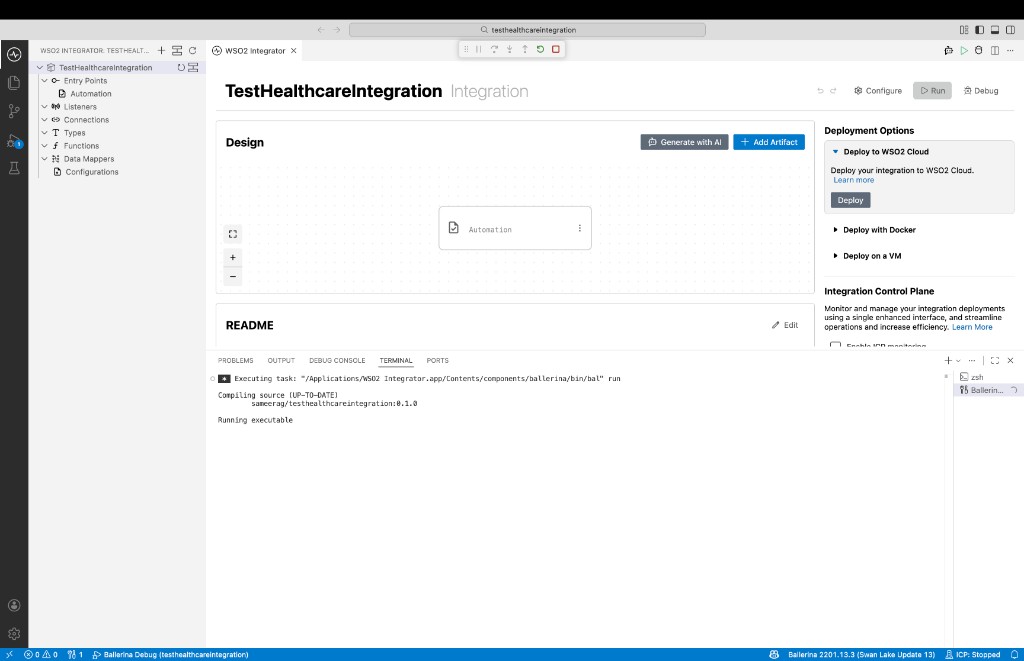
Select Run.
-
Invoke
GET http://localhost:8080/Patient/exportto start a patient-level bulk export. The response includesexportIdandpollingUrl. -
Poll export status with
GET http://localhost:8080/Patient/{exportId}/status, replacing{exportId}with the value from the kick-off response.
Bulk export configuration
Configure bulkExportConfig on FHIRConnectorConfig as shown in Step 2. The following fields are available:
BulkExportConfig fields
| Field | Description | Default |
|---|---|---|
fileServerType | Where exported files are stored: fhir:LOCAL, fhir:FTP, or fhir:FHIR | LOCAL |
fileServerUrl | Base URL of the file server (required for FTP; used for URL rewriting) | "" |
fileServerDirectory | Target directory on the FTP server | "" |
fileServerPort | FTP port | 21 |
fileServerUsername | FTP username | "" |
fileServerPassword | FTP password | "" |
tempDirectory | Local directory for exported files when fileServerType is LOCAL | bulk_export |
tempFileExpiryTime | Expiry time for local export files (seconds) | 86400 |
pollingInterval | Interval between background status polls (seconds) | 2.0 |
FTP example
fhir:BulkExportConfig bulkExportConfig = {
    fileServerType: fhir:FTP,
    fileServerUrl: "ftp.example.org",
    fileServerPort: 21,
    fileServerUsername: "user",
    fileServerPassword: "password",
    fileServerDirectory: "/exports",
    pollingInterval: 2.0
};
Start a bulk export (bulkExport)
Use bulkExport() to submit a kick-off request. Specify the export level with BulkExportLevel:
| Level | Enum value | FHIR endpoint pattern |
|---|---|---|
| System | fhir:EXPORT_SYSTEM | GET [base]/$export |
| Patient | fhir:EXPORT_PATIENT | GET [base]/Patient/$export |
| Group | fhir:EXPORT_GROUP | GET [base]/Group/{groupId}/$export |
For group export, pass the group id as the second argument.
Optional export parameters map to FHIR bulk export query parameters:
| Parameter | Description |
|---|---|
_outputFormat | Output format (default: application/fhir+ndjson) |
_since | Include only resources updated on or after this instant |
_type | Resource types to include (array of strings) |
_typeFilter | Search URLs to filter exported resources (array of strings) |
Examples
System-level export:
fhir:FHIRResponse|fhir:FHIRError response =
    fhirConnector->bulkExport(fhir:EXPORT_SYSTEM);
Patient-level export:
fhir:FHIRResponse|fhir:FHIRError response =
    fhirConnector->bulkExport(fhir:EXPORT_PATIENT);
Group-level export:
fhir:FHIRResponse|fhir:FHIRError response =
    fhirConnector->bulkExport(fhir:EXPORT_GROUP, "123");
Export with parameters:
fhir:FHIRResponse|fhir:FHIRError response = fhirConnector->bulkExport(
    fhir:EXPORT_SYSTEM,
    bulkExportParameters: {
        _since: "2017-01-01T00:00:00Z",
        _type: ["Patient", "Observation"]
    }
);
Kick-off response
A successful kick-off returns HTTP 202 Accepted. The FHIRResponse includes:
| Field | Description |
|---|---|
httpStatusCode | Typically 202 |
'resource | JSON with exportId, pollingUrl, status, and bulkExportResponse |
serverResponseHeaders | Includes Content-Location and exportId |
Example response body:
{
  "exportId": "a1b2c3d4-e5f6-7890-abcd-ef1234567890",
  "pollingUrl": "https://bulk-data.smarthealthit.org/fhir/$export-poll-status?_jobId=abc123",
  "status": { }
}
Check export status (bulkStatus)
Poll export progress using either:
exportId— the id returned in the kick-off response (recommended when using local storage), orcontentLocation— theContent-Locationheader URL from the kick-off response
// Poll by export ID
fhir:FHIRResponse|fhir:FHIRError response =
    fhirConnector->bulkStatus(exportId = "a1b2c3d4-e5f6-7890-abcd-ef1234567890");

// Poll by Content-Location URL
fhir:FHIRResponse|fhir:FHIRError response =
    fhirConnector->bulkStatus(contentLocation = "https://example.org/fhir/$export-poll-status?_jobId=abc123");
Status responses
| HTTP status | Meaning |
|---|---|
202 | Export still in progress. Check serverResponseHeaders["X-Progress"] for progress text. |
200 | Export complete. 'resource contains the export manifest with output file URLs. |
When complete, the response body follows the bulk data manifest format with an output array of exported files:
{
  "transactionTime": "2024-01-15T10:30:00.000Z",
  "request": "https://bulk-data.smarthealthit.org/fhir/Patient/$export",
  "requiresAccessToken": false,
  "output": [
    {
      "type": "Patient",
      "url": "https://example.org/export/Patient-001.ndjson"
    }
  ]
}
Wait for completion (waitForBulkExportCompletion)
When fileServerType is LOCAL, the connector downloads export files in the background. Use waitForBulkExportCompletion() to block until downloads finish:
public function main() returns error? {
    fhir:FHIRResponse kickoff = check fhirConnector->bulkExport(fhir:EXPORT_PATIENT);
    json body = kickoff.'resource.toJson();
    string exportId = check body.exportId;

    fhir:waitForBulkExportCompletion(exportId);

    fhir:FHIRResponse|fhir:FHIRError manifest =
        fhirConnector->bulkStatus(exportId = exportId);
    // Process manifest.'resource
}
Related topics
Was this page helpful?