Recover your password
You're reading Identity & Access Management 7.0.0. The newest release is 7.3.0, and Cloud has the newest features. Go to the newest release
If you are the owner or an administrator of an WSO2 Identity Server organization, the following guide explains how you can recover a forgotten password.
To recover your password:
-
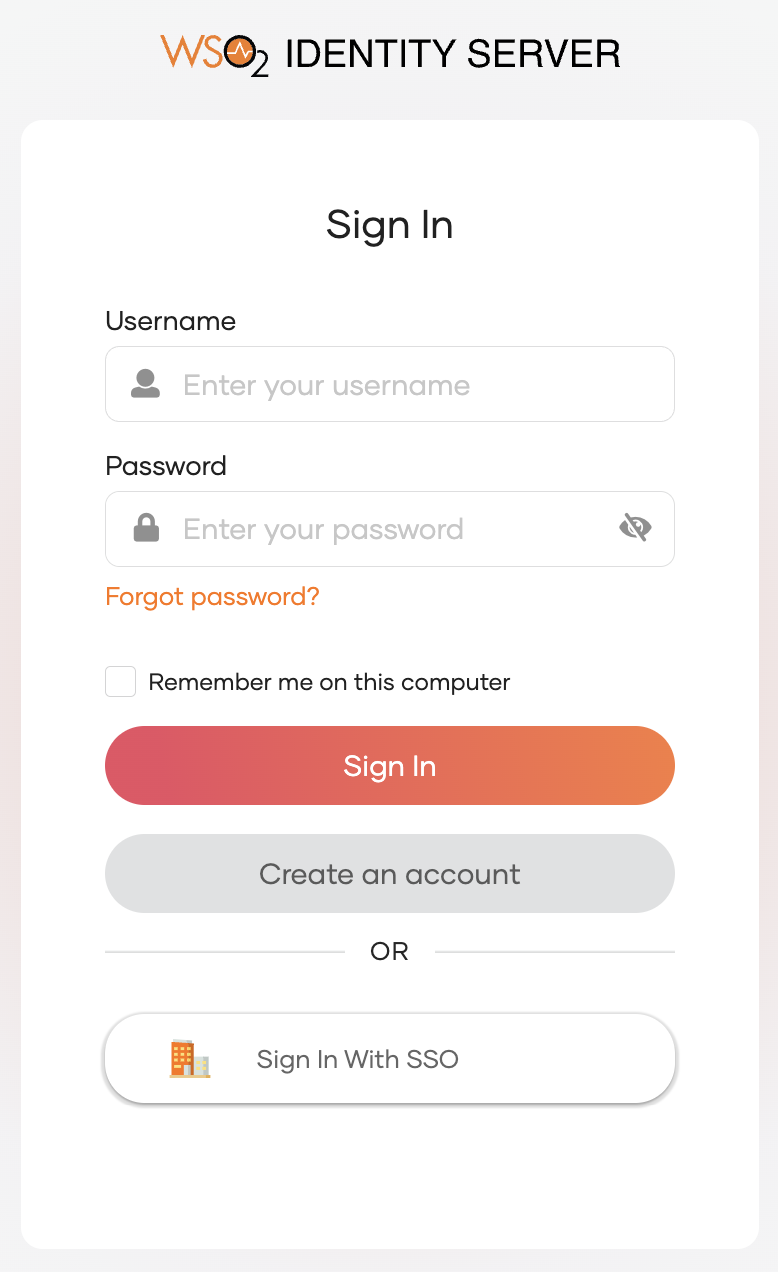
Go to the sign-in page of the My Account Portal.
-
Click Forgot password?.
-
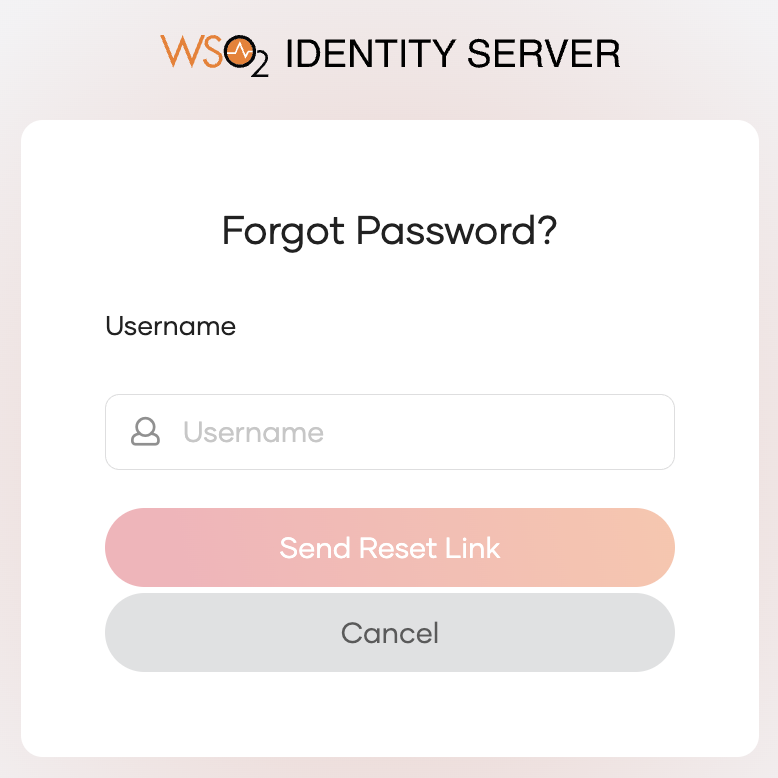
Enter your username and click Send Reset Link. An email notification will be sent to your email address.
-
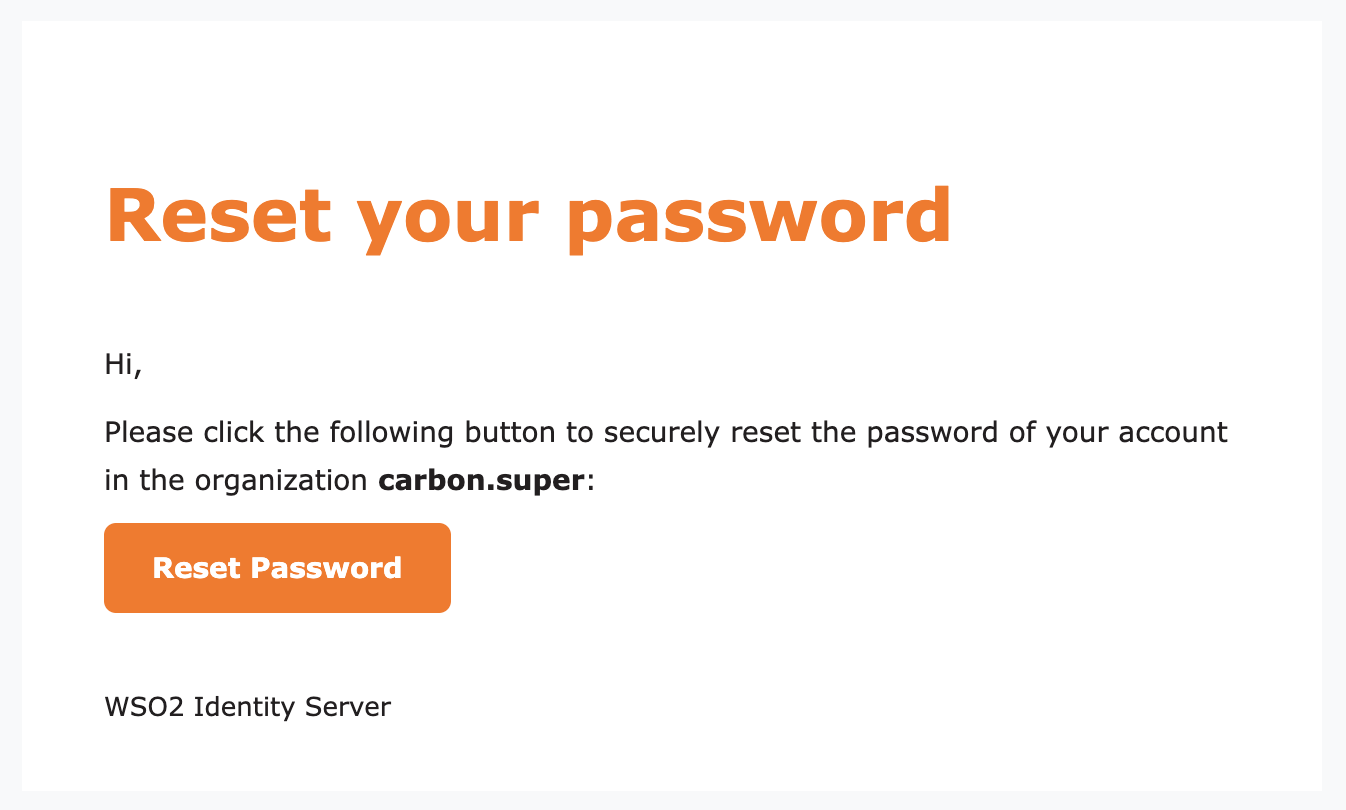
Open the email you received and click Reset Password
-
Enter new password and Proceed.
Was this page helpful?