Notification settings
You're reading Identity & Access Management 7.1.0. The newest release is 7.3.0, and Cloud has the newest features. Go to the newest release
WSO2 Identity Server, by default, provides a seamless notification system that handles notifications for the following scenarios.
- Self registration
- Email verification
- Account lock
- Account disable
- Account recovery
If the client application handles notifications and you want to disable the notification features of WSO2 Identity Server,
-
On the WSO2 Identity Server Console, go to Login & Registration.
-
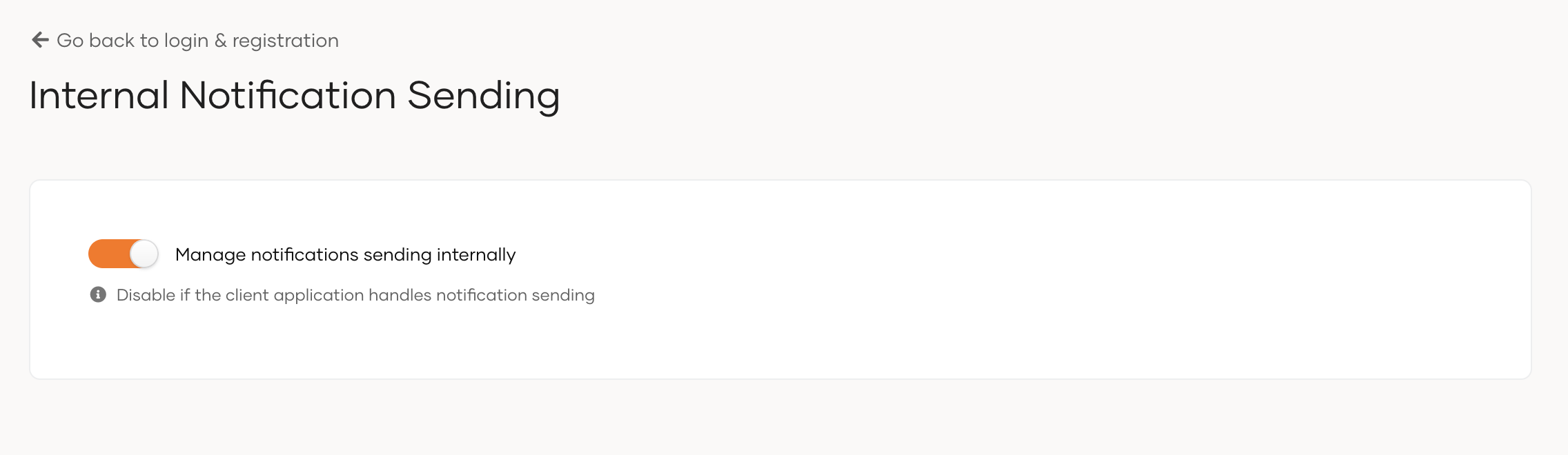
Under Notification Settings, click Internal Notification Sending.
-
Turn the toggle off to disable notifications.
Was this page helpful?