Set up
You're reading Identity & Access Management 7.2.0. The newest release is 7.3.0, and Cloud has the newest features. Go to the newest release
The following guide explains how you can install and set up Sift in WSO2 Identity Server.
Prerequisites
You need to have a Sift account. If you don't have an account, create one by visiting the Sift website.
Step 1: Install the Sift connector
Follow the steps below to install Sift in WSO2 Identity Server.
-
Download the project artifacts from the WSO2 Identity Server connector store.
-
Copy the
org.wso2.carbon.identity.fraud.detection.sift-<version>.jarfile to the<IS_HOME>/repository/components/dropinsdirectory. -
Restart WSO2 Identity Server.
Step 2: Add the API key
To work with Sift, you need to register your Sift API key in WSO2 Identity Server. To do so,
-
On the WSO2 Identity Server Console, go to Login & Registration.
-
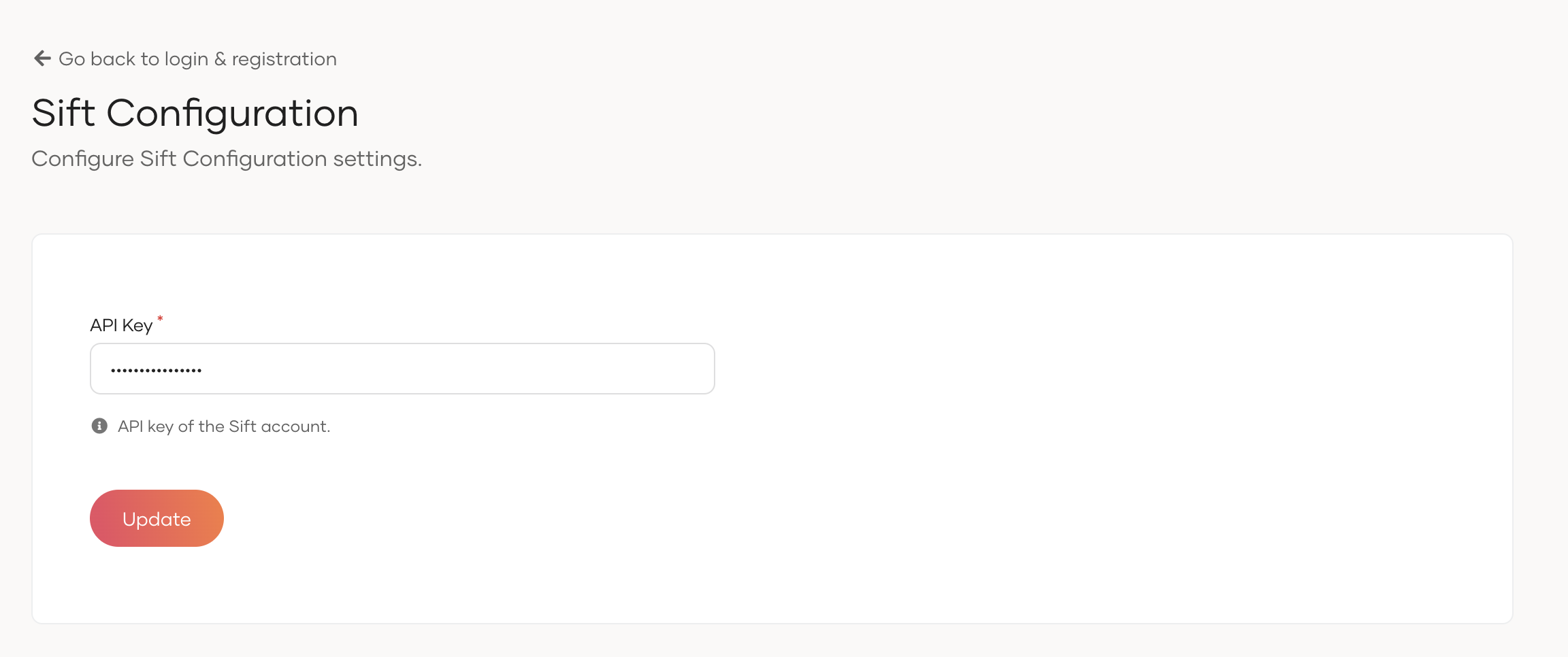
Click Fraud Detection and enter the API key.
-
Click Update to save the changes.
Was this page helpful?