Session management
You're reading Identity & Access Management 7.2.0. The newest release is 7.3.0, and Cloud has the newest features. Go to the newest release
Customize session timeout and remember me settings to maintain optimal security and user experience in WSO2 Identity Server.
Configuration instructions
To adjust session management settings, follow these steps:
-
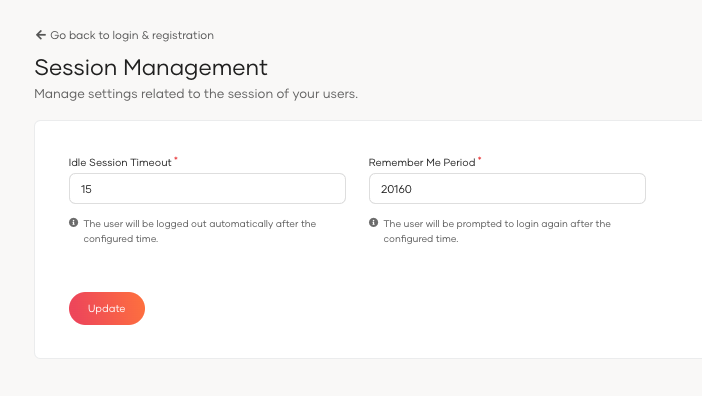
On the WSO2 Identity Server Console, go to Login & Registration > Login Security > Session Management.
-
Configure the Idle Session Timeout and Remember Me Period to suit your security policies.
-
Click Update to save the changes.
Parameters
| Parameter | Description |
|---|---|
Idle Session Timeout | Time in minutes before an inactive user session is automatically ended. |
Remember Me Period | Duration in minutes that the system will remember a user's session. |
Was this page helpful?