Register a React Application
You're reading Identity & Access Management 7.2.0. The newest release is 7.3.0, and Cloud has the newest features. Go to the newest release
WSO2 Identity Server provides an application template with default configurations to register a React application with minimal effort.
To register a React application,
-
On the WSO2 Identity Server Console, go to Applications.
-
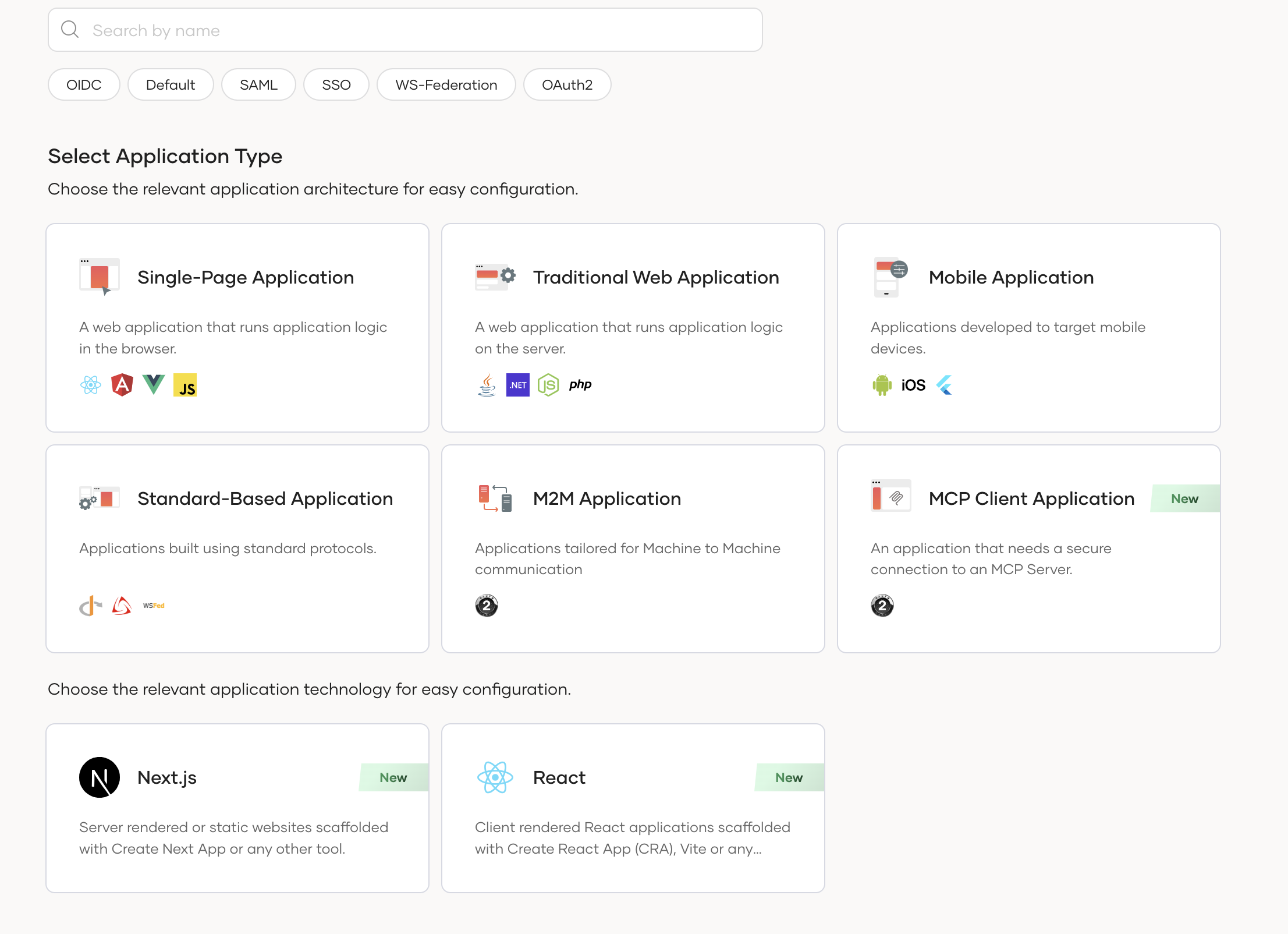
Click New Application and select React.
-
In the wizard that appears, enter the following details:
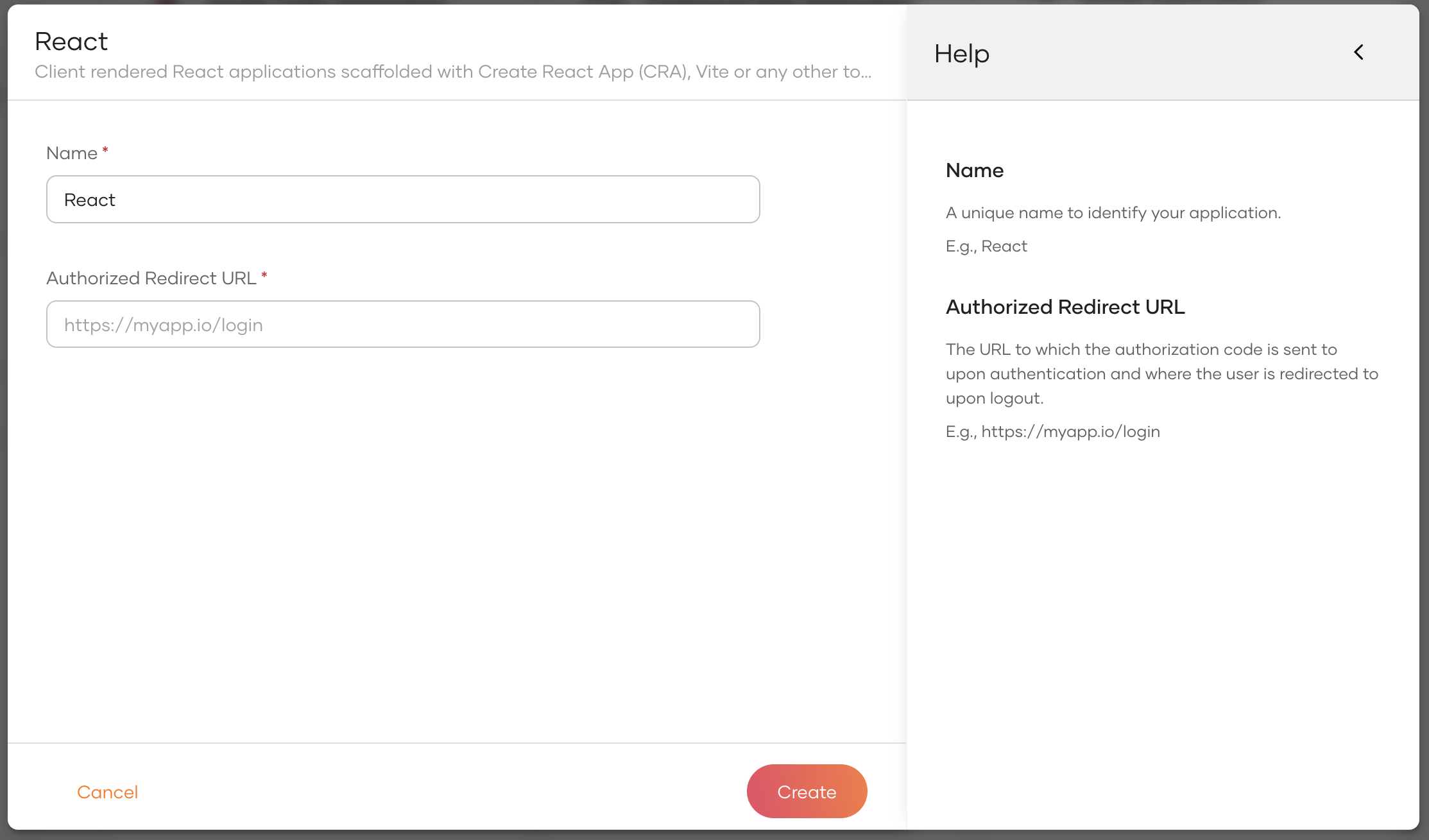
Parameter Description Name A unique name to identify your application. Authorized redirect URL The URL to which the authorization code is sent upon user authentication and where the user is redirected upon logout. -
Click Create to complete the registration.
What's next?
Was this page helpful?