Change password
You're reading Identity & Access Management 7.2.0. The newest release is 7.3.0, and Cloud has the newest features. Go to the newest release
Users can use the My Account portal to change the password by following the steps below.
-
Sign in to the My Account portal.
-
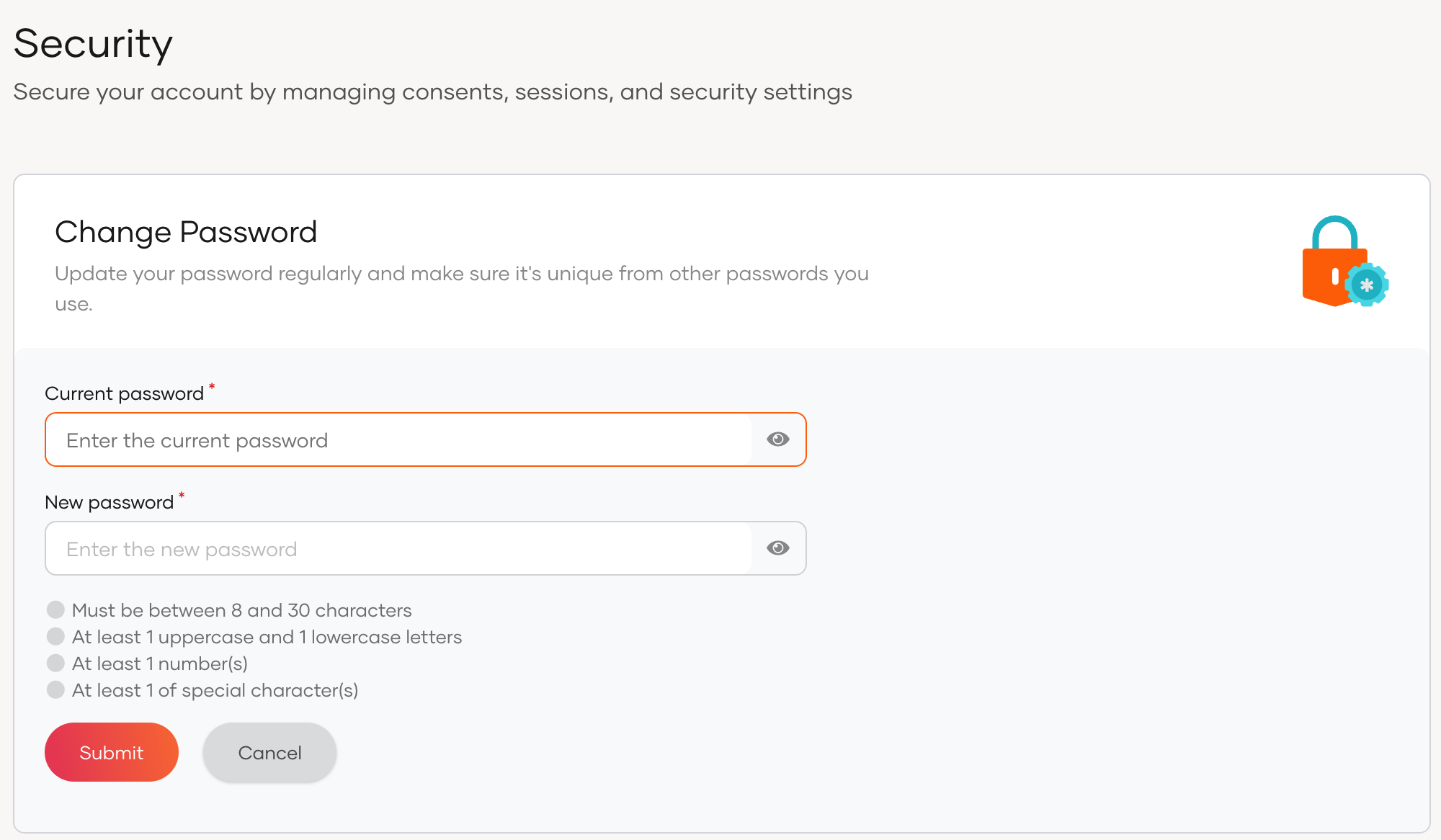
Click Security and go to Change Password.
-
Click Change your password.
-
Enter the Current password and the New password.
-
Click Submit.
note
- Alternatively, users can reset a forgotten password from the login page of an application.
- Users onboarded from a read-only remote user store do not have the capability of changing their password through the My Account portal.
Was this page helpful?