Recover your password
If you are the owner or an administrator of an WSO2 Identity Server organization, the following guide explains how you can recover a forgotten password.
To recover your password:
-
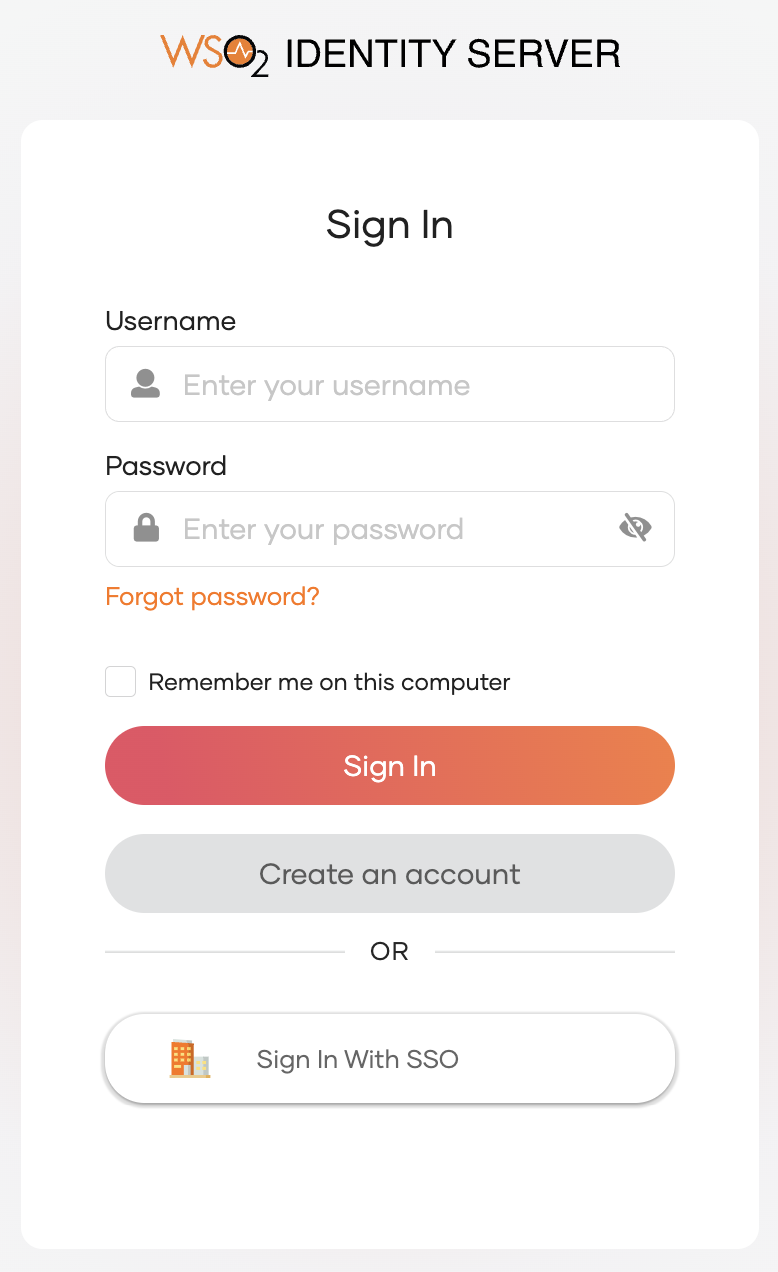
Go to the sign-in page of the My Account Portal.
-
Click Forgot password?.
-
Follow one of the following methods that are configured for your organization.
- Email link
- Email OTP
- SMS OTP
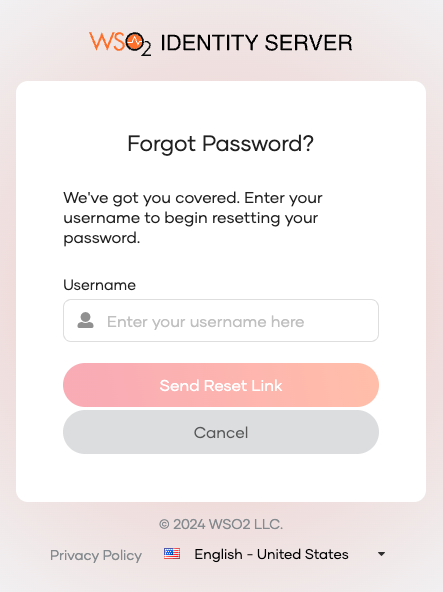
Enter your username and click Send Reset Link. An email notification will be sent to your email address.
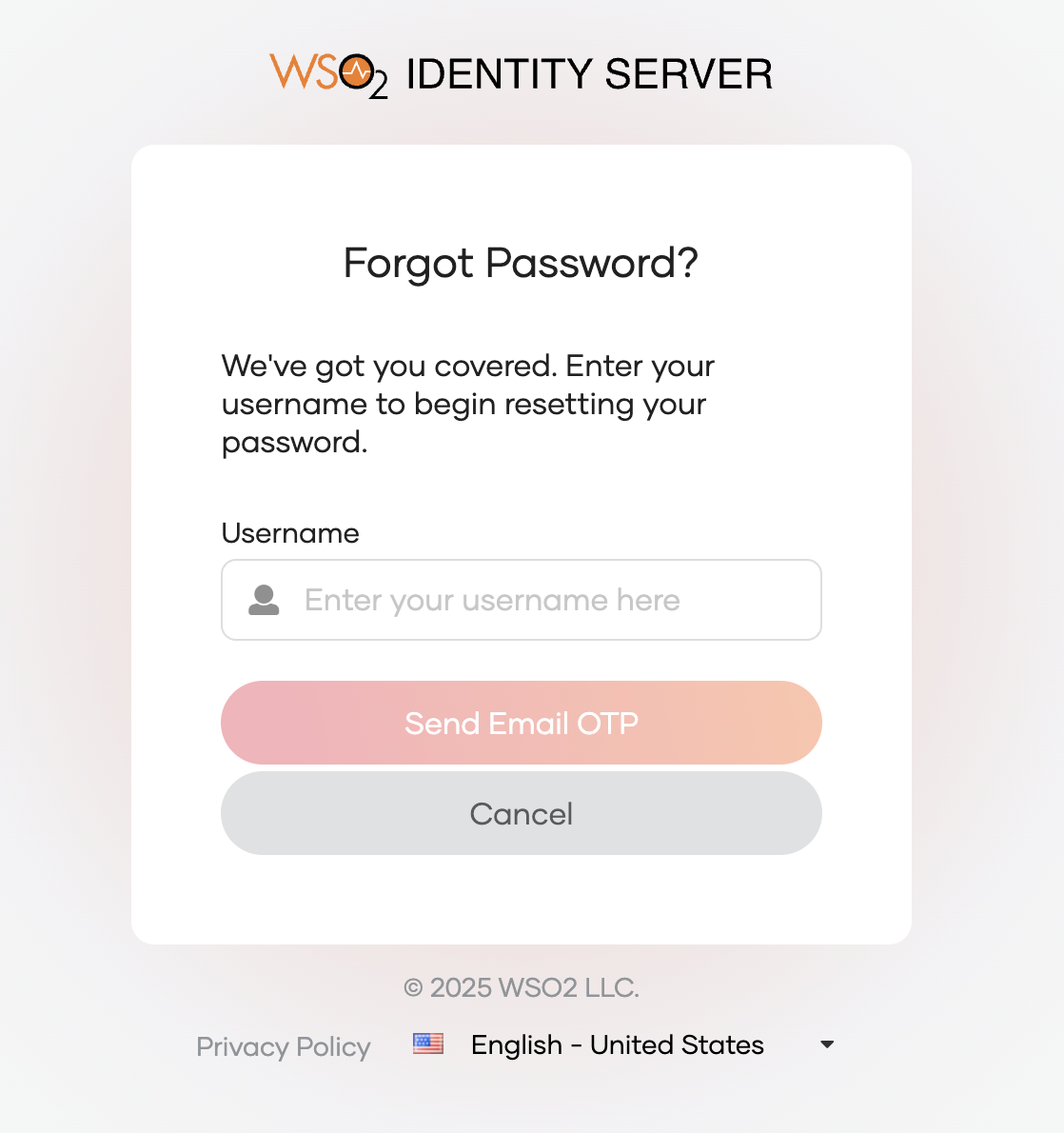
Enter your username and click Send Email OTP. An OTP code will be sent to your registered email address.
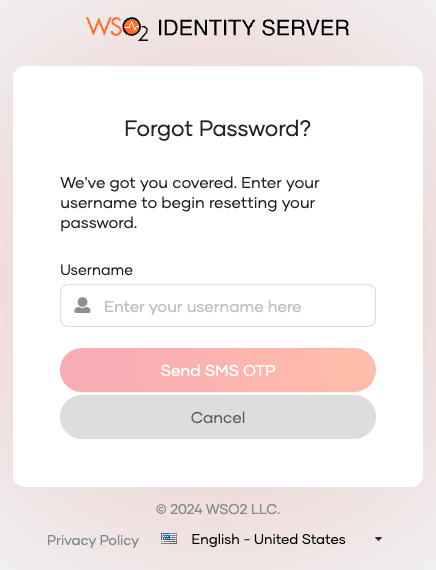
Enter your username and click Send SMS OTP. An OTP code will be sent to your registered mobile number.
 note
-
Setting an email address is required for email link and email OTP recovery methods, while setting a mobile number is required for SMS OTP recovery.
-
If you have configured both options for password recovery, select your preferred method and click Proceed.
-
Confirm password reset request.
- Email link
- Email OTP
- SMS OTP
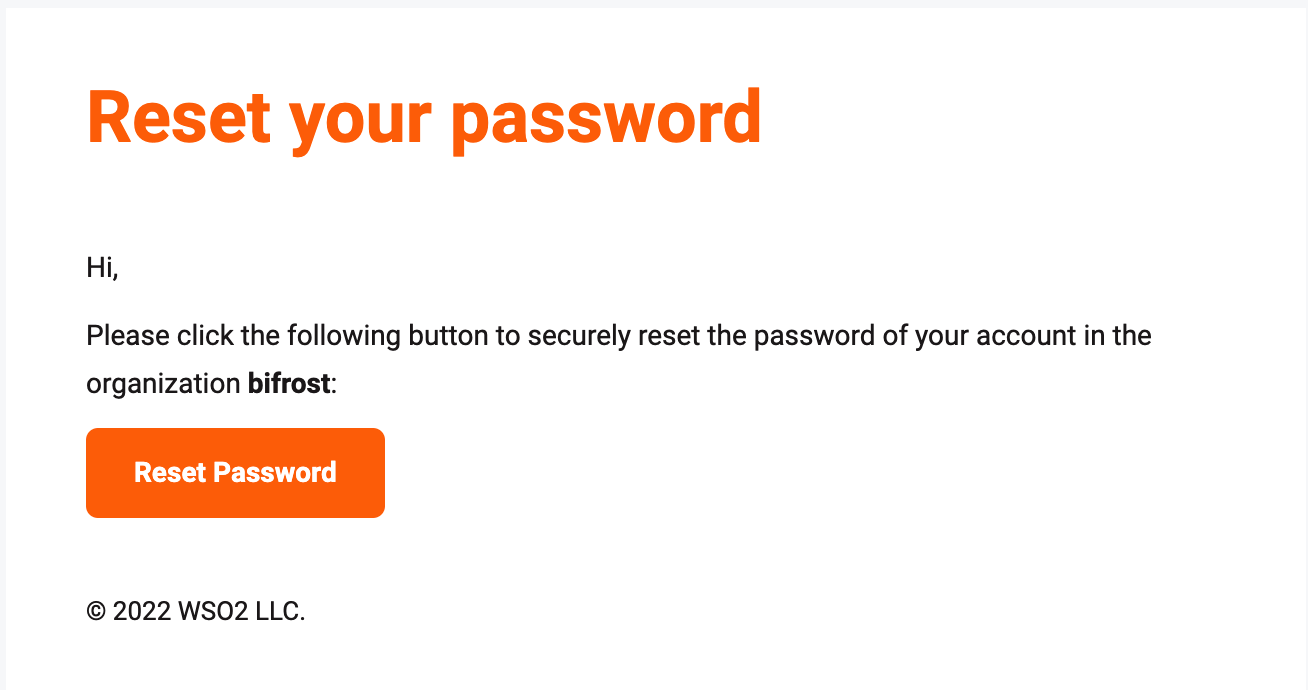
Open the email you received and click Reset Password.
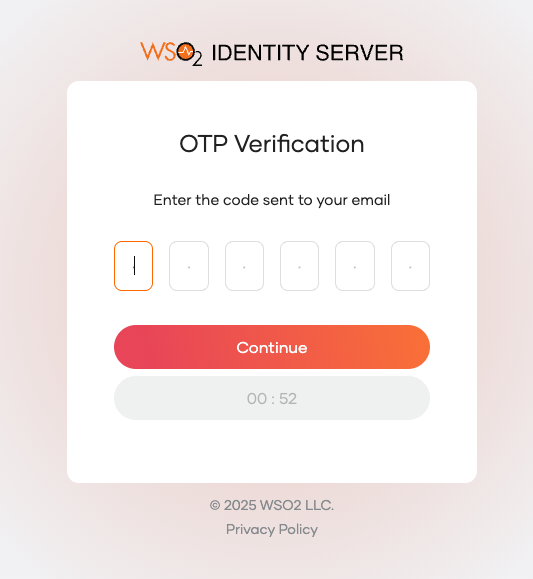
Enter the OTP code sent to your email and click Continue.
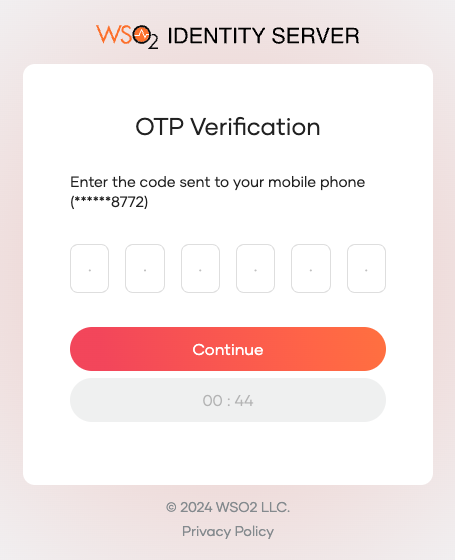
Enter the OTP code sent to your mobile and click Continue.
-
Enter new password and Proceed.
Was this page helpful?