Register a React Application
Cloud has the newest features. Some may not be in a release yet; the newest release is Identity & Access Management 7.3.0.
WSO2 Identity Platform provides an application template with default configurations to register a React application with minimal effort.
To register a React application,
-
On the WSO2 Identity Platform Console, go to Applications.
-
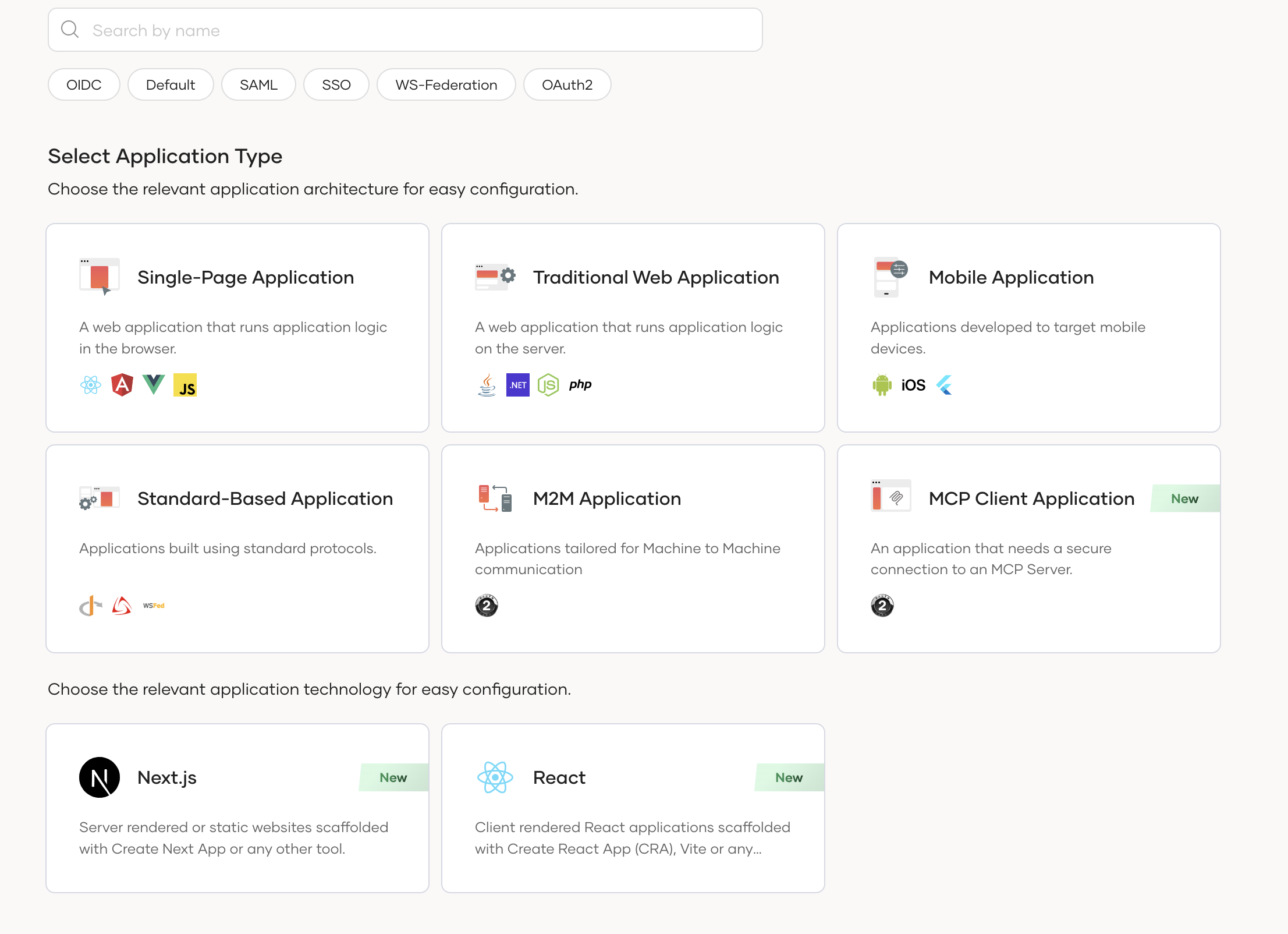
Click New Application and select React.
-
In the wizard that appears, enter the following details:
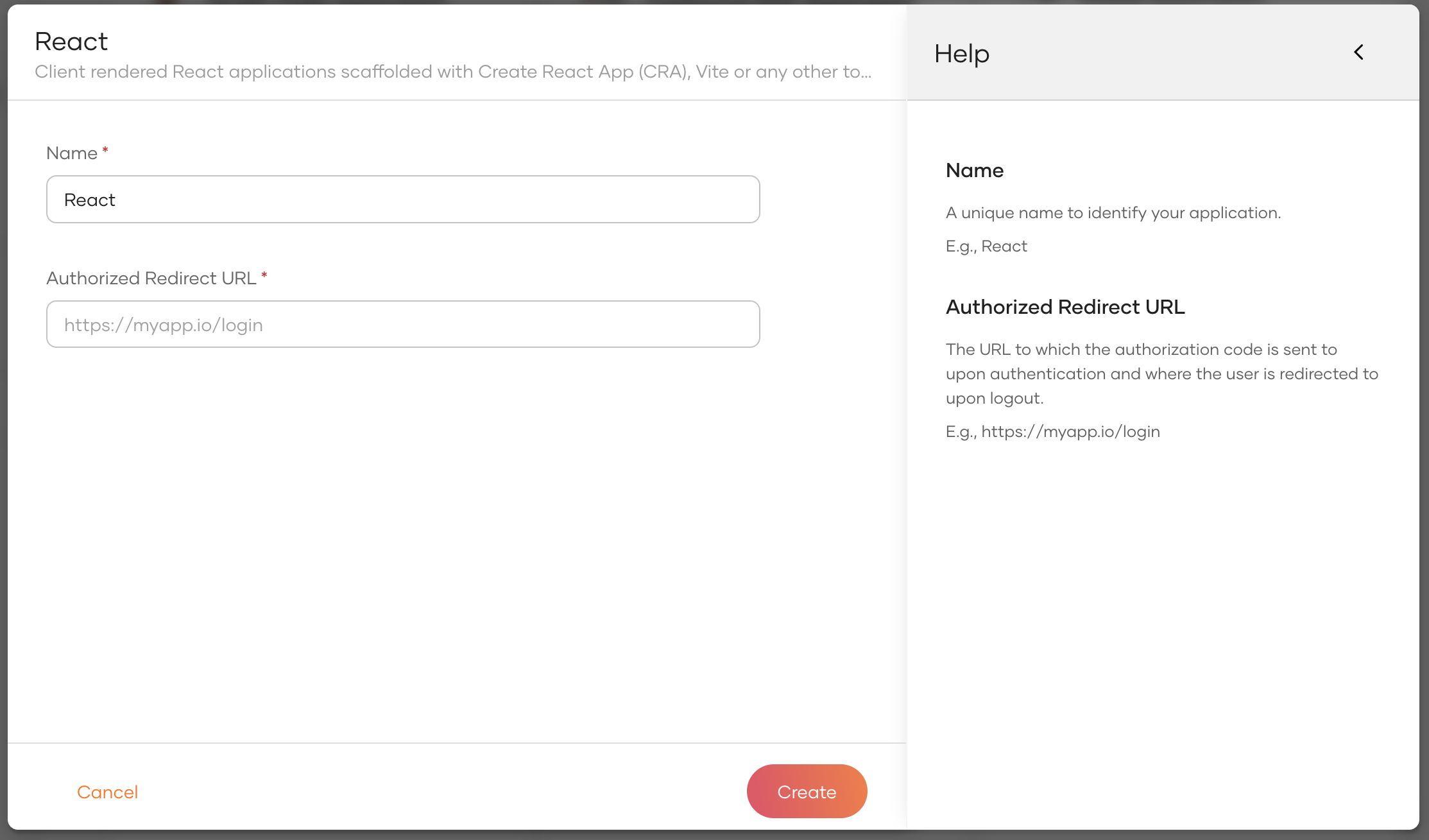
Parameter Description Name A unique name to identify your application. Authorized redirect URL The URL to which the authorization code is sent upon user authentication and where the user is redirected upon logout. -
Click Create to complete the registration.
What's next?
Was this page helpful?