Login Flow AI
AI-powered login flow generation simplifies the setup of authentication sequences in WSO2 Identity Platform by using an AI-driven approach. This tool allows users to efficiently create tailored authentication sequences without needing in-depth knowledge of the underlying authenticators or scripting languages.
Generate login flows with Login Flow AI
To generate your login flow with LoginFlow AI:
-
On the WSO2 Identity Platform Console, go to Applications.
-
Select your application and go to its Login Flow tab.
-
Click Try Login Flow AI.
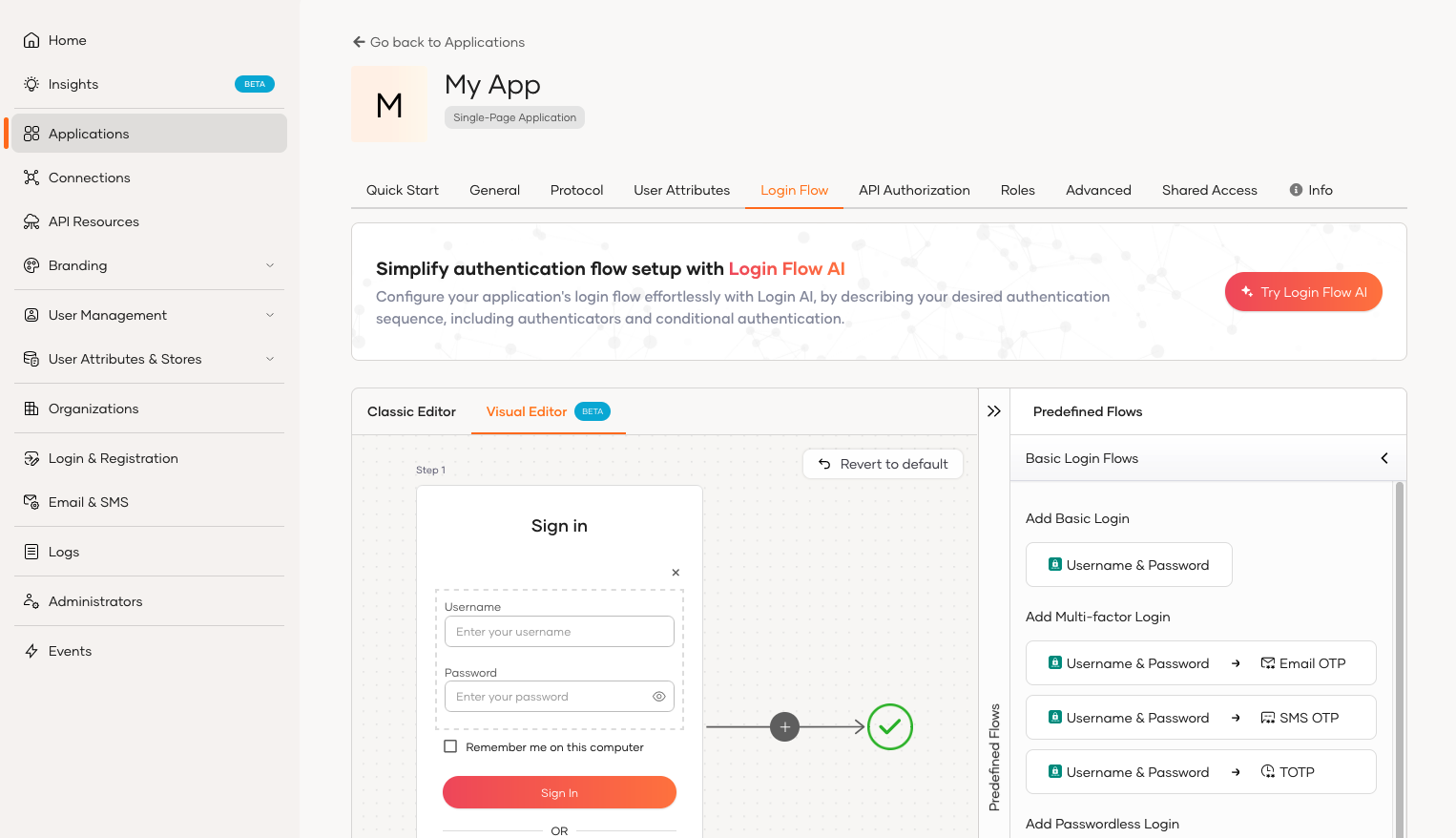
-
Enter the login scenario you want to configure and press enter.
noteIf you wish to add connections to your login sequence, make sure to set up the required connection. Only existing connections can be incorporated into the login flow.
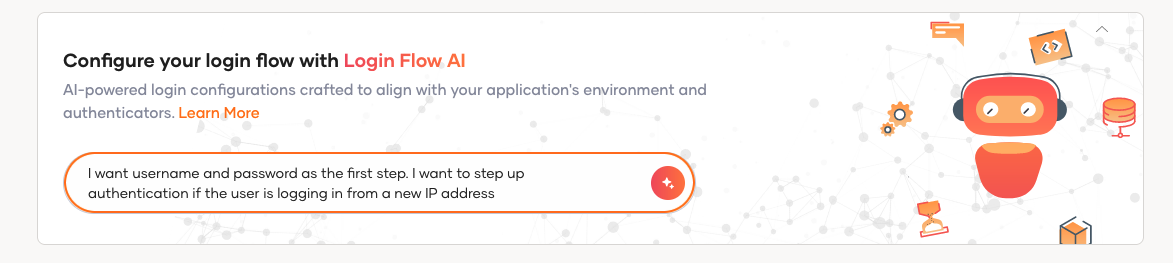
The system will analyze the input and generate the appropriate authentication sequence.
Customize the generated authentication sequence
The AI system processes your input and provides an authentication sequence, you can further customize the authentication sequence by:
- Adding or removing authenticators as needed.
- Modifying the suggested steps.
Apply Login Flow
Once you've reviewed and customized the generated login flow, click Update to apply it to your application.
Was this page helpful?