Select token issuer for an organization application
When you create an application in your organization, you can choose whether it uses the root organization's token issuer or your organization's own. The right choice depends on what the application does and who it serves. The root token issuer option is available only if the root organization has permitted child organizations to use it.
-
Select the root organization's token issuer when the child organization's application needs to call APIs provided by the root organization. In this scenario, the root organization acts as the token issuer and grants access to its APIs. The child organization manages the application.
-
Select the organization's own token issuer when the child organization provides applications directly to its own end users, such as its customers or partners. In this scenario, the child organization acts as an independent identity provider. It manages both the application and issues tokens, without relying on the root organization's identity infrastructure.
Control root token issuer access for child organizations
As a root organization administrator, you control whether child organizations can use the root organization's token issuer. By default, child organizations can use the root token issuer in their applications.
To configure this:
-
In the root organization, go to Login & Registration.
-
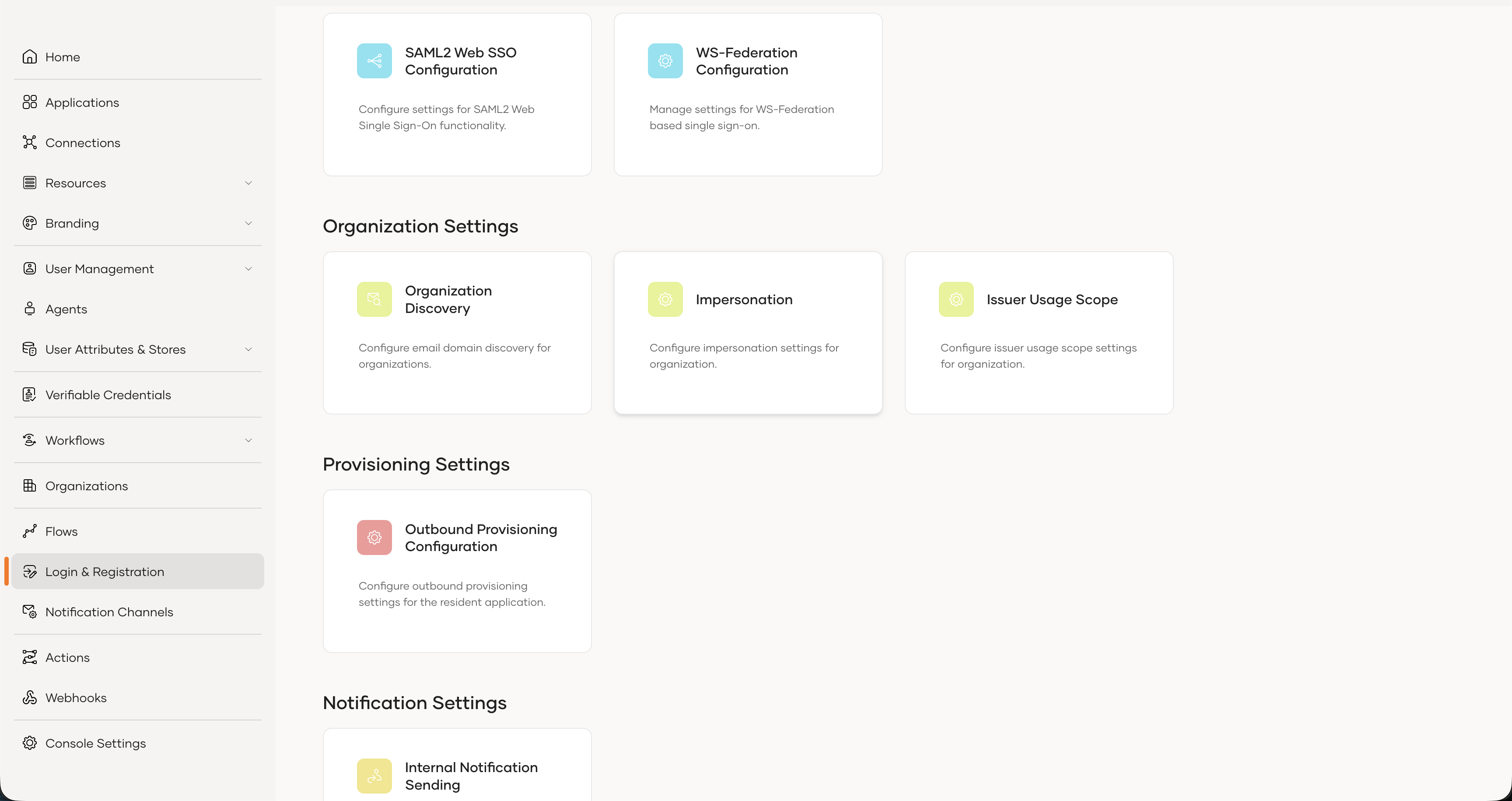
Under Organization Settings, select Issuer Usage Scope.
-
Select
Do not allow the issuer to be used in any organizationsto block child organizations from using the root token issuer.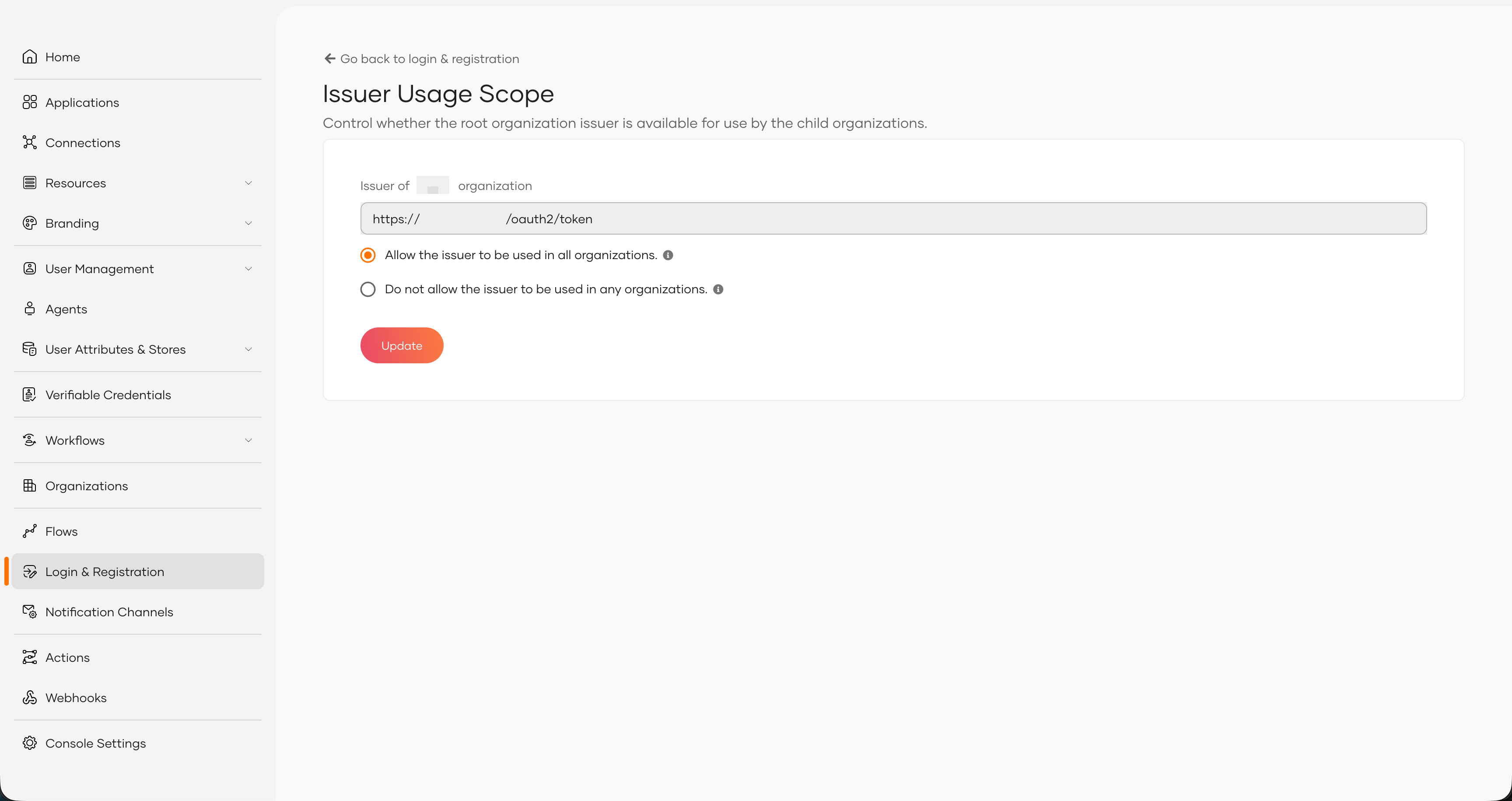
Set the token issuer for an application
As an organization administrator, you can select the token issuer when creating a new application or update it for an existing one.
For a new application
-
On the WSO2 Identity Platform Console, go to Organizations and switch to your desired organization.
-
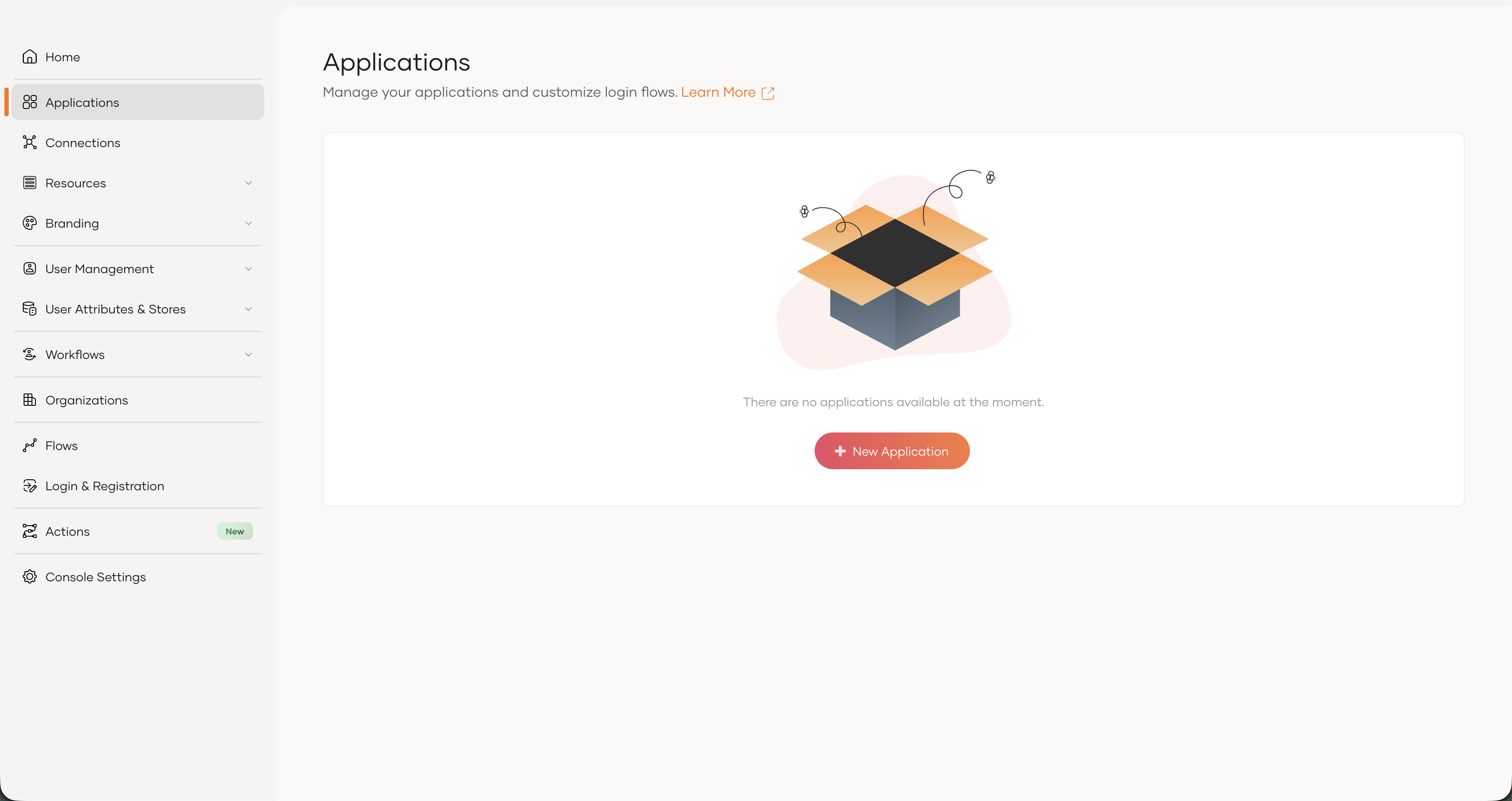
In the organization, go to Applications.
-
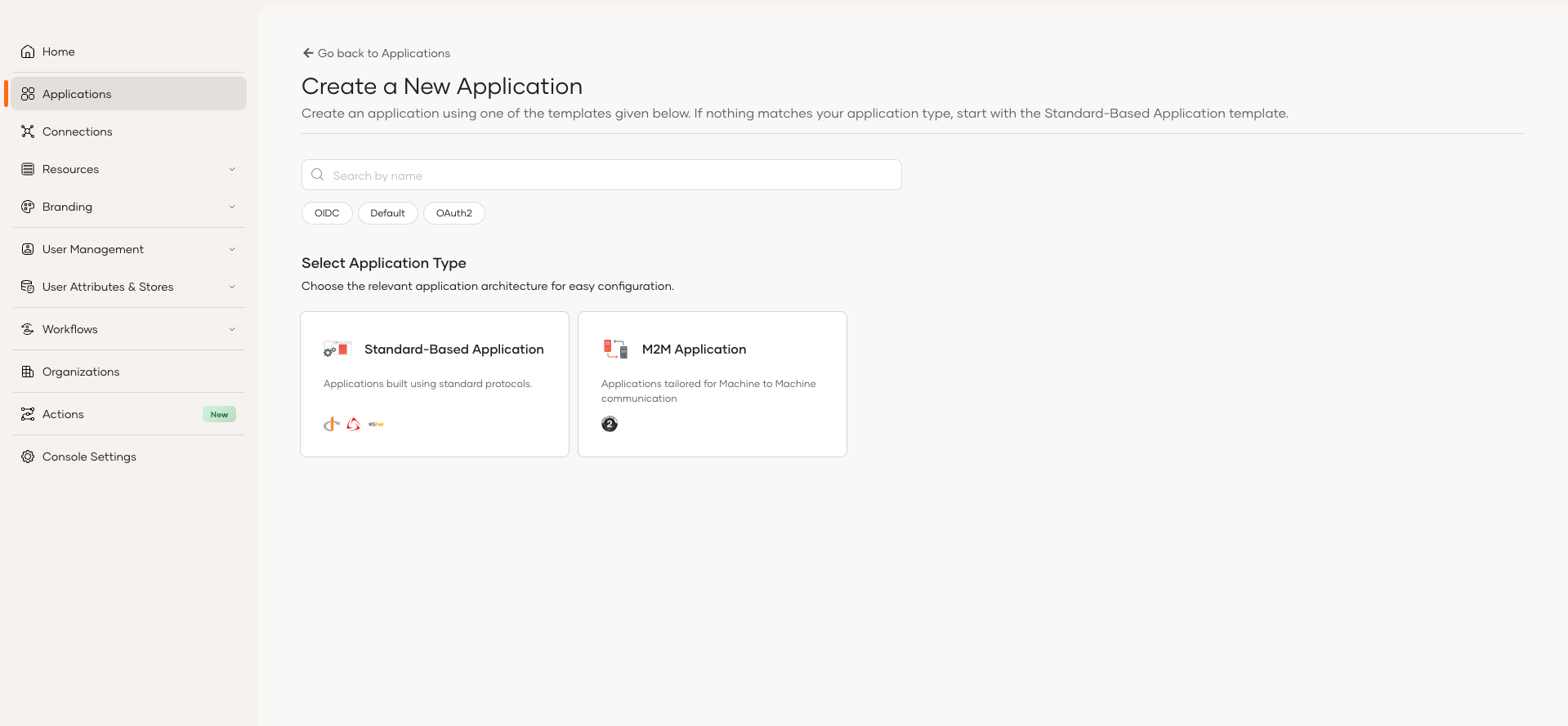
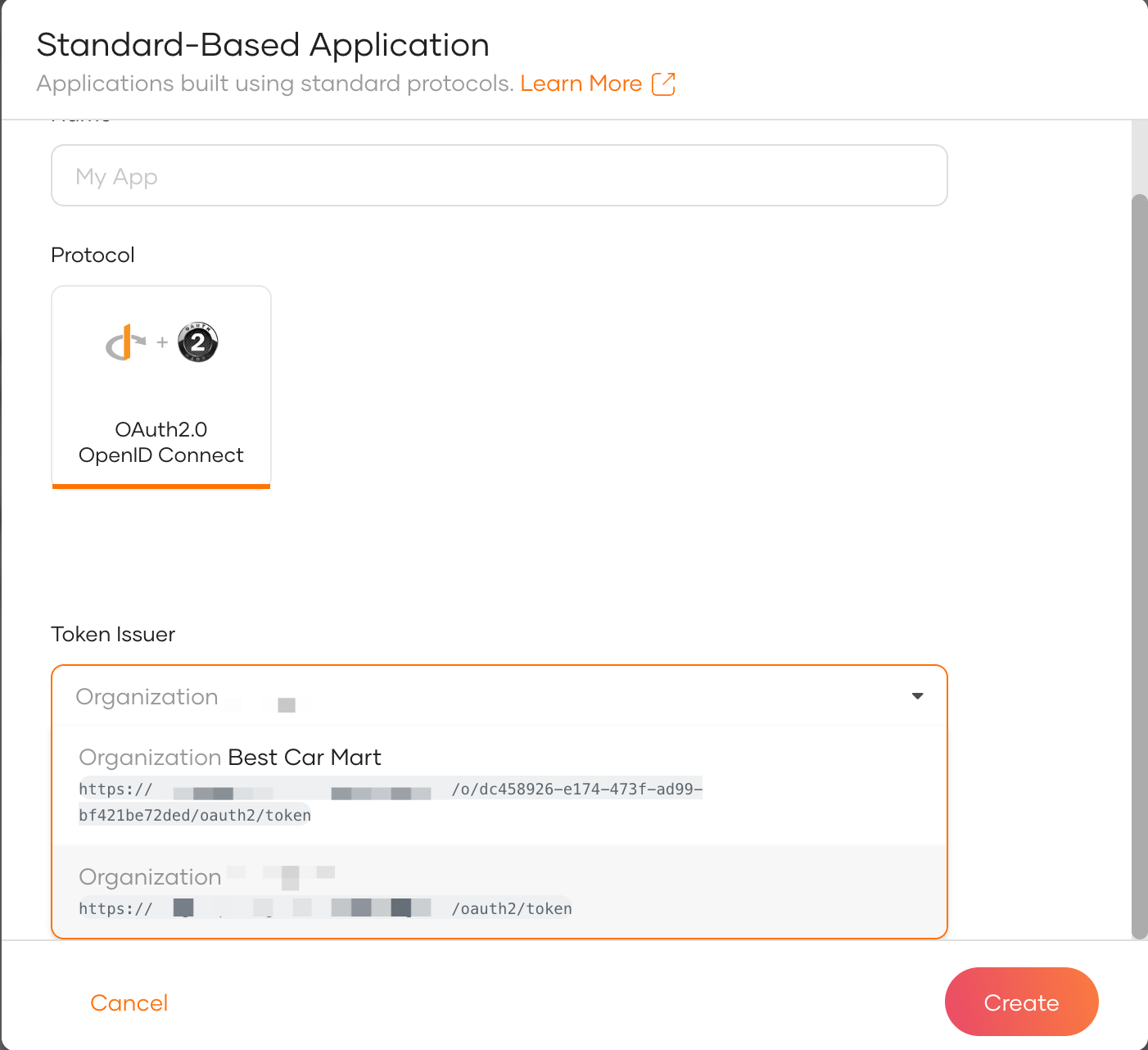
Click Add Application and use either the Standard-Based Application or M2M Application template to create your application.
-
Enter a name in the Name field and select the required issuer from the Token Issuer dropdown.
-
Click Create to create the application.
For an existing application
-
On the WSO2 Identity Platform Console, switch to the desired organization and go to Applications.
-
Select the application you want to update and click the edit icon.
-
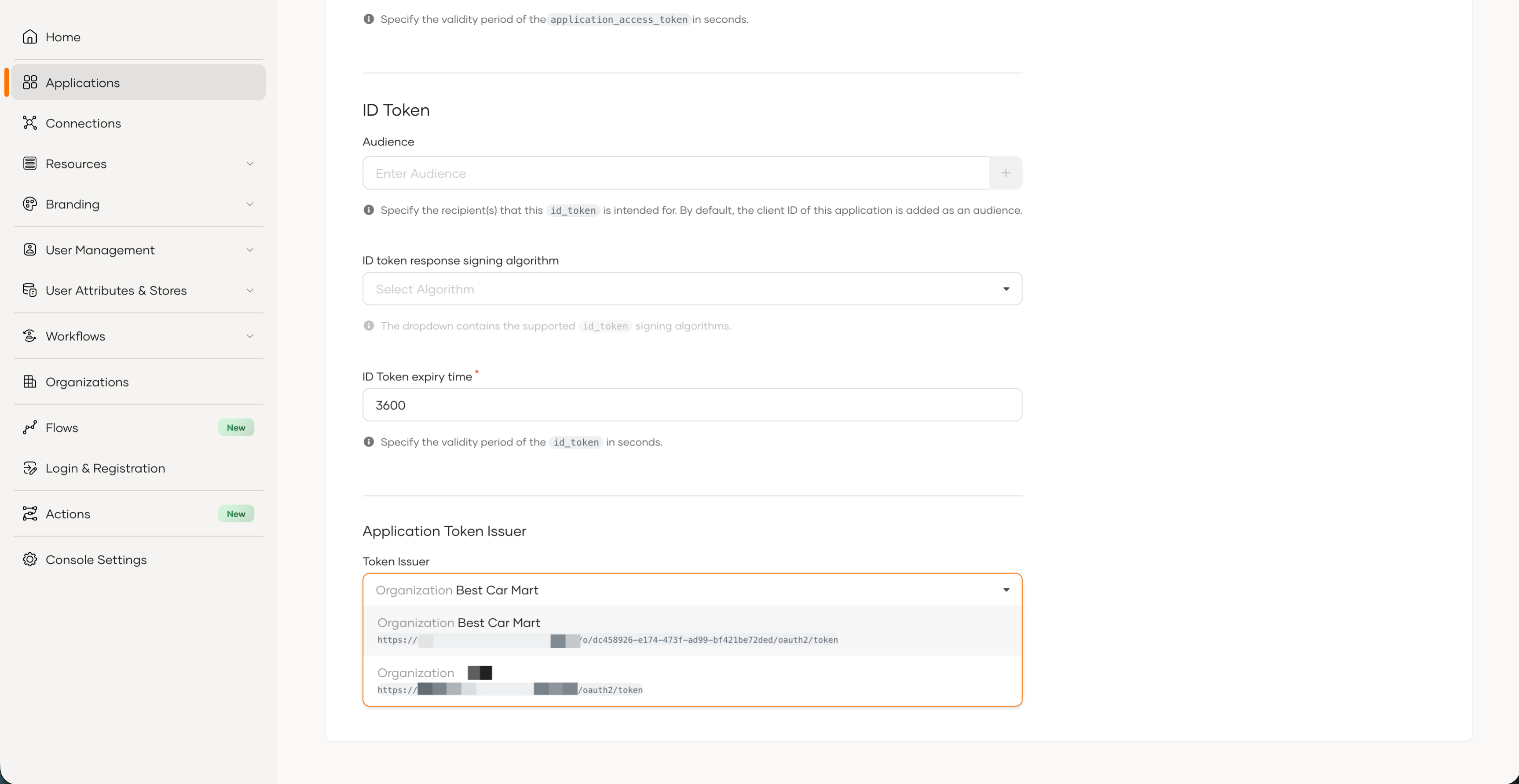
Go to the Protocol tab and select the required issuer from the Token Issuer dropdown.
-
Click Update to save the changes.
Was this page helpful?