Configure bot detection
Cloud has the newest features. Some may not be in a release yet; the newest release is Identity & Access Management 7.3.0.
WSO2 Identity Platform uses reCAPTCHA to detect bots that attempt unauthorized login or other types of internet abuse. This is a free service provided by Google that verifies whether a user is a human or a robot. It comes in the form of a widget.
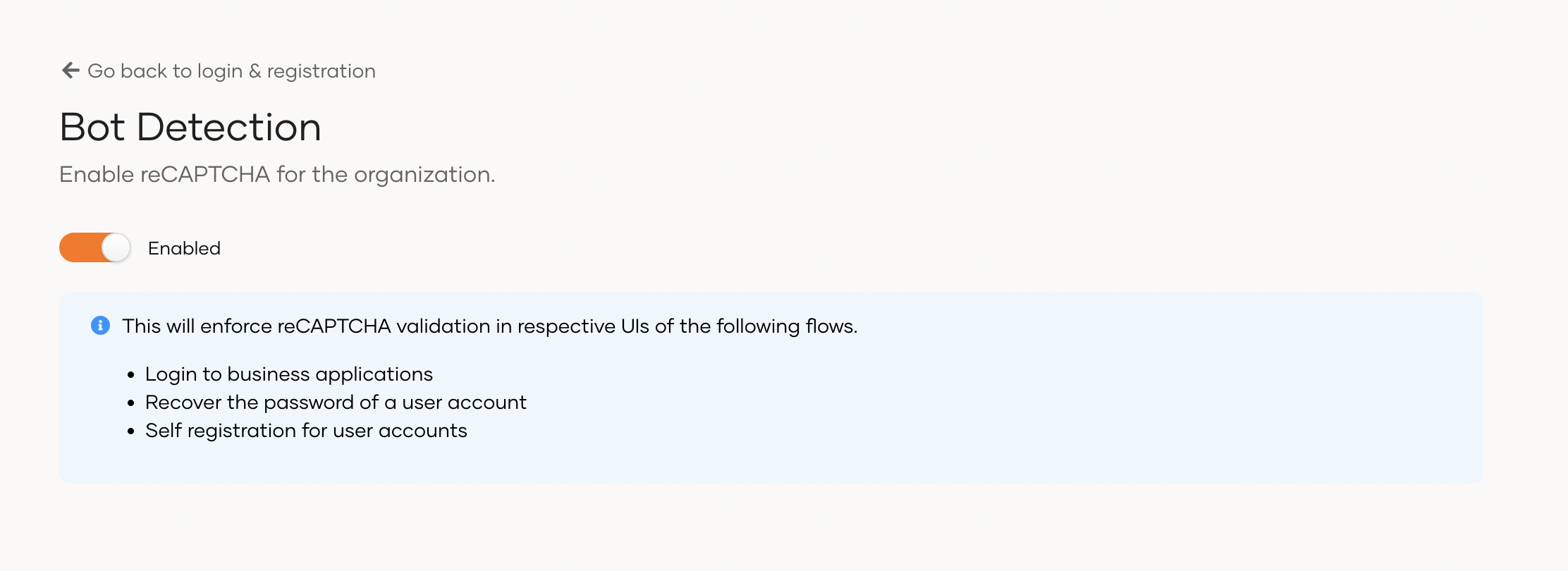
When bot detection is enabled, WSO2 Identity Platform enforces reCAPTCHA validation in the following scenarios:
- User login
- User password recovery
- User self-registration
To configure reCAPTCHA:
-
On the WSO2 Identity Platform Console, go to Login & Registration.
-
Under Login Security, click Bot Detection.
-
Turn the toggle on or off to enable or disable reCAPTCHA for your organization.
Was this page helpful?