Configure high availability
Remote user stores must be highly available to ensure continuous access to critical user information. To maintain high availability, we highly recommend you to follow this guide and connect a second user store agent.
Prerequisites
Configure and connect a remote user store in WSO2 Identity Platform.
Connect a second user store agent
To connect a second user store agent:
-
On the WSO2 Identity Platform Console, go to User Attributes & Stores > User Stores.
-
Select your user store from the User stores list.
-
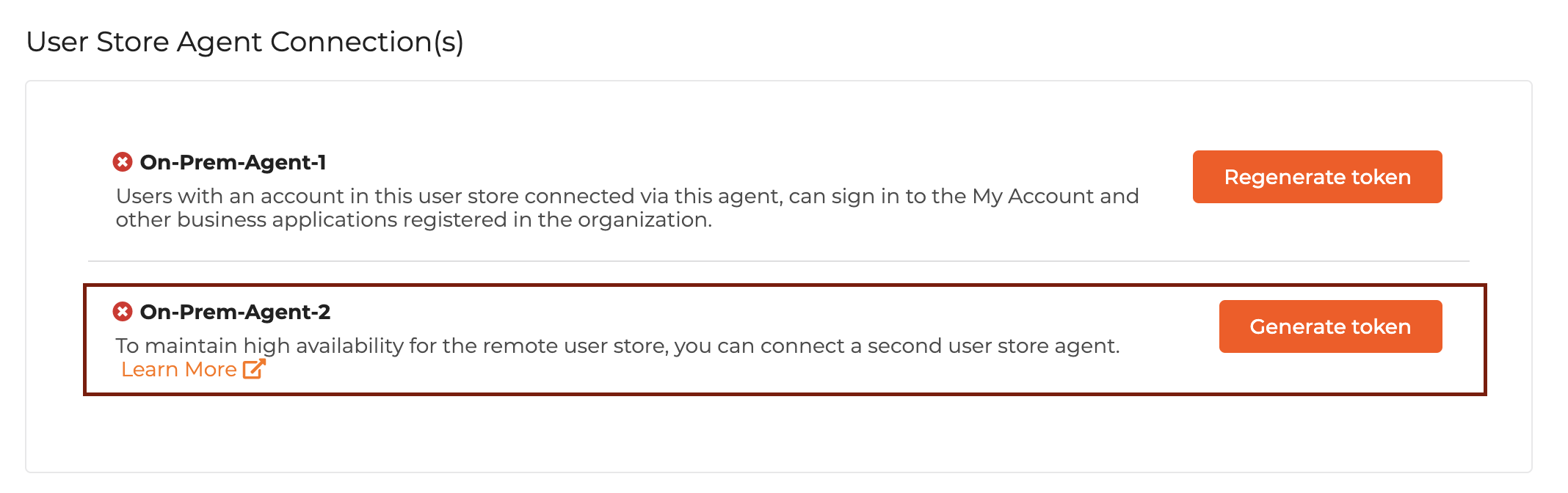
In the General tab, a second user store agent is listed under User Store Agent Connection(s).
-
Click Generate token on the second user store agent.
 note
An installation token can only be used to connect to one user store agent. You cannot use the same installation token to run a second agent.
-
Run a second user store agent by navigating to its root directory. Use one of the commands below.
- Optimized Agent
- Classic Agent
Run the command corresponding to your operating system. Make sure to configure the installation token similarly to the primary agent.
- Linux/Unix
- Windows
./remoteagentremoteagentRun the command corresponding to your operating system. When prompted, enter the second installation token generated in the previous step.
- Linux/Unix
- Windows
sh wso2agent.shwso2agent.bat
Was this page helpful?