Admin Guide
In addition to all customer features, customer administrators can perform the following extra token management actions:
- Generate User Tokens - This action is similar to the regular customer token generation. Created on behalf of the admin and used to access the WSO2 registry through the CLI.
- Generate Service Tokens - Created for service accounts that do not have Support Portal access.
- View and Manage All Tokens - Admins can view and manage any token created by any user within the project.
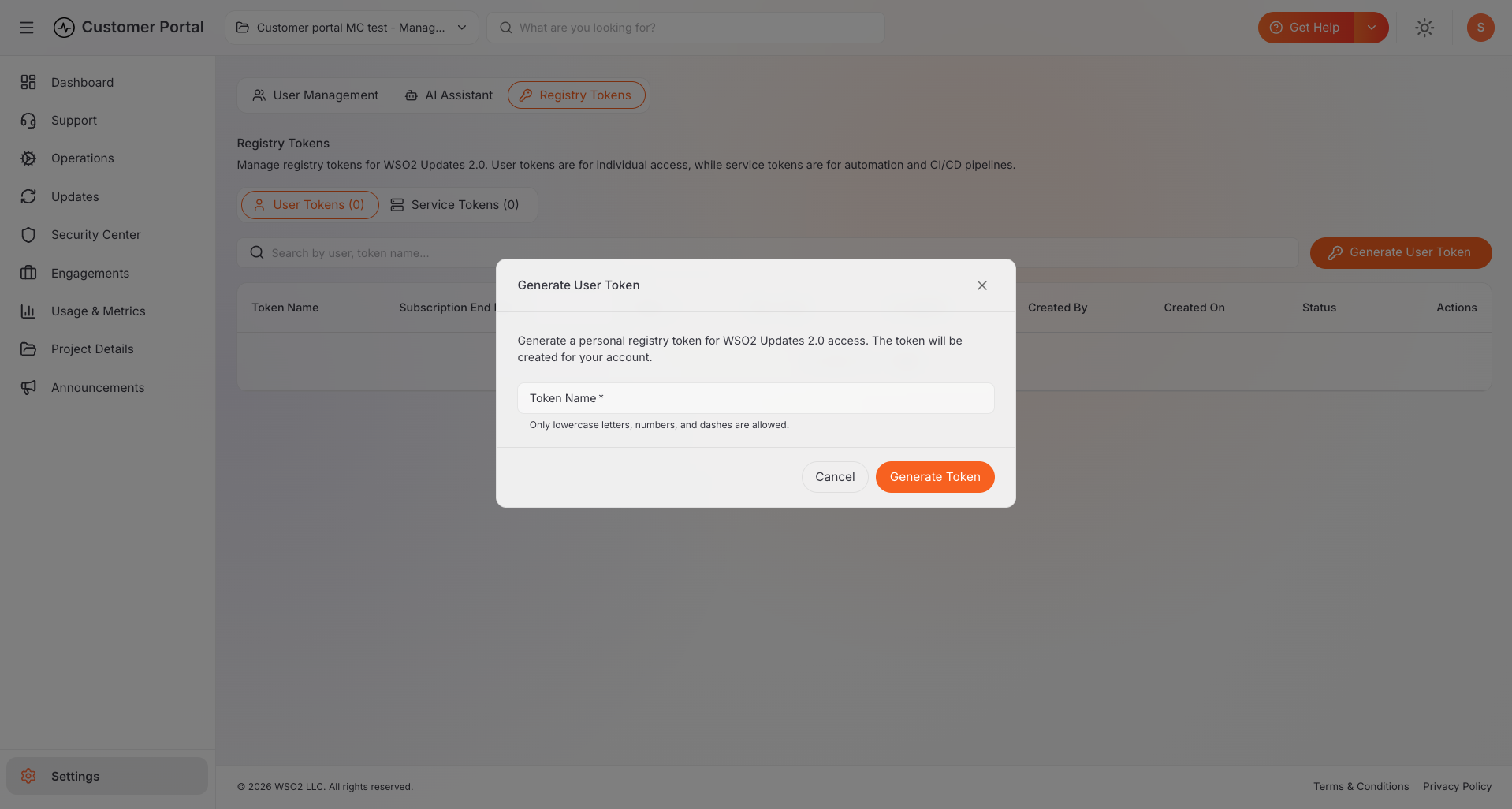
Generate User Token
User tokens are generated on behalf of the creator and are intended for accessing WSO2 registry via the CLI.
To generate a new user token, follow these steps:
- Click the Generate User Token button.
- Enter a descriptive Token Name.
- Click the Generate Token button.
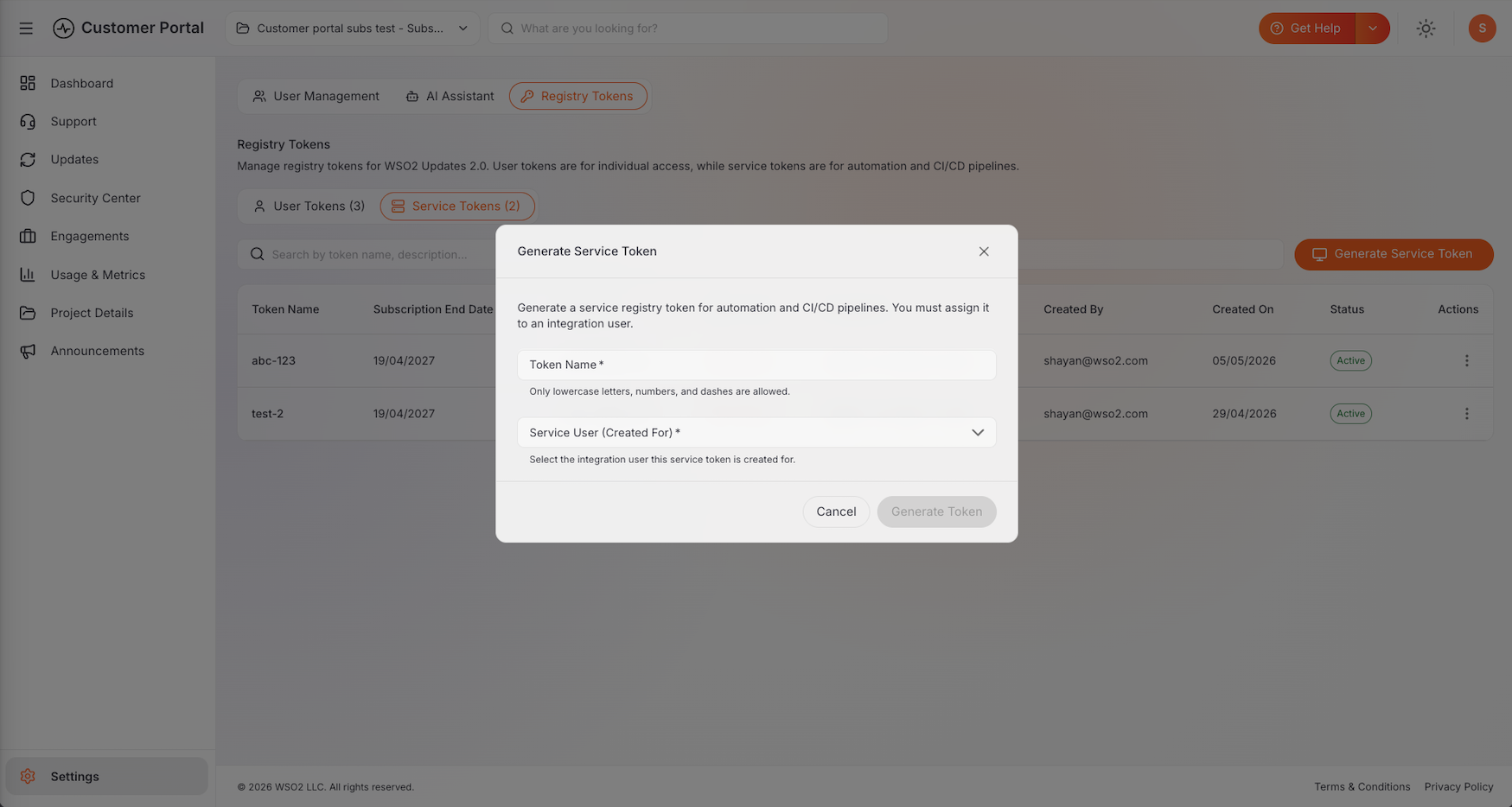
Generate Service Token
Service tokens are issued on behalf of service accounts that do not have Support Portal access.
To generate a new service token, follow these steps:
- Click the Generate Service Token button.
- Enter a descriptive Token Name.
- Select a Service User from the dropdown.
- Click the Generate Token button.
View and Manage All Tokens
Customer Admins can view and manage all tokens created within the project.
Each token displays the following details:
- Token Name
- Subscription End Date
- Products Associated With The Token
- Token Type
- Created For
- Created By
- Created On
- Token Status
Administrators can also perform the following actions on any token:
- Re-generate Secrets
- Delete Tokens
Was this page helpful?