Admin initiated password reset
You're reading Identity & Access Management 7.0.0. The newest release is 7.3.0, and Cloud has the newest features. Go to the newest release
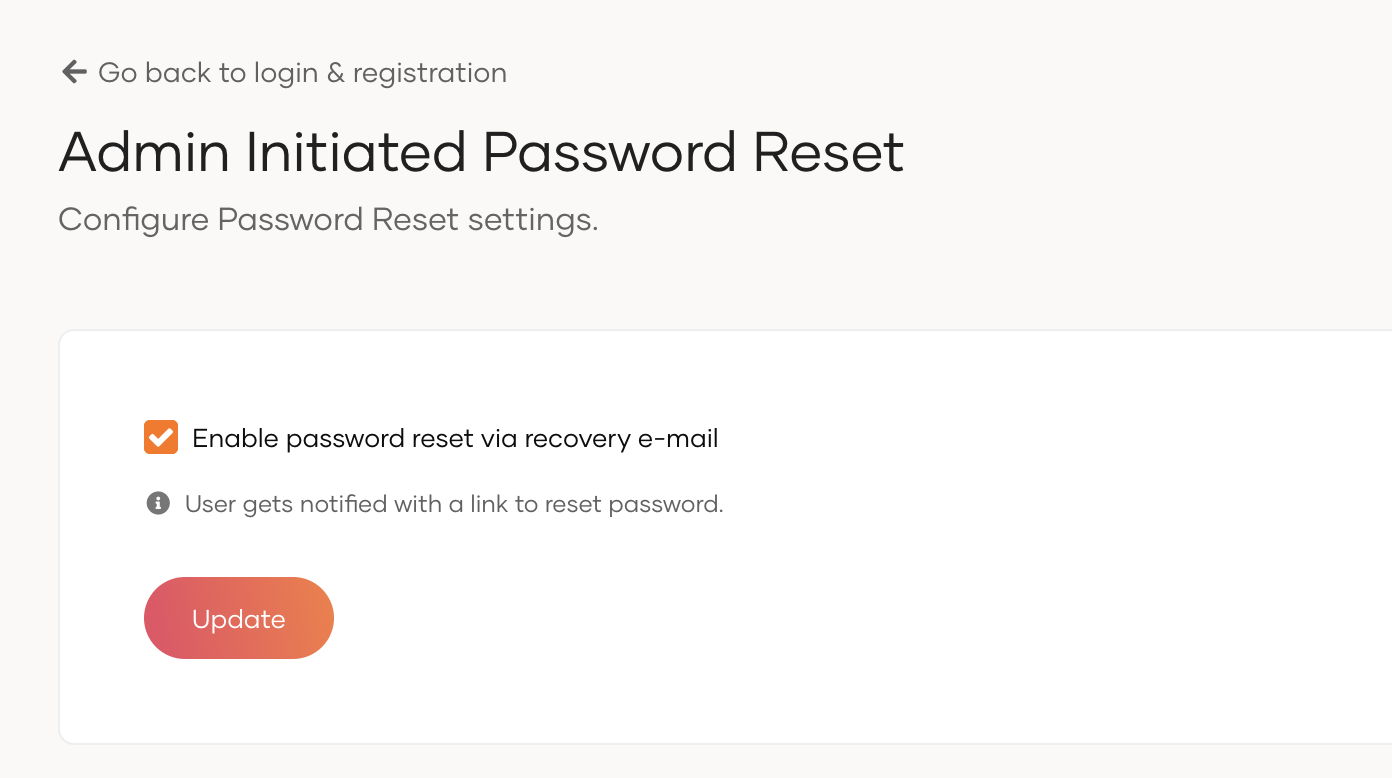
Administrators can initiate password reset for users. Once initiated, an email will be sent to the user with a password reset link which can be used to reset the password.
To configure admin-initiated password reset:
-
On the WSO2 Identity Server Console, go to Login & Registration.
-
Under Account Recovery, click on Admin Initiated Password Reset.
-
Check the option to Enable password reset via recovery email.
-
Click Update to save the changes.
info
Once an administrator initiates a password reset, the user's previous password will be invalidated immediately. The user must complete the password reset process using the provided method to regain access to their account.
Was this page helpful?