Password recovery
You may enable self-service password recovery for users so that they may reset their forgotten passwords right from the login page. Once enabled, users can click the Forgot password? option and receive a password reset link to their registered emails.
To do so,
-
On the WSO2 Identity Server Console, go to Login & Registration.
-
Under Account Recovery, click on Password Recovery.
-
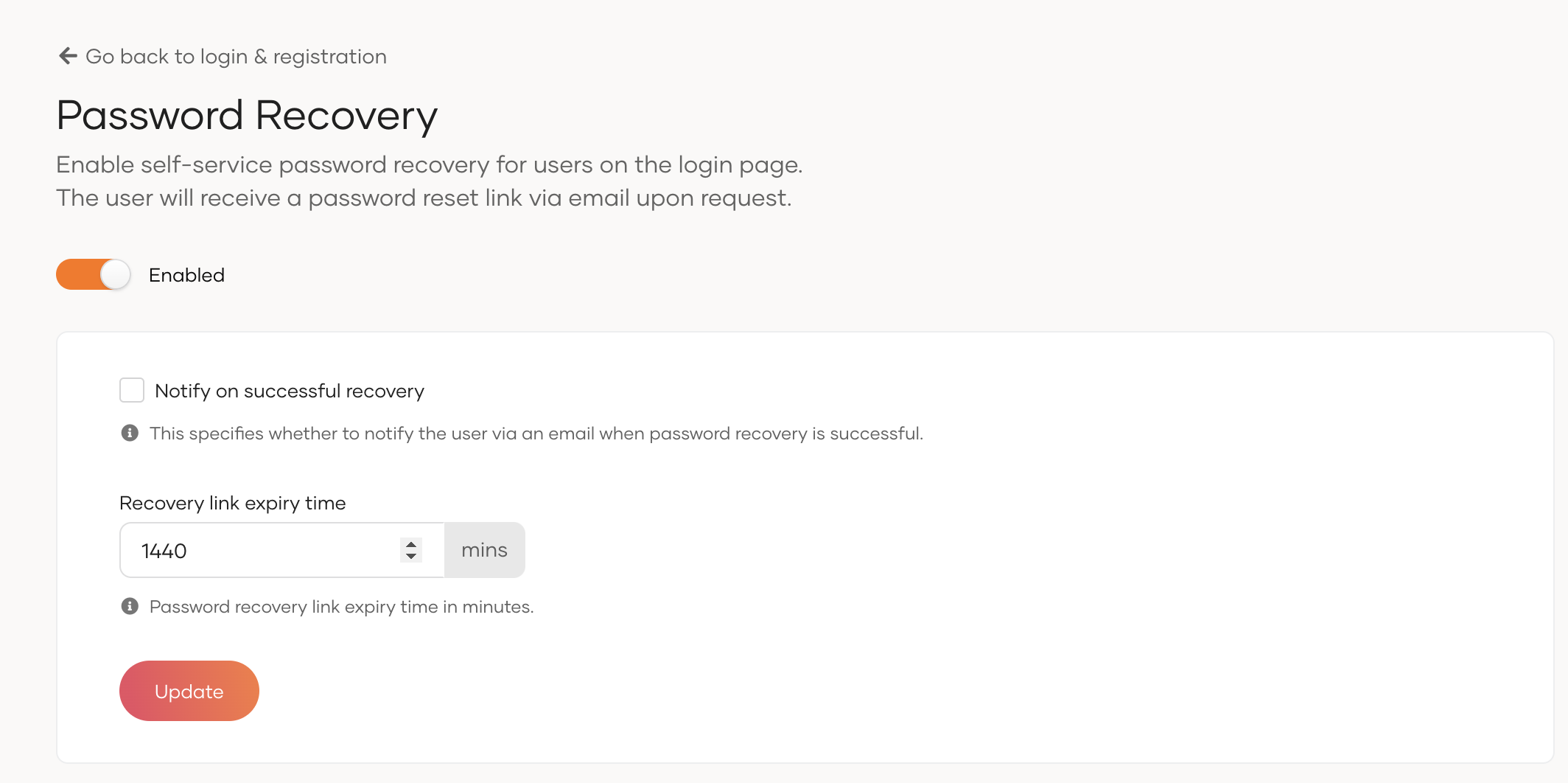
Toggle the switch on to enable password recovery.
-
Configure the following options:
Notify on Successful Recovery When checked, the user will be notified via email after a successful password recovery. Recovery Link Expiry Time Time in minutes until the password recovery link expires. -
Click Update to save the changes.
Configure callback URL validation
When running WSO2 Identity Server behind a proxy or with a different port configuration, you may encounter callback URL validation errors during the password recovery flow. To resolve this, you need to configure a regex pattern to validate the callback URL.
To configure the callback URL validation:
-
Open the
<IS_HOME>/repository/conf/deployment.tomlfile. -
Add the following configuration under the
[identity_mgt.recovery]section:[identity_mgt.recovery]callback_url = "${carbon.protocol}:\\/\\/${carbon.host}\\/.*"This regex pattern validates the callback URL sent in the password recovery email.
note- The sample regex pattern
${carbon.protocol}:\\/\\/${carbon.host}\\/.*works for most deployments. Modify it to meet your specific requirements. - When testing the product, you can use
^https:\/\/localhost:9443\/.*as the callback URL regex. - For production deployments, ensure the regex pattern matches your actual deployment URLs.
- This configuration also applies to username recovery.
- The sample regex pattern
-
Save the file and restart WSO2 Identity Server for the changes to take effect.
Was this page helpful?