Configure username validation
Your WSO2 Identity Platform organization could allow a user to log in with a custom alphanumeric username instead of an email address.
Follow the steps given below to change the username type for the users.
-
On the WSO2 Identity Platform Console, go to Login & Registration.
-
Under Login Identifier, click on Username Validation
-
Select Custom and configure the minimum and maximum length for a username.
Use special characters in usernamesWSO2 Identity Platform allows the use of the following special characters for custom usernames:
! @ # $ & ' + \ = ^ . { | } ~ -To enable the usage of special characters uncheck the Restrict to alphanumeric (a-z, A-Z, 0-9) checkbox.
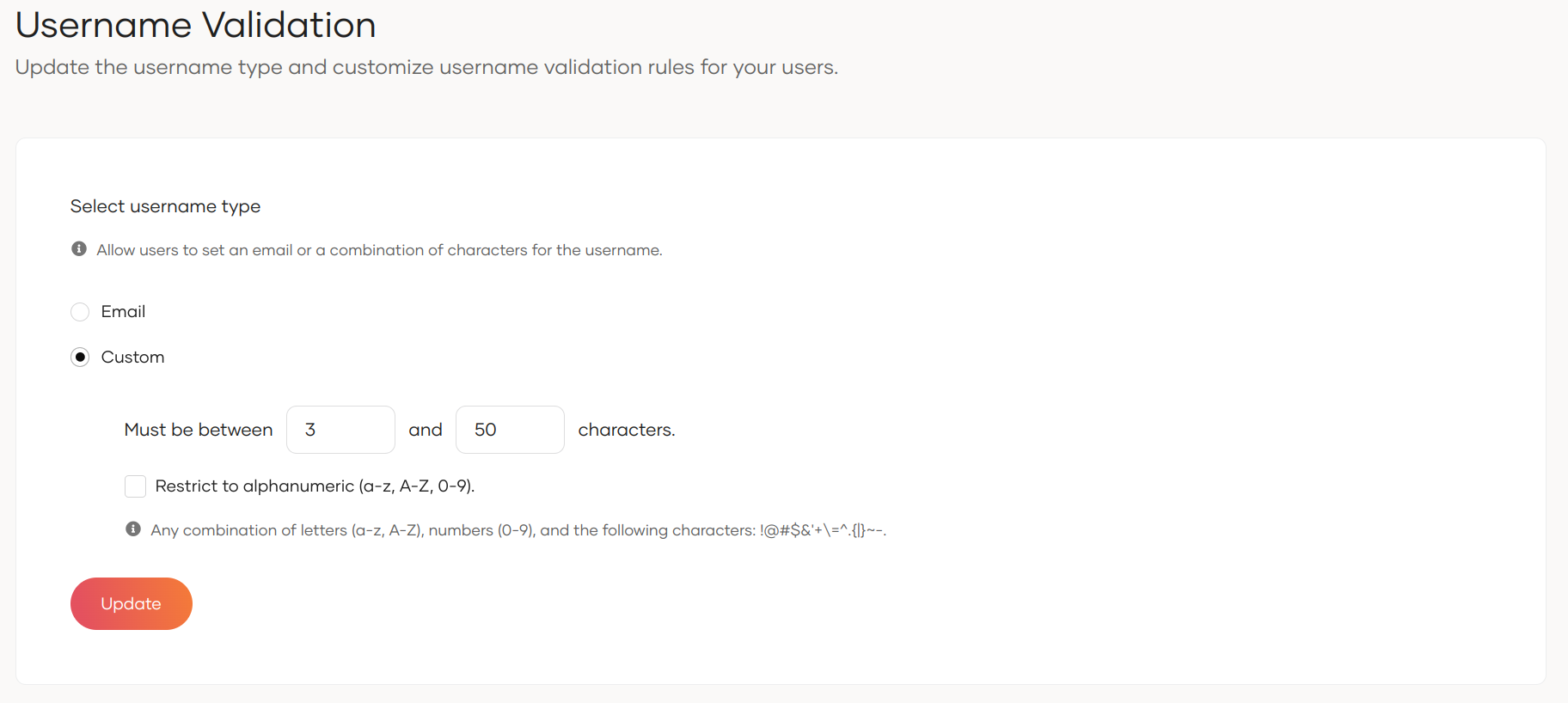
-
Click Update to save the changes.
If you select Custom as the username type, and not make the Email attribute mandatory for users, the following features will not be available for users who do not configure an email address.
- Email Notifications
- Password recovery
- Authentication with Magic Link, Email OTP
Learn how to update attribute properties.
Was this page helpful?