Manage linked social accounts
You're reading Identity & Access Management 7.0.0. The newest release is 7.3.0, and Cloud has the newest features. Go to the newest release
Users can use the My Account portal to change the password by following the steps below.
Given below are the steps to follow.
-
Sign in to the My Account portal.
-
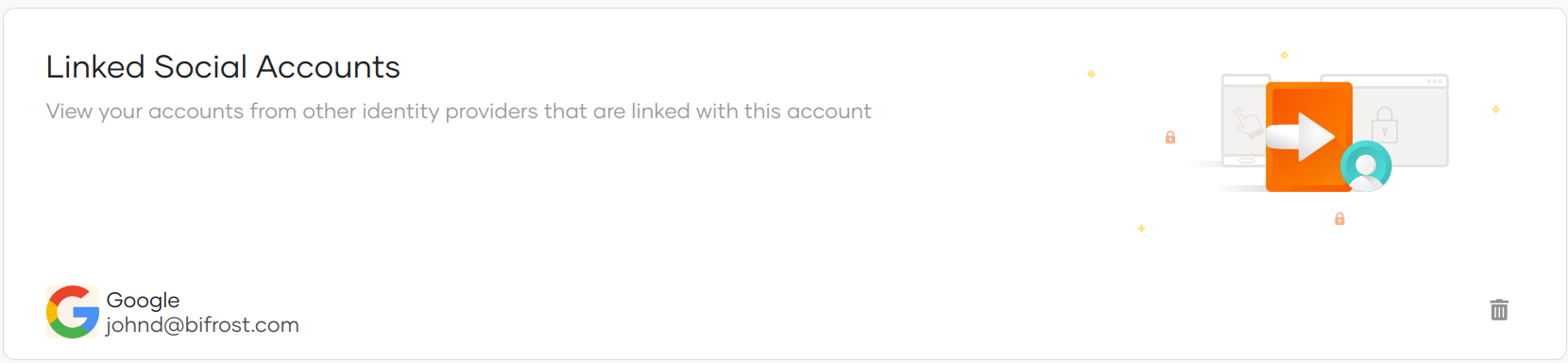
Click Personal Info > External Logins.
-
To remove any of the linked accounts, click Remove.
Was this page helpful?