Enroll passkeys
You're reading Identity & Access Management 7.0.0. The newest release is 7.3.0, and Cloud has the newest features. Go to the newest release
Application users can use the My Account portal to enroll their passkeys for passwordless login.
-
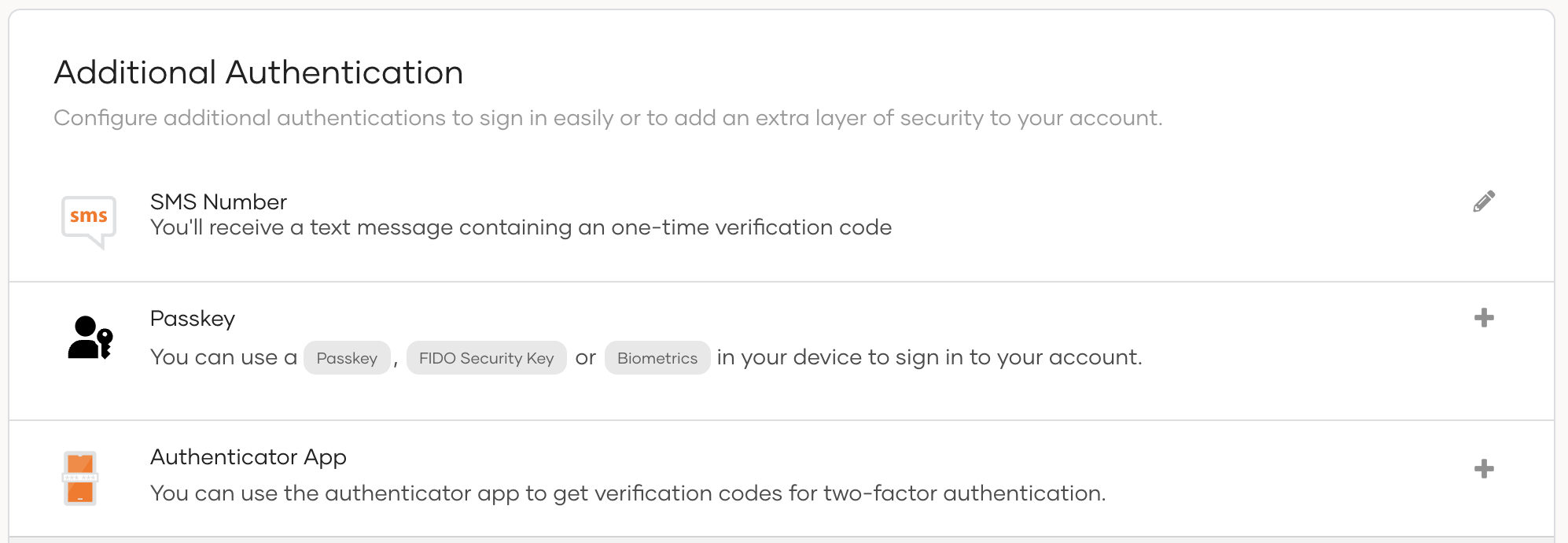
In the user's My Account portal, go to Security > Additional Authentication.
-
Click the + icon next to Passkey and follow the instructions given by the browser.
-
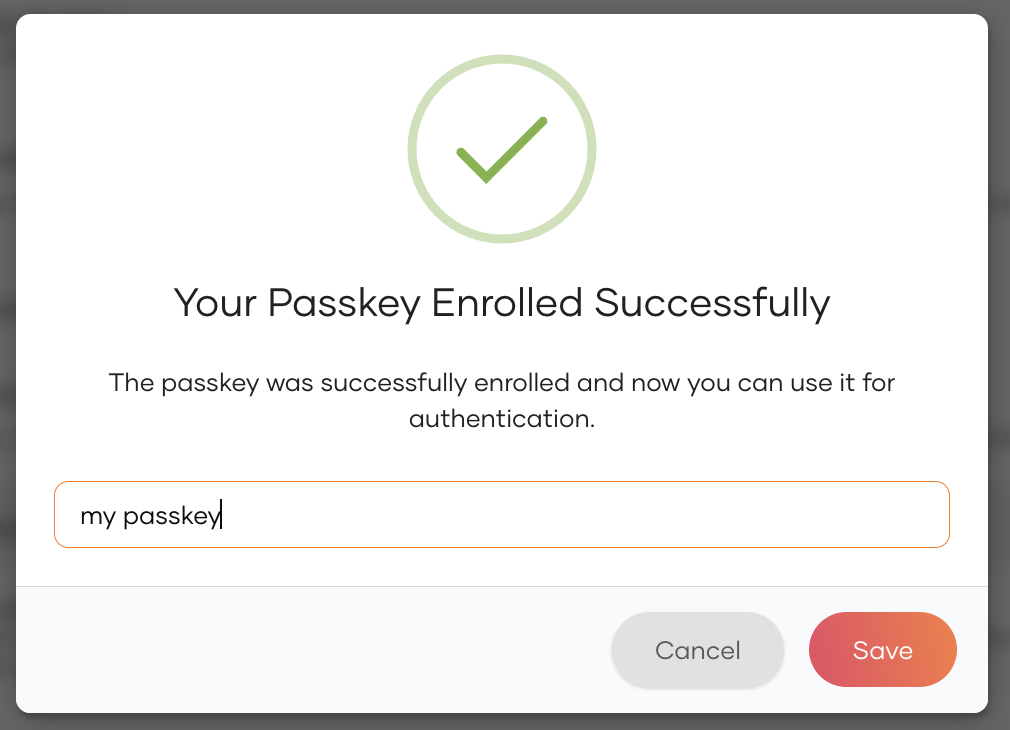
Once it's done, you will get the following prompt.
-
Provide a name for your device and click Save.
Was this page helpful?