Register a mobile app
To add login to your mobile application with WSO2 Identity Server, you need to first register your app in WSO2 Identity Server.
Your app will be registered as an OpenID Connect mobile app and a client ID will be issued. Note that client secrets are not issued for mobile apps since they are public clients. However, the PKCE (Proof Key for Code Exchange) extension is enabled by default as a security measure.
Register the app
To register the app:
-
On the WSO2 Identity Server Console, go to Applications.
-
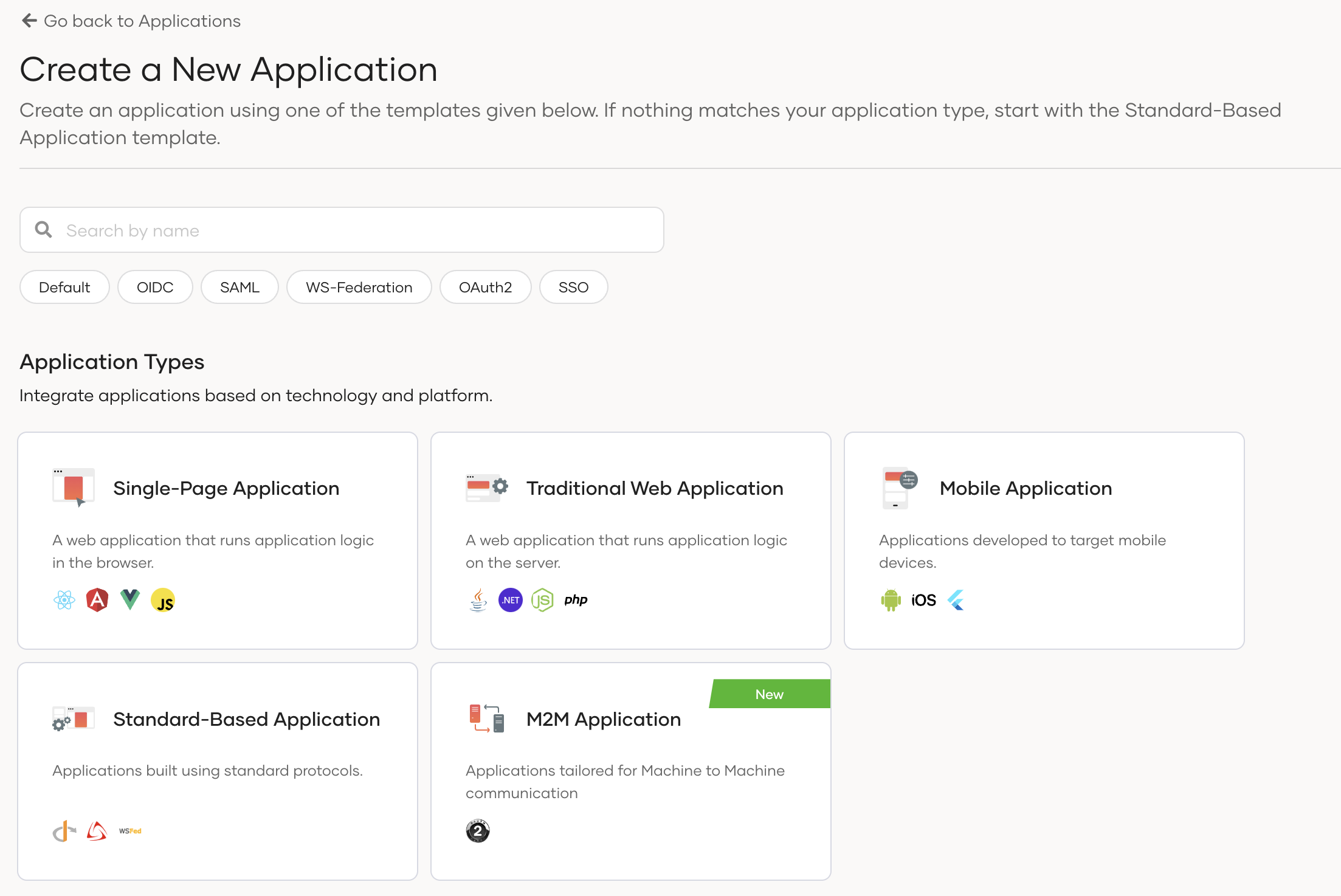
Click New Application and select Mobile Application.
-
Enter the following details:
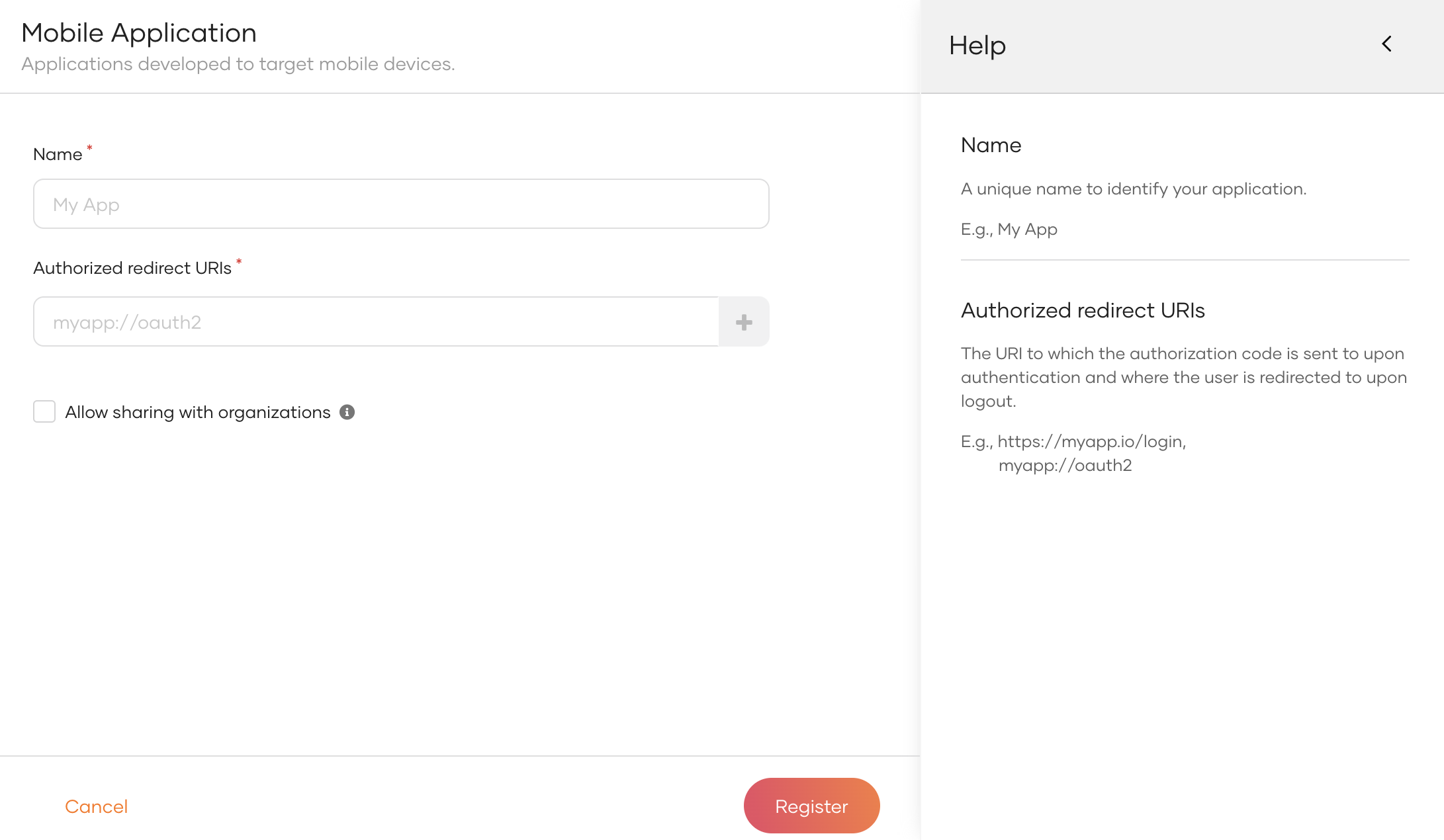
Parameter Description Name A unique name to identify your application. Authorized redirect URLs The URL to which the authorization code is sent to upon user authentication and where the user is redirected to upon logout. If wildcard support is necessary, ensure it is limited to well-defined patterns and implemented securely to meet your specific requirements. Allow sharing with organizations Enable this to share the new application with all or any selected B2B organizations that belong to your primary organization. -
Click Register to complete the registration.
Sharing with selected organizations
If you have enabled Allow sharing with organizations while registering the application, you will see a popup window with the following options.
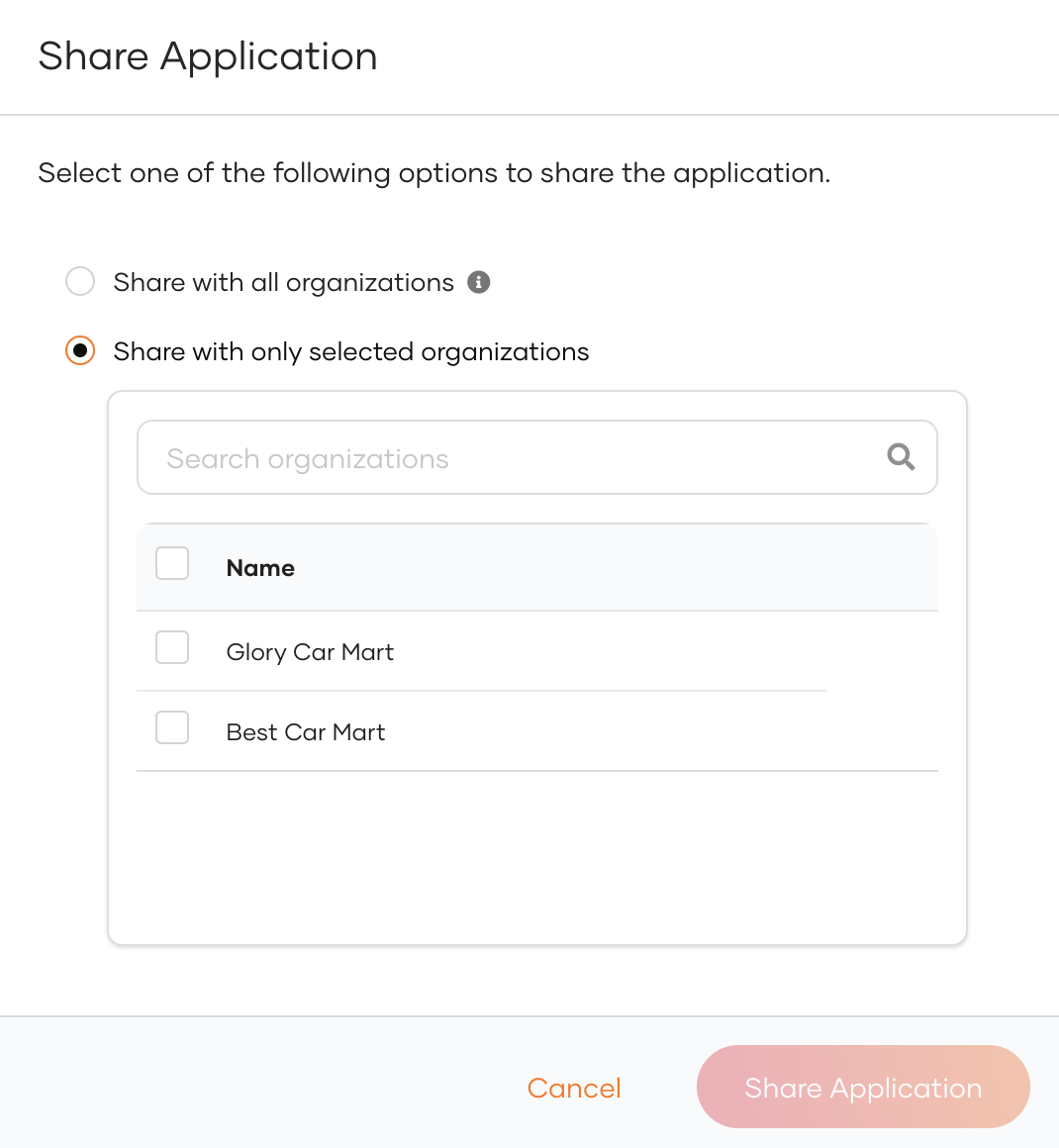
Option Description Share with all organizations If selected, the application will be shared with all existing organizations and any new organizations you may create in the future. Share with only selected organizations If selected, you can select the organizations you wish to share the application with. -
Enable the application when it is ready for use.
Get the client ID
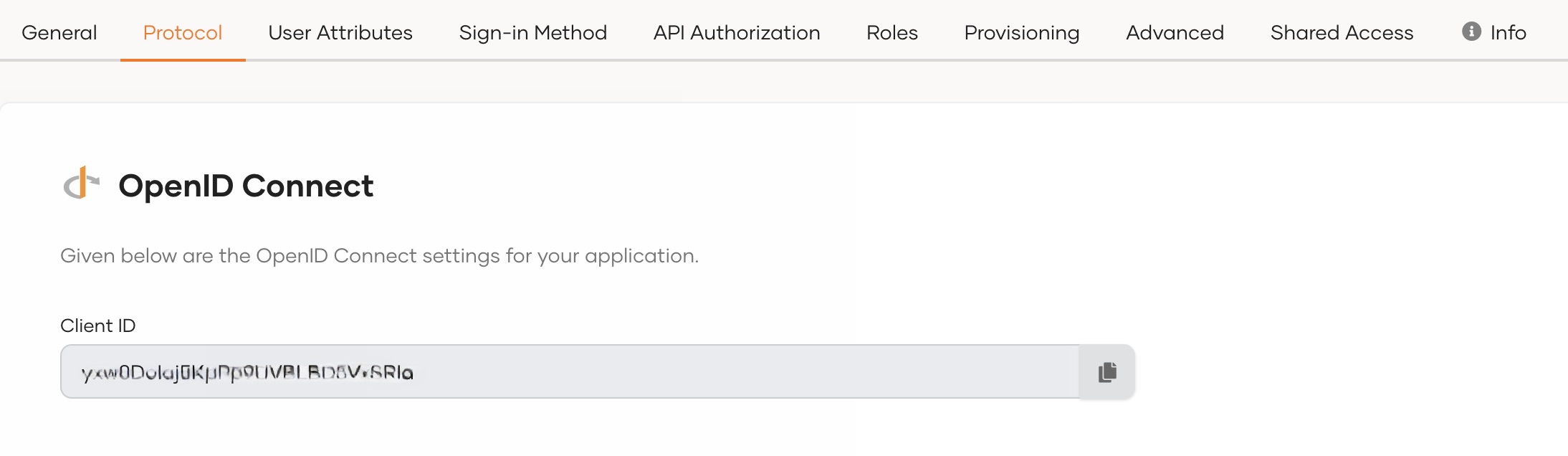
When you register your mobile application, a client ID is generated. Your mobile application will identify itself to WSO2 Identity Server with this client ID.
You can get this client ID from the Protocol tab of the application as shown below.
What's next?
Was this page helpful?