Bot detection
Cloud has the newest features. Some may not be in a release yet; the newest release is Identity & Access Management 7.3.0.
This guide explains how you can enable bot detection for your applications to mitigate abuse from bots and other automated attacks. WSO2 Identity Platform supports reCAPTCHA, a service provided by Google which can protect your applications from spam or other forms of internet abuse by distinguishing human requests from automated ones.
Enable reCAPTCHA from the Console
To enable bot detection, proceed with the following:
- On the WSO2 Identity Platform Console, go to Login & Registration > Login Security > Bot Detection.
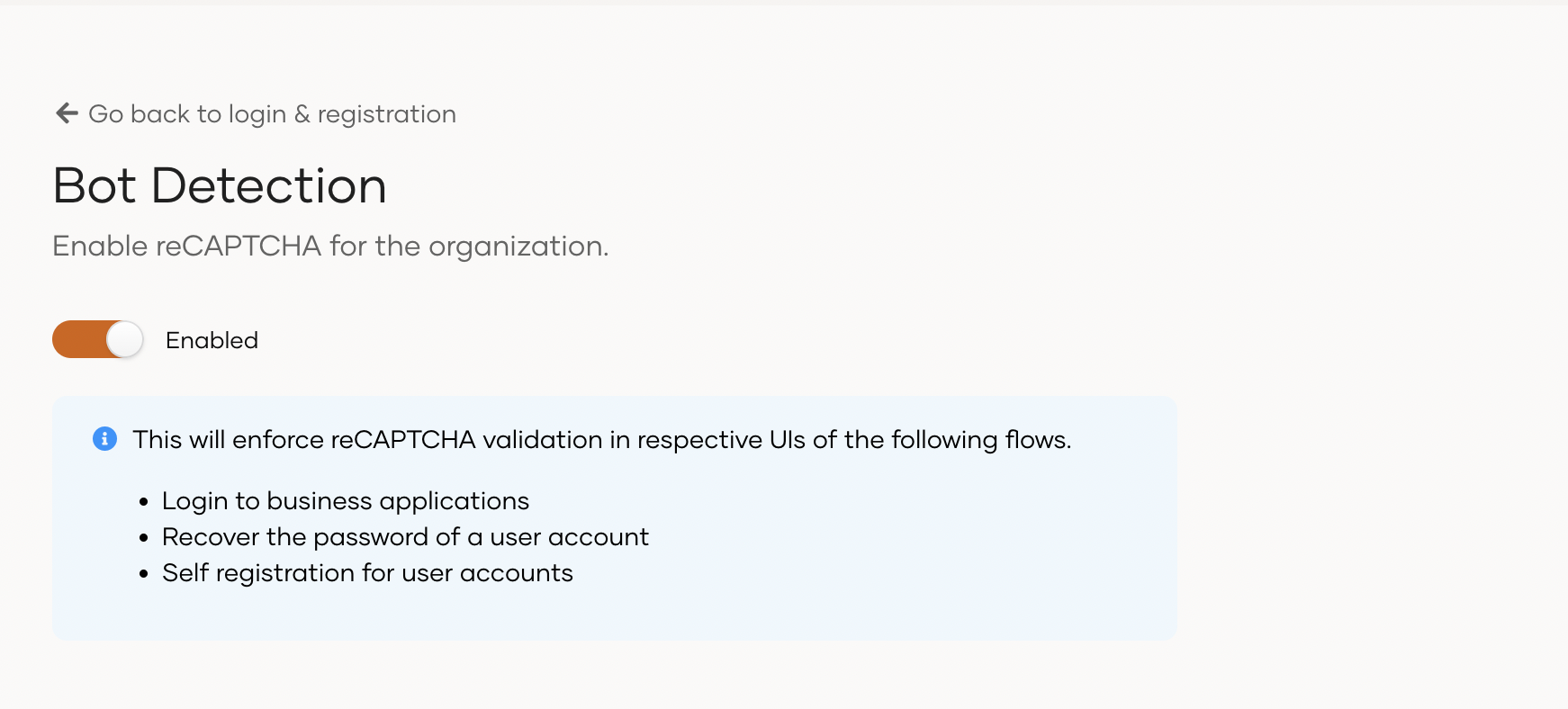
- Toggle the switch on to activate reCAPTCHA for your organization.
tip
Bot detection enables reCAPTCHA for the following flows:
- Single sign-on (SSO)
- Self-registration
- Password recovery
- Account recovery
Was this page helpful?