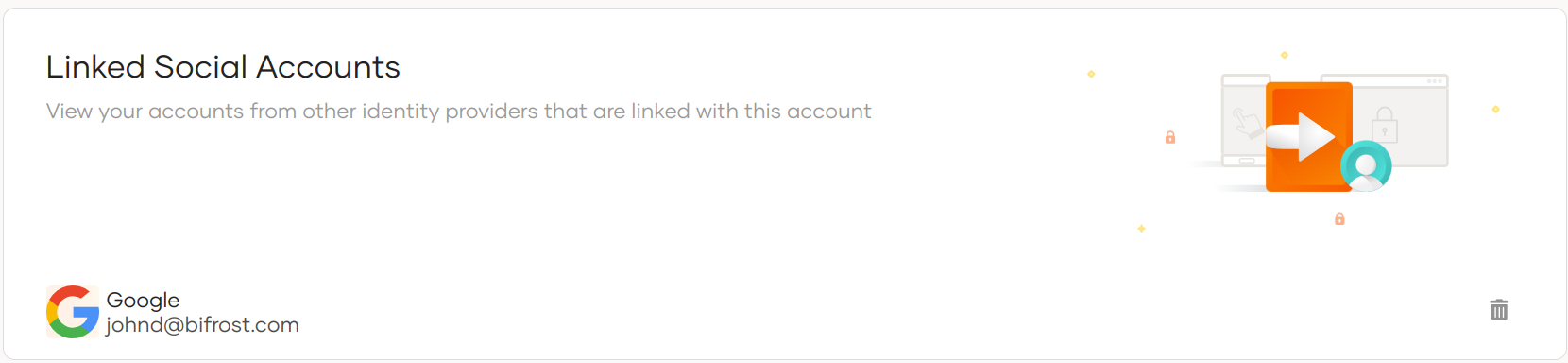
Manage linked social accounts
Cloud has the newest features. Some may not be in a release yet; the newest release is Identity & Access Management 7.3.0.
Users can use the My Account portal to change the password by following the steps below.
Given below are the steps to follow.
-
Sign in to the My Account portal.
-
Click Personal Info > External Logins.
-
To remove any of the linked accounts, click Remove.
Was this page helpful?