Manage login sessions
Cloud has the newest features. Some may not be in a release yet; the newest release is Identity & Access Management 7.3.0.
Users can manage their own sessions via My Account by following the steps below:
-
Sign in to the My Account portal.
-
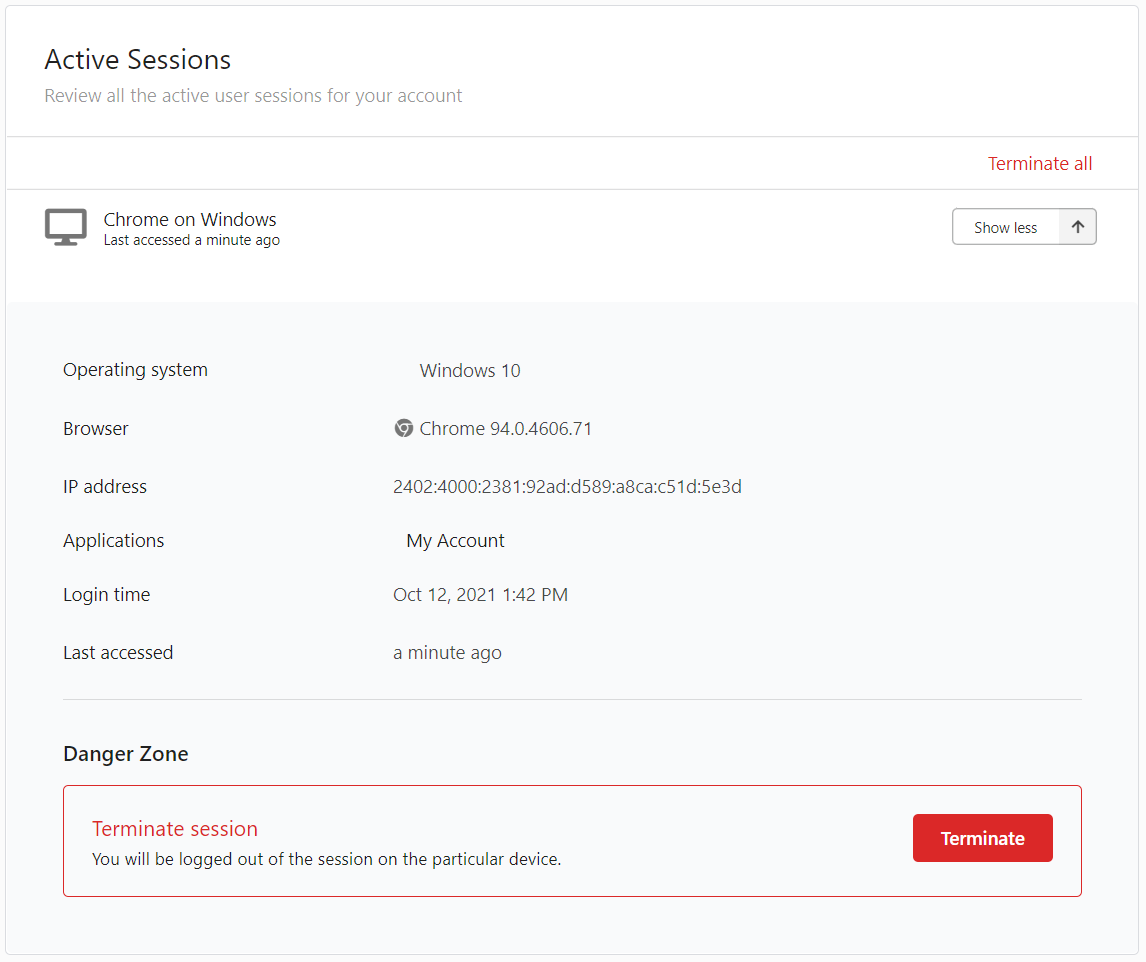
Go to Security and go to Active Sessions. This section lists all the active login sessions of the user.
-
Click Show more on an individual session to get more details on it.
-
To terminate sessions, users can do one of the following:
-
Click Terminate on a selected session to terminate only that session.
-
Click Terminate all on the upper-right corner to terminate all active sessions.
-
Was this page helpful?