Enroll passkeys
Cloud has the newest features. Some may not be in a release yet; the newest release is Identity & Access Management 7.3.0.
Application users can use the My Account portal to enroll their passkeys for passwordless login.
-
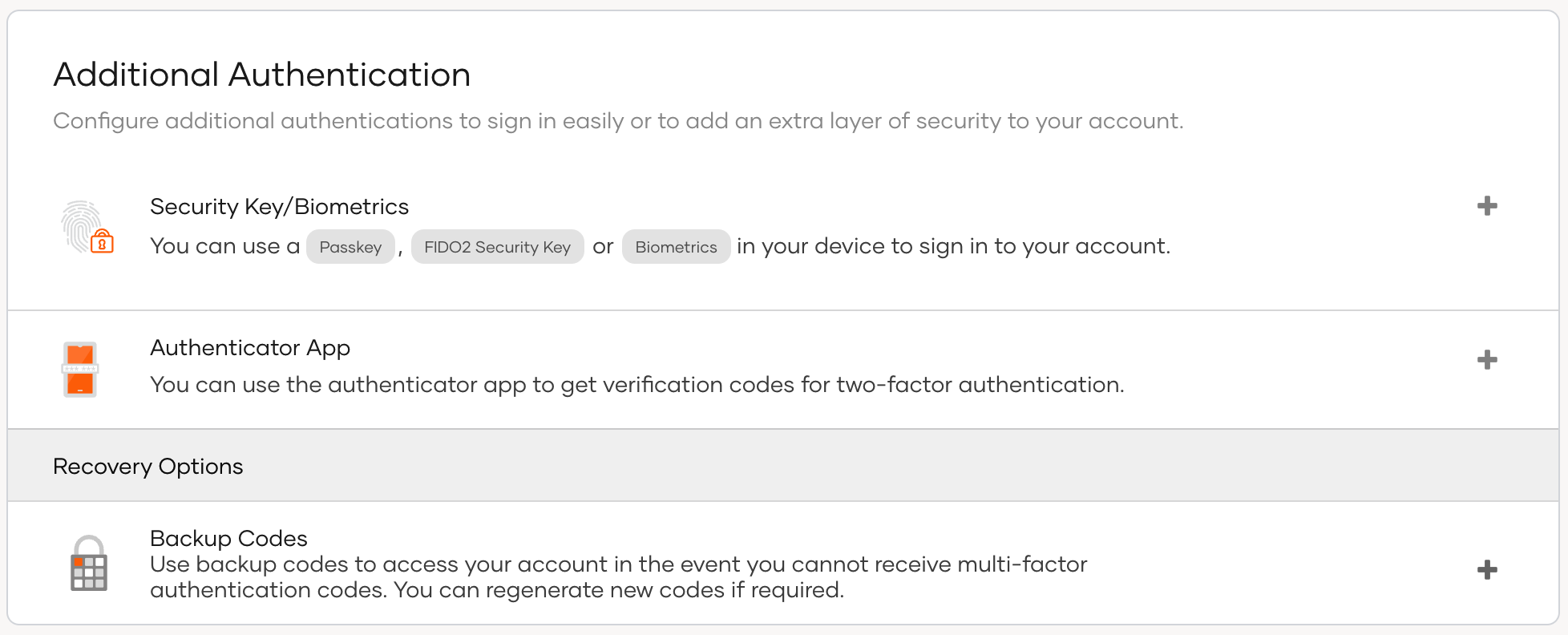
In the user's My Account portal, go to Security > Additional Authentication.
-
Click the + icon next to Passkey and follow the instructions given by the browser.
-
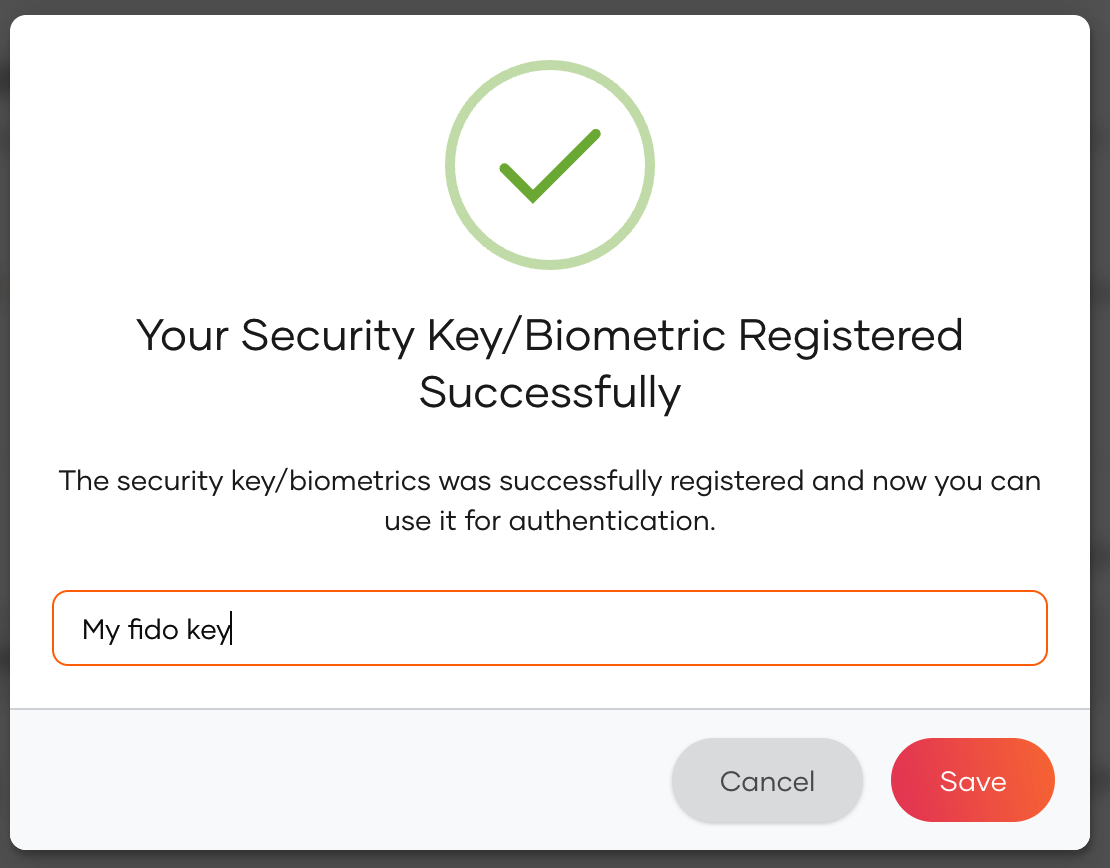
Once it's done, you will get the following prompt.
-
Provide a name for your device and click Save.
Was this page helpful?