Add Email OTP login
Email OTP is a form of passwordless authentication. It allows users to log in by providing a one-time passcode sent to their email instead of entering a password.
Prerequisites
- To get started, you need to register an application with WSO2 Identity Platform. You can register your own application or use one of the sample applications provided.
-
You need to have a user account in WSO2 Identity Platform. If you don't already have one, create a user account in WSO2 Identity Platform.
noteYou cannot use an administrator account to log in to an application.
Enable Email OTP login for an app
Follow the steps given below to add Email OTP login to the login flow of your application.
-
On the WSO2 Identity Platform Console, go to Applications.
-
Select the application to which you wish to add email OTP login.
-
Go to the Login Flow tab of the application and add email OTP login as follows:
- Visual Editor
- Classic Editor
To add passwordless login with email OTP using the Visual Editor:
-
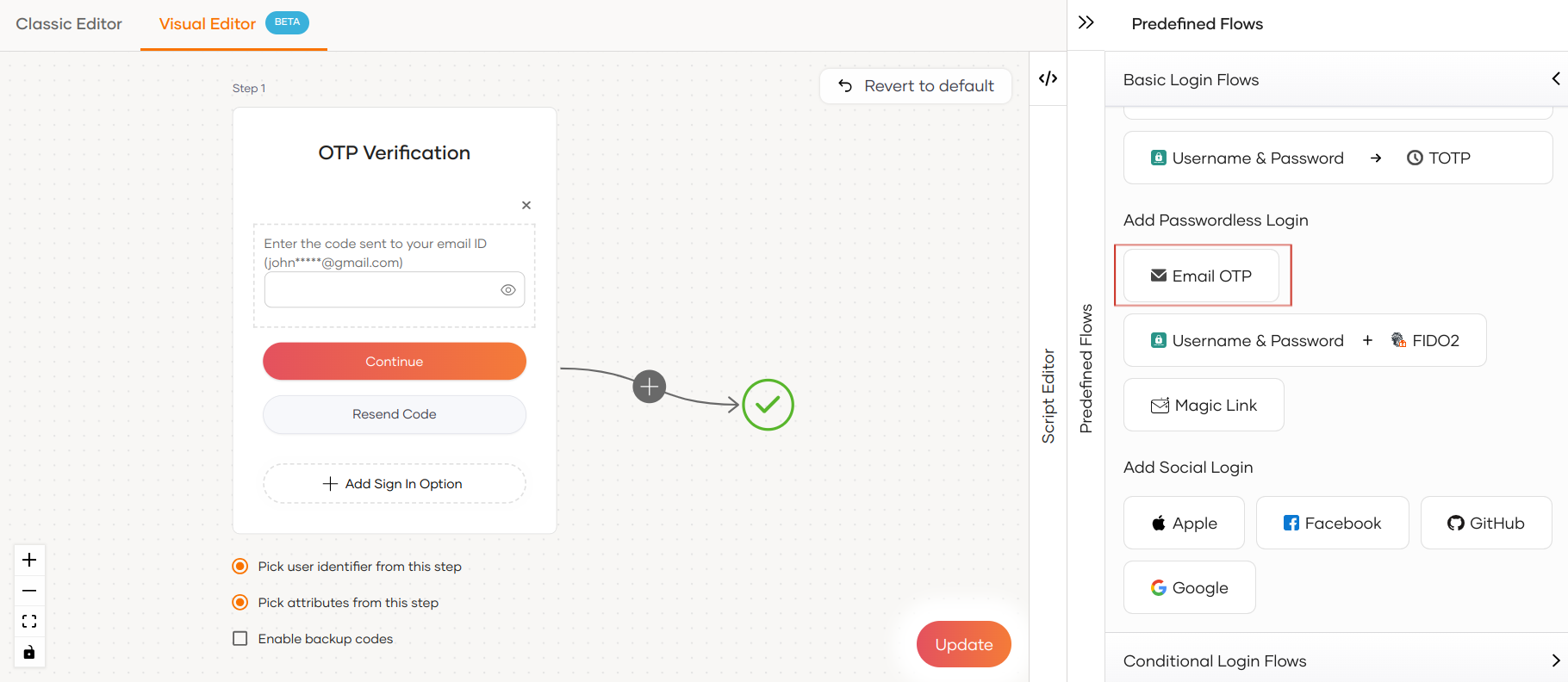
Switch to the Visual Editor tab and go to Predefined Flows > Basic Flows > Add Passwordless login.
-
Select Email OTP.
-
Click Confirm to add passwordless login with email OTP to the sign-in flow.
-
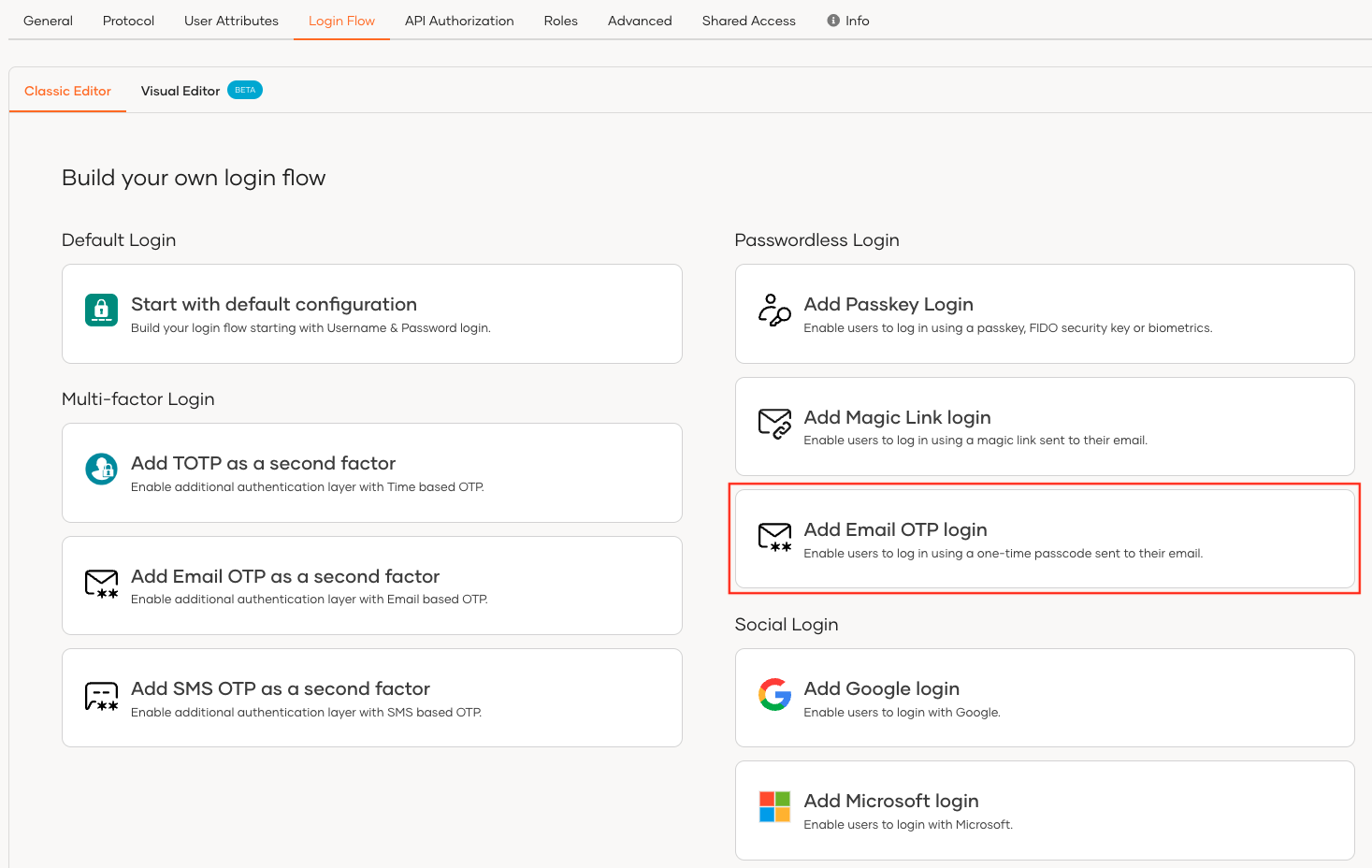
If you haven't already built a login flow for your application, select Add Email OTP login to build one.
-
If you have an already built login flow, add the Email OTP authenticator as the first authentication step.
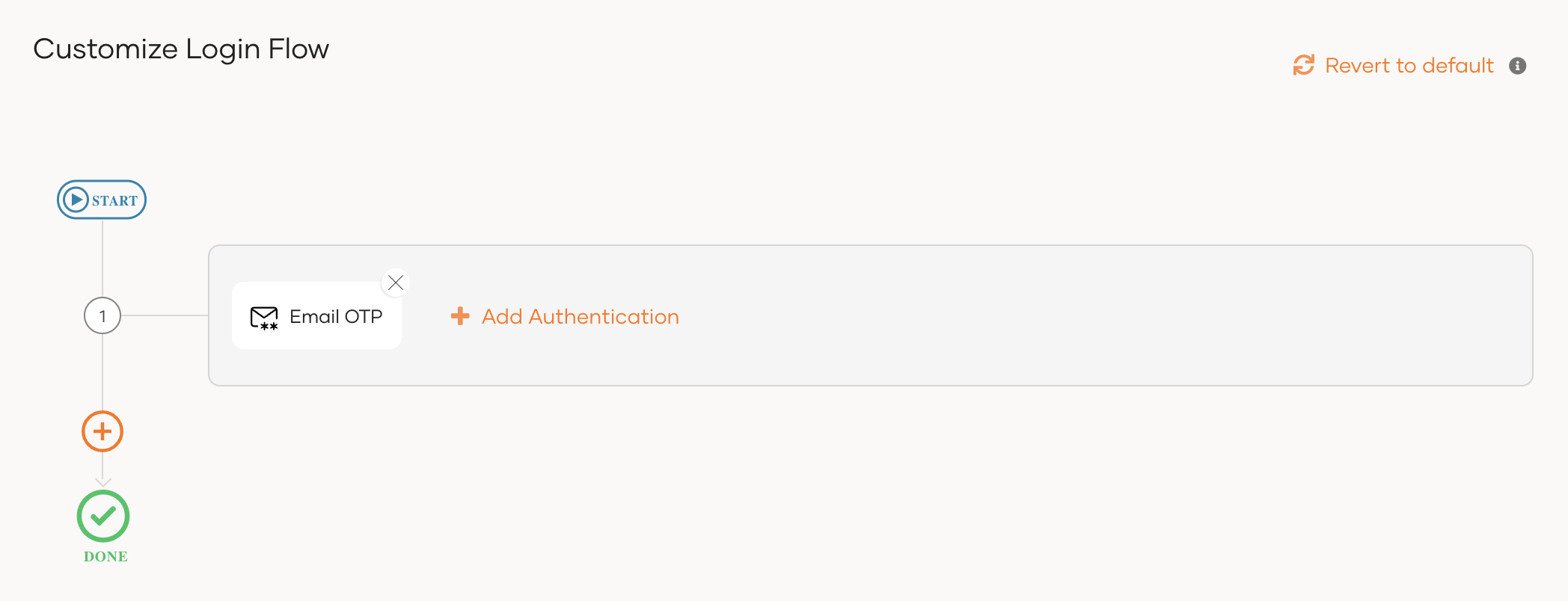
- Click Update to save your changes.
Try it out
Follow the steps given below.
-
Access the application URL.
-
Click Login to open the WSO2 Identity Platform login page.
-
On the WSO2 Identity Platform login page, enter your username and press Continue.
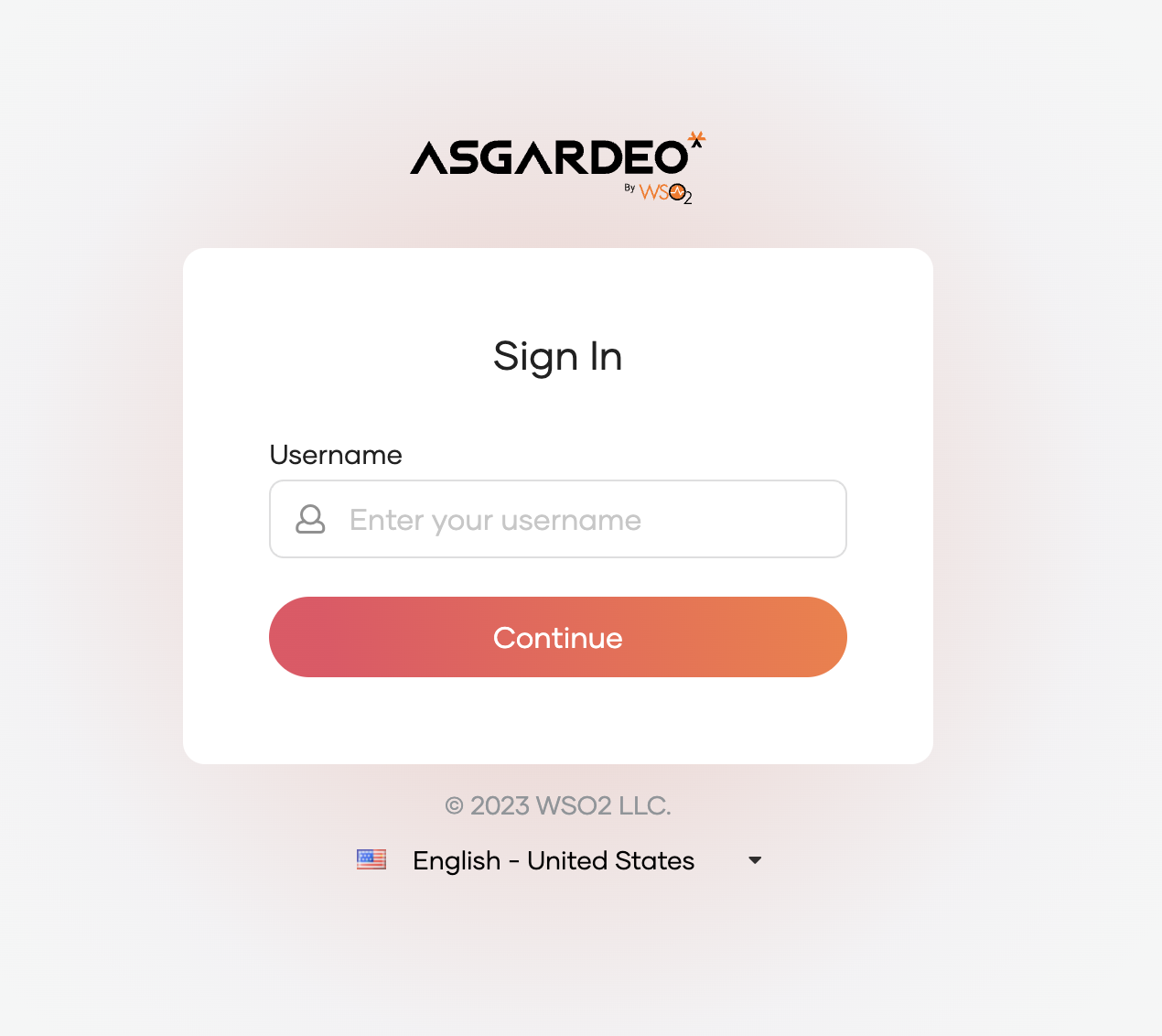
You will be redirected to the below email OTP page.
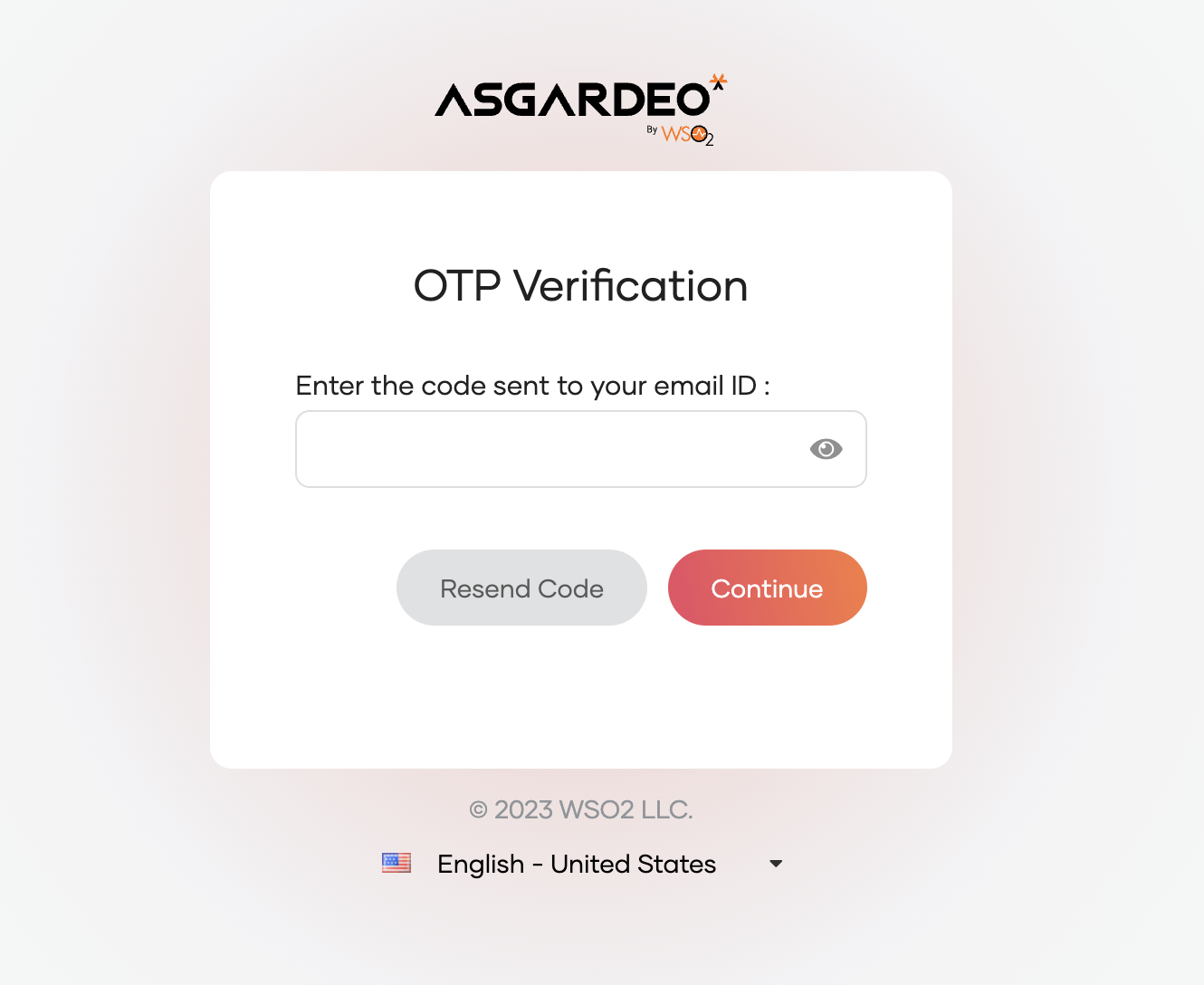
-
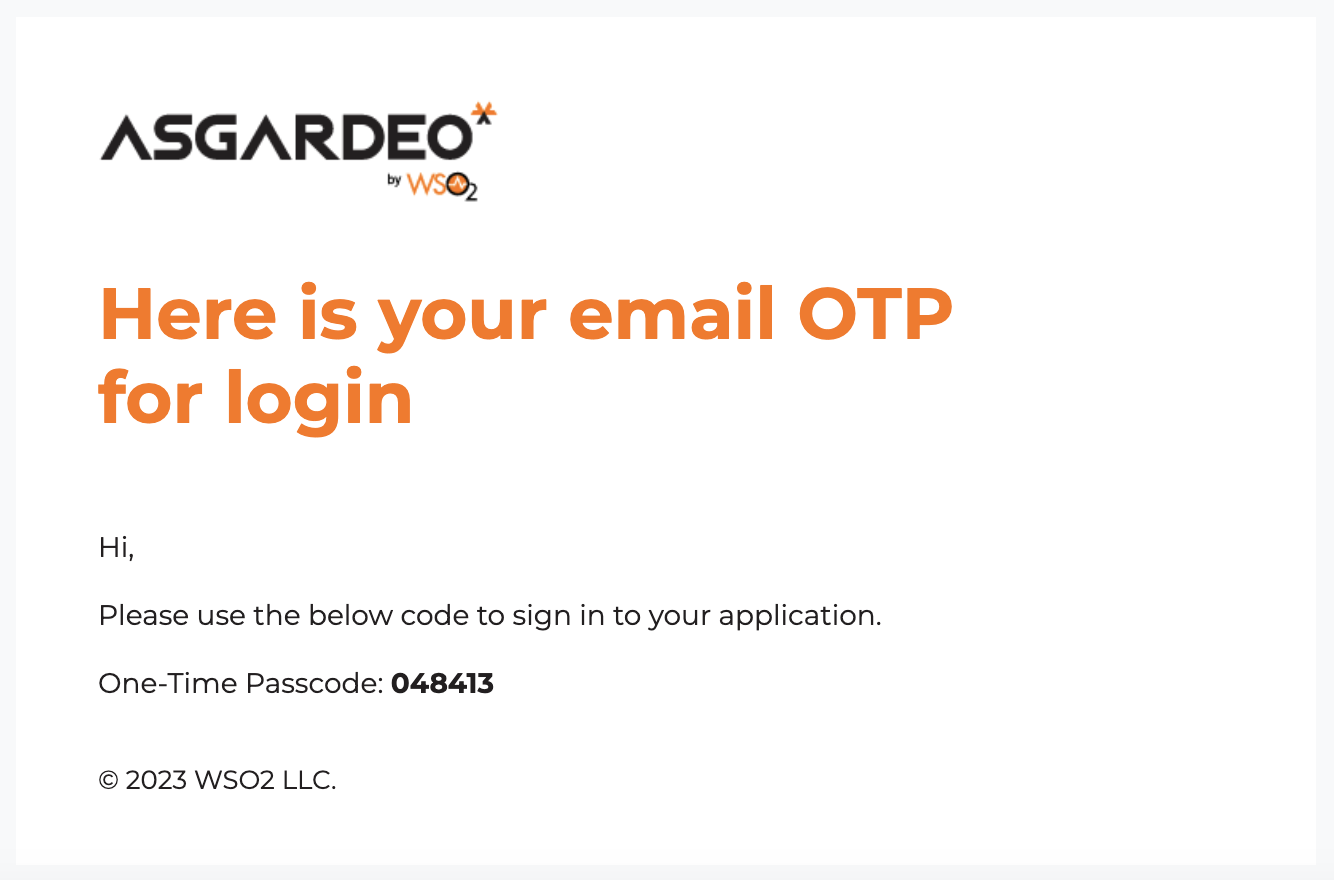
Check your inbox for the email containing the one-time passcode. The email reads as follows.
-
Enter the received passcode in the email OTP page and click on Continue.
Was this page helpful?