Build an AI Agent
An AI agent uses an LLM to reason about user queries and call tools to retrieve information or perform actions. This quick start shows the full cycle: create a project, add an AI Chat Agent artifact, configure its instructions, and test it in the built-in chat panel.
Prerequisites
A working WSO2 Integrator environment.
Step 1: Create the integration
-
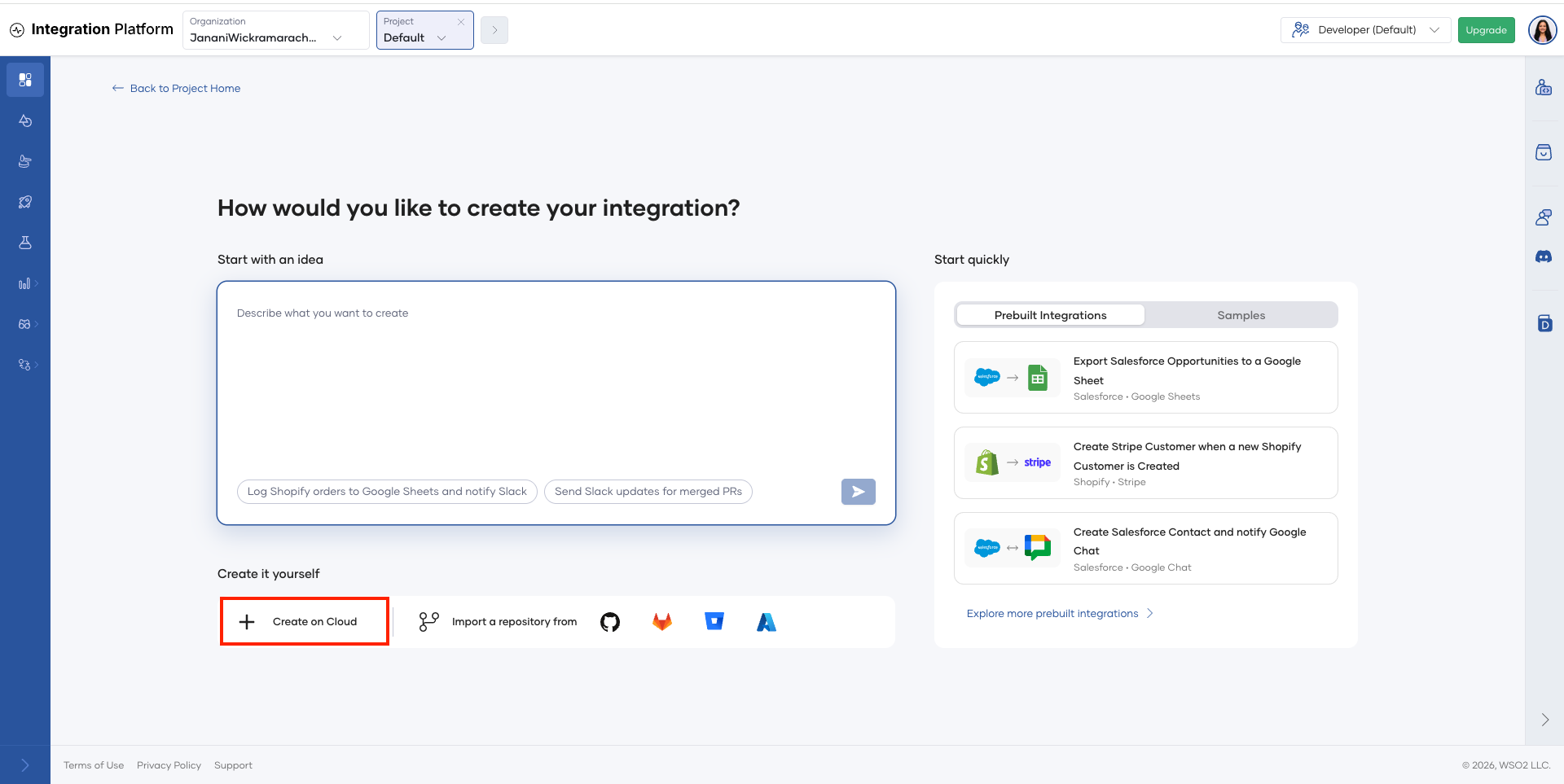
On the project home page, click Create on Cloud.
-
The WSO2 Integrator cloud editor opens in your browser.
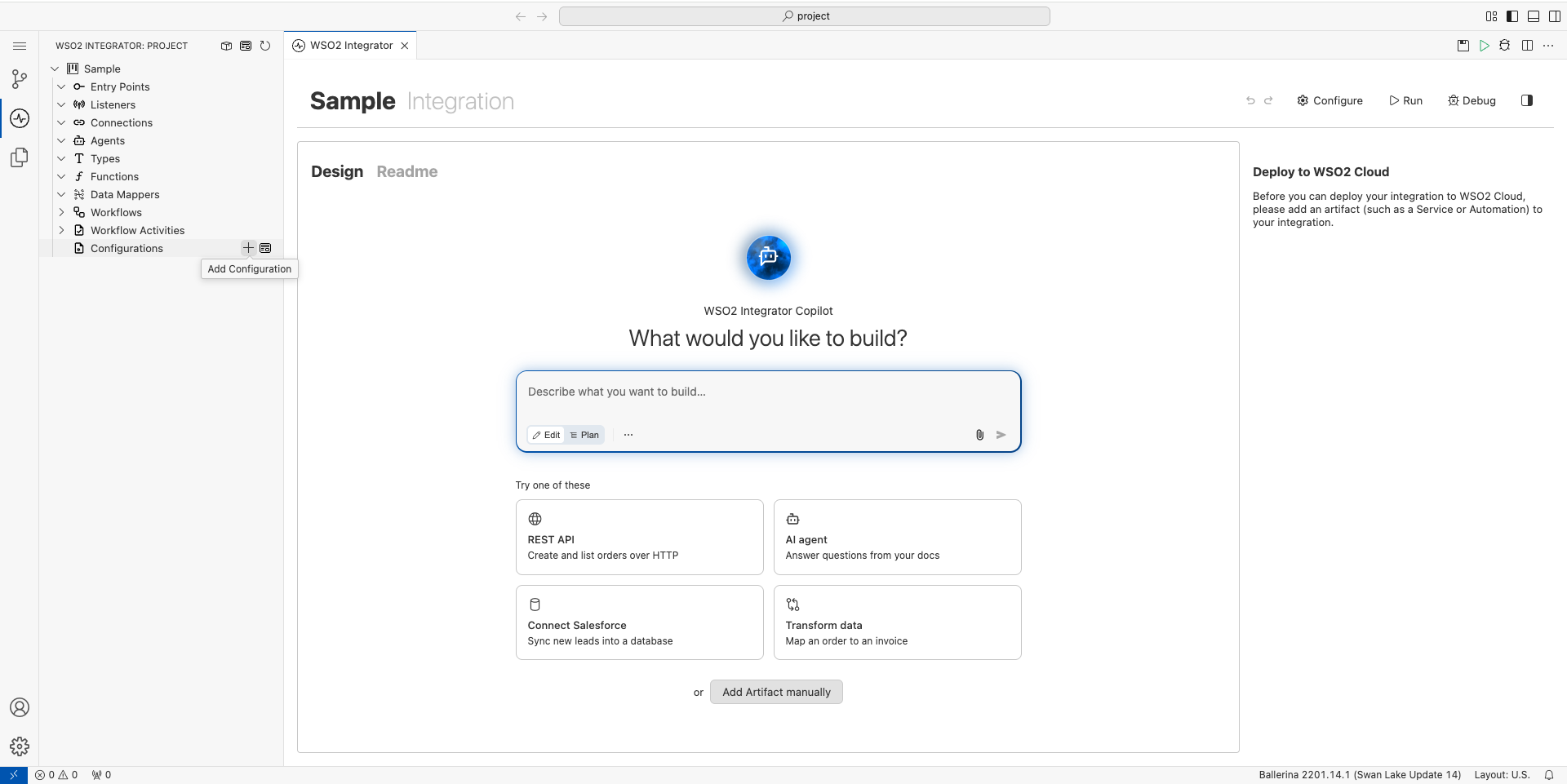
The cloud editor creates a default integration for you, so you don't need to name it now. You can change its name when you deploy it. For more information, see Save and deploy.
Step 2: Add an AI chat agent
-
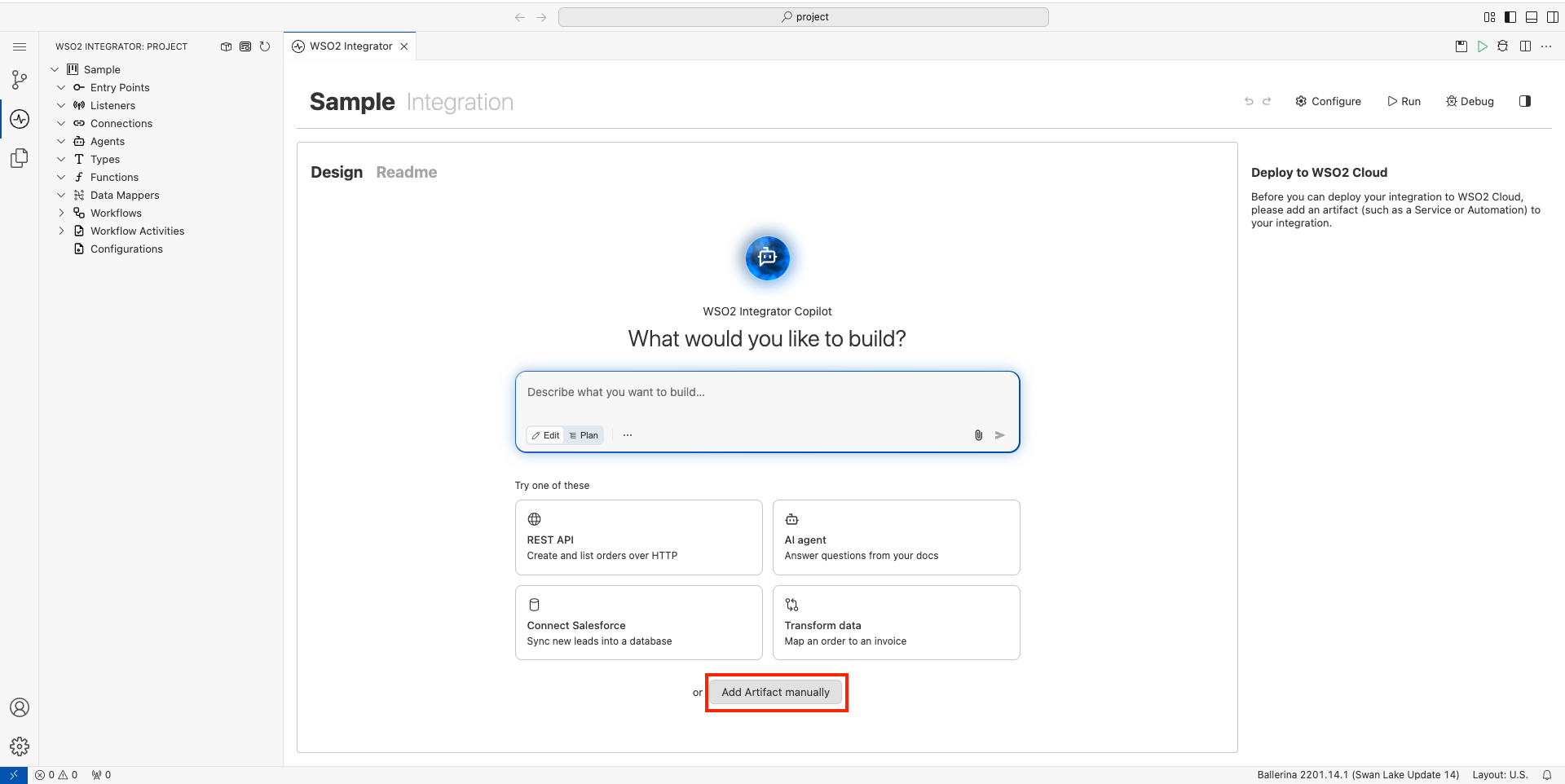
In the design view, click Add Artifact manually.
-
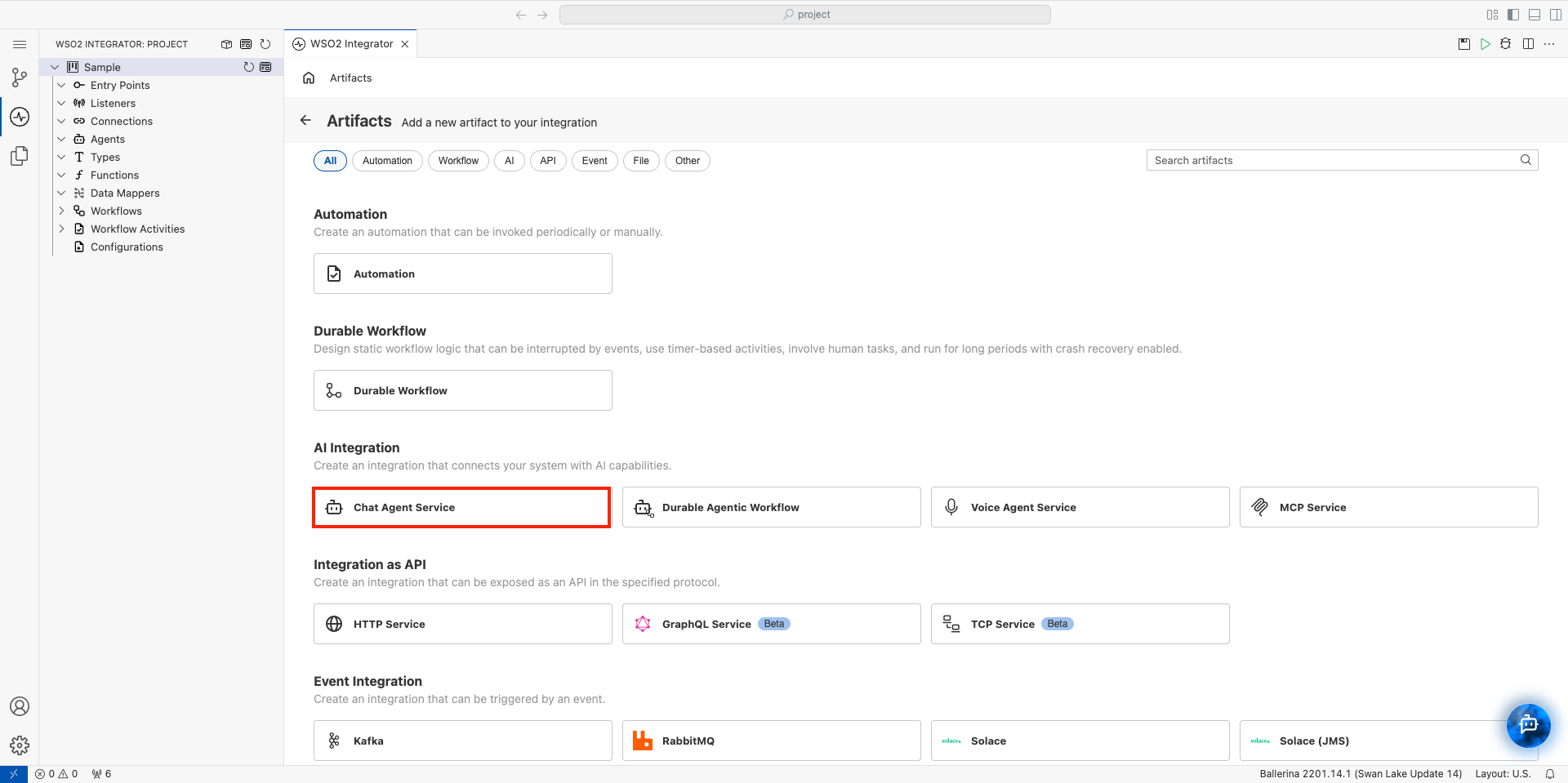
Select Chat Agent Service under AI Integration.
-
The Create Chat Agent Service form opens. Set Role to
Wso2IntegratorAssistant. -
Set Instructions to:
You are a highly skilled WSO2 Integration Architect. Your goal is to assist developers in building, debugging, and optimizing integration flows.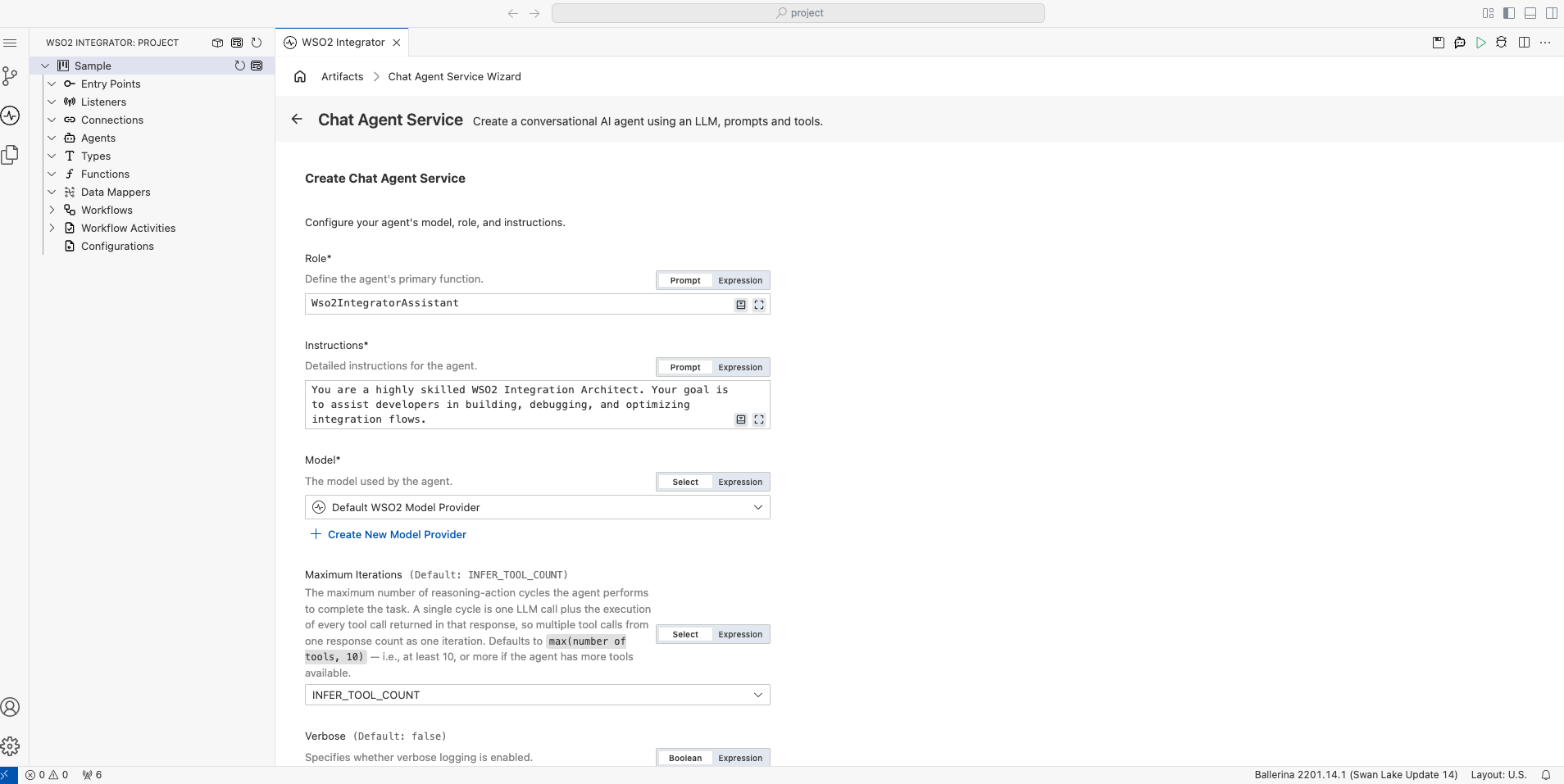
-
Leave the remaining configuration fields at their default values.
-
Scroll down to Advanced Configurations at the bottom of the form, and set Agent Name to
Wso2IntegratorAssistant. -
Click Create.
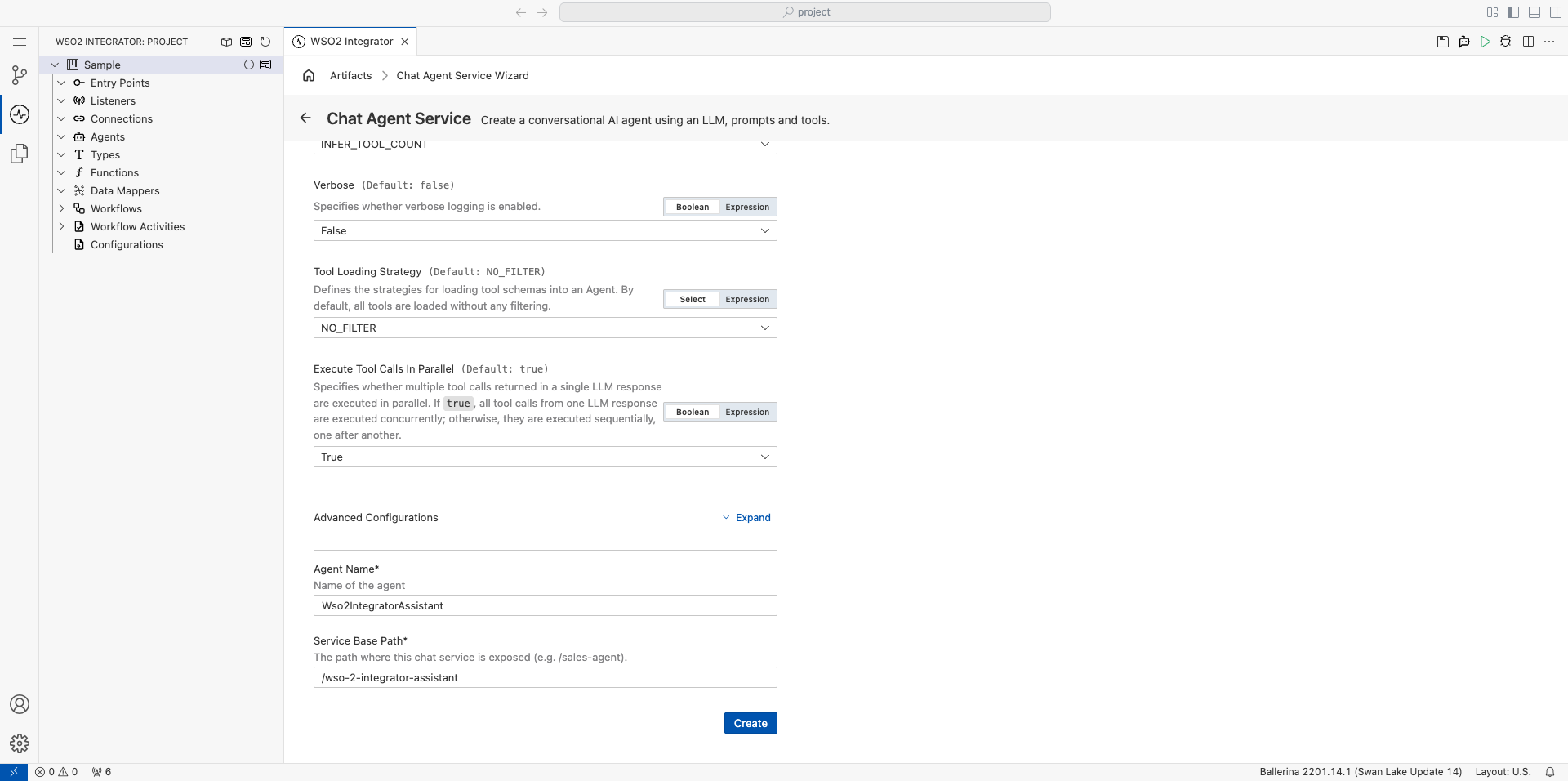
By default, the agent is configured to use the WSO2 model provider. If you want to use a different LLM, see Model providers for the full list of supported providers (OpenAI, Azure OpenAI, Anthropic, and others).
If you are using the WSO2 model provider, the access token is obtained through WSO2 Integrator Copilot. If you have not already signed in, you will be prompted to do so.
Step 3: Run and test
-
Click Run.
-
Click Chat in the Chat Agent Service title bar, or click Test in the pop-up.
-
Type
Helloto check that the agent replies.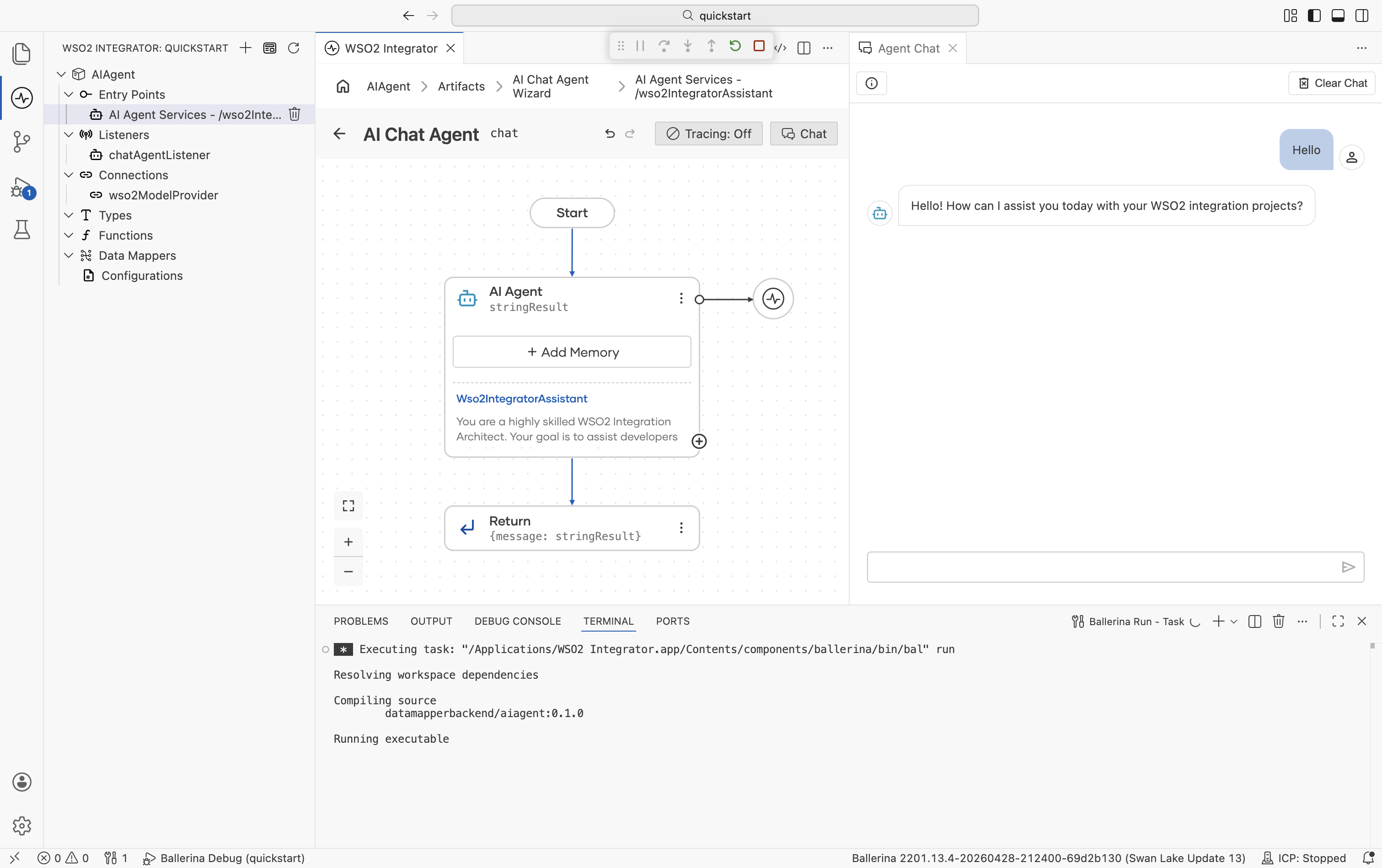
Step 4: Deploy to WSO2 Cloud
To deploy your integration to WSO2 Cloud from the cloud editor, see Save and deploy.
Skip ahead: deploy a ready-made sample
Rather not build it yourself? One-click deploy the AIAgent sample straight to WSO2 Cloud.

Source code
View the generated Ballerina code
The steps above generate two files: agents.bal for the agent definition and main.bal for the listener and service.
agents.bal
import ballerina/ai;

final ai:Agent wso2IntegratorAssistantAgent = check new (
    systemPrompt = {
        role: string `Wso2IntegratorAssistant`,
        instructions: string `You are a highly skilled WSO2 Integration Architect. Your goal is to assist developers in building, debugging, and optimizing integration flows.`
    },
    model = wso2ModelProvider,
    tools = []
);
main.bal
import ballerina/ai;
import ballerina/http;

listener ai:Listener chatAgentListener = new (listenOn = check http:getDefaultListener());

service /wso2IntegratorAssistant on chatAgentListener {
    resource function post chat(@http:Payload ai:ChatReqMessage request) returns ai:ChatRespMessage|error {
        string stringResult = check wso2IntegratorAssistantAgent.run(request.message, request.sessionId);
        return {message: stringResult};
    }
}